Reference Information
This section contains reference information for the DMP64, including:
• Firmware Loader
• DMP64 Hardware Reset Modes
• Mounting the DMP64
Firmware Loader
The DSPConfigurator program includes a firmware loader
program which allows replacing the firmware without taking
the DMP64 out of service. Download the desired firmware file
from the Extron website, (see Firmware Upgrade Page on
page127 for instructions.)
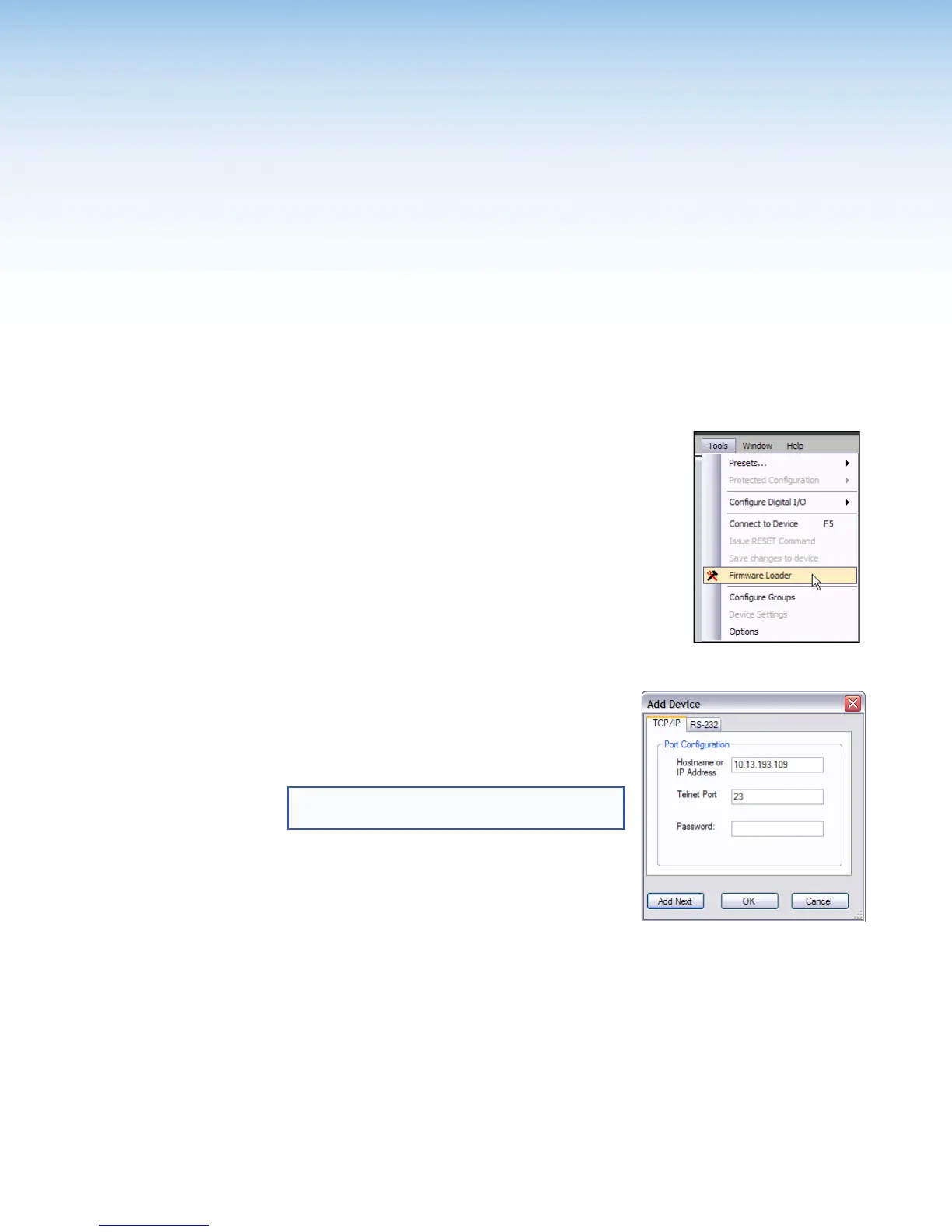
To access the firmware uploader:
1. Select Tools>Firmware Loader.
2. The Add Device dialog box appears. Type the IP
address of the DMP64, then press OK.
NOTE: If the IP has not been changed, the
default IP address is: 192.168.255.255
DMP64 • Reference Information 136



 To Next Page