9exxentric.com/support
kBox4 manual v9.5
The Flywheel
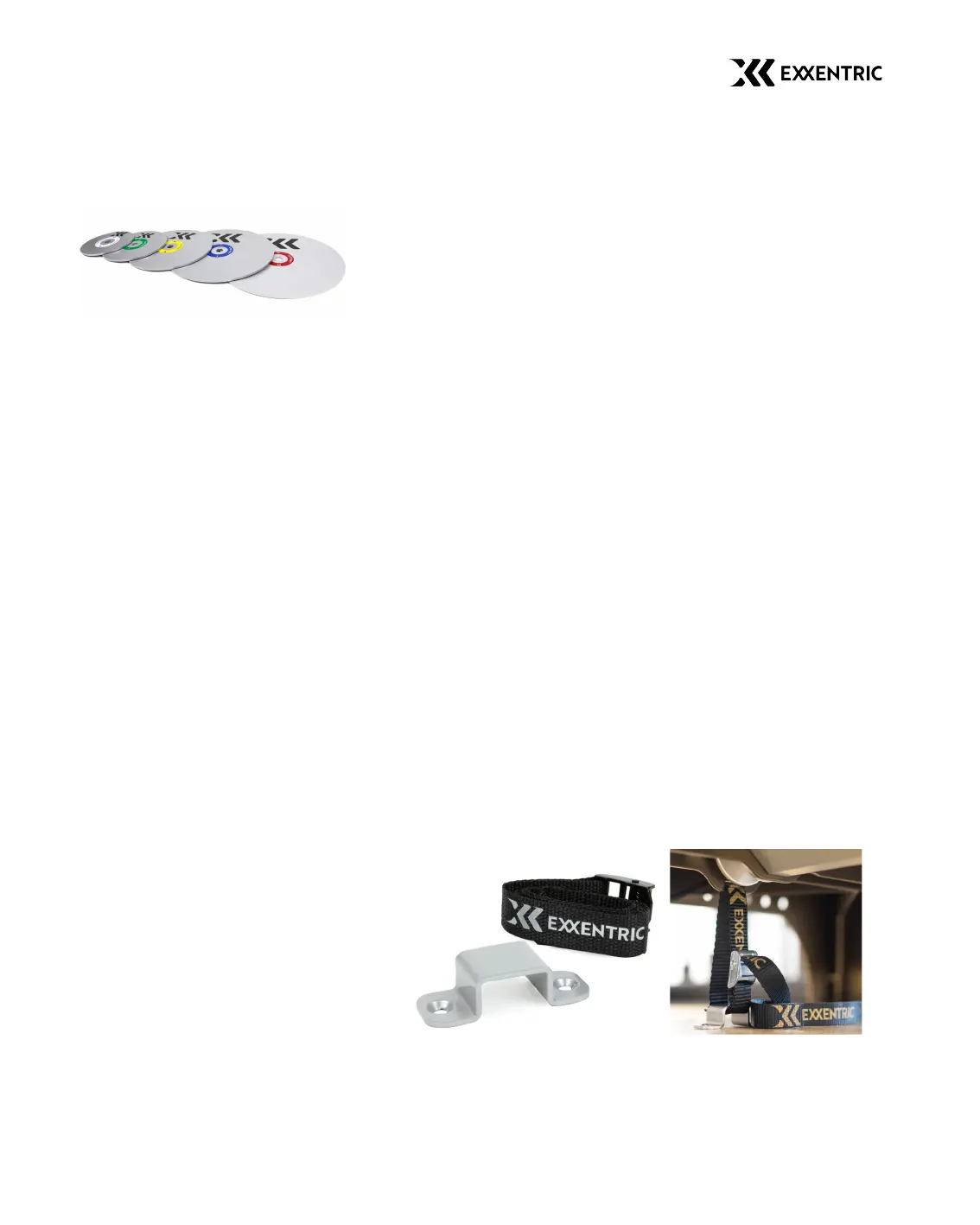
There are five differently sized flywheels, with inertia
0.005, 0.010, 0.025, 0.050, and 0.070 kgm
2
.
They all fit the kBox4 Pro and all but the 0.070 kgm
2
fit the kBox4 Lite
and Active. You can mount up to four flywheels on the kBox4 Lite
and Pro, and two flywheels on the kBox4 Active.
Do not try to mount more than the maximum capacity of
flywheels.
Experimentation will determine which configuration is required for
your level of training. Mounting or changing flywheels is done by
releasing the flywheel knob by pulling the pull pin knob on its side,
removing the flywheel knob, changing flywheels and securing them
by pushing the flywheel knob back on until it makes a clicking noise.
Tip! If the black pull pin knob is hard to pull out you can push
the flywheel knob in whilst pulling the black pull pin knob out.
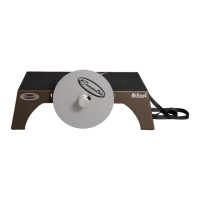
Floor Attachment Kit The floor attachment kit consists of an attachment
plate and a cam lock belt*.
This package is included with all models and can be used for
attaching the kBox4 to the floor. The attachment plate will need to
be fixed to the floor or a heavy wooden board. The kBox4 will then
be anchored to the plate by the belt. On newer kBox4 models there
are two additional slots in the corners for attaching the kBox4 to the
ground. To use the two slots you will need to purchase a second
floor attachment kit.
*Note that from May 2020, the cam lock belt can also be used as
an extension strap.


 To Next Page