USER MANUAL
H.264 REAL TIME DVR
55
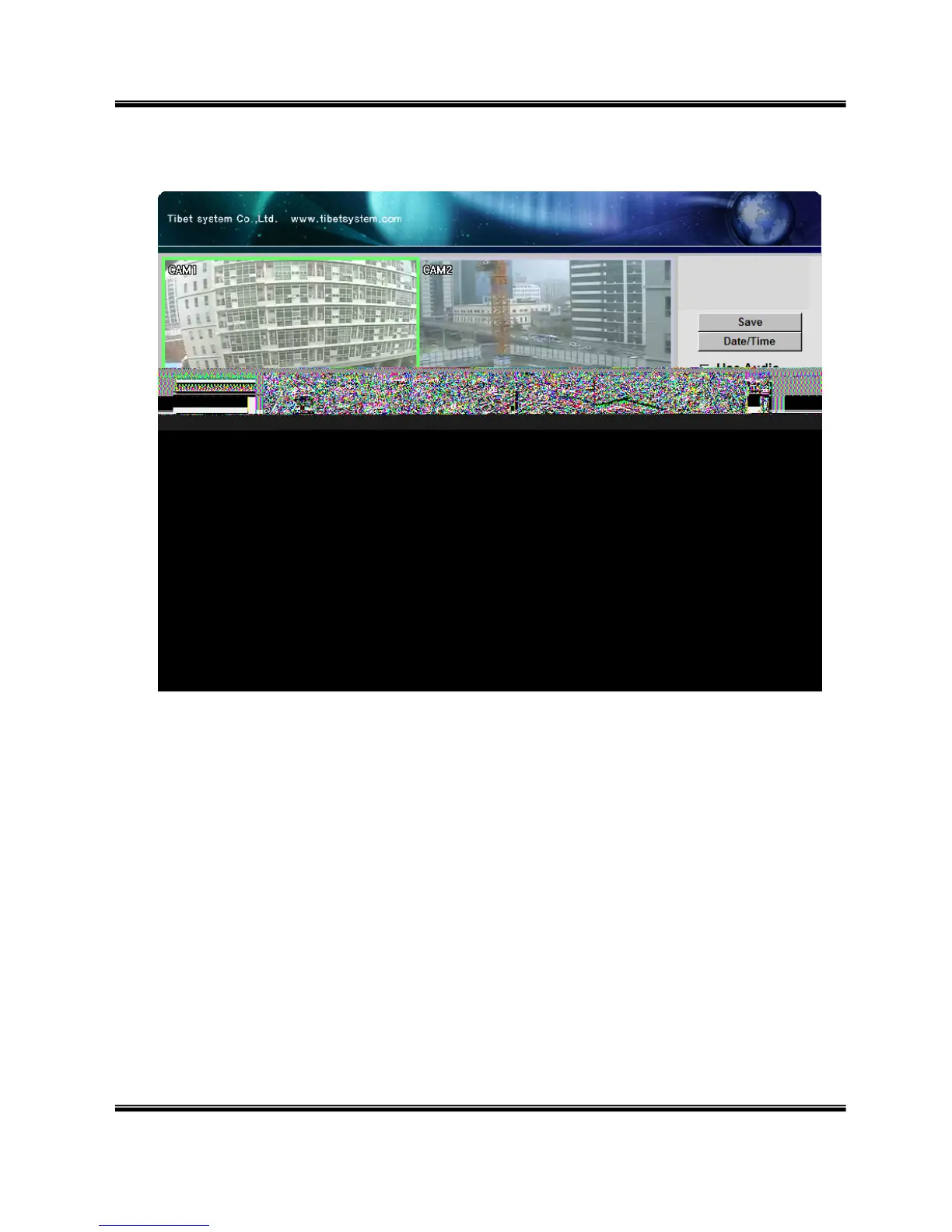
2. Web viewer search window
① Divide screen division (Full screen/1/4)
② Selecting a camera
③ Saving video or still image (Saving as AVI/JPEG/BMP)
④ Date/Time selection button to play back (Refer to 3. Search dialog box)
⑤ Enable or disable incoming audio (Default value is disabled.)
⑥ Pause button
⑦ Forward play button
⑧ Backward play button (Displaying only key-frame)
⑨ Fast forward play button
⑩ Fast backward play button
⑪ Switching to monitor window
⑫ Logout
①



 To Next Page