USER’S MANUAL
H.264 REAL TIME DVR
8
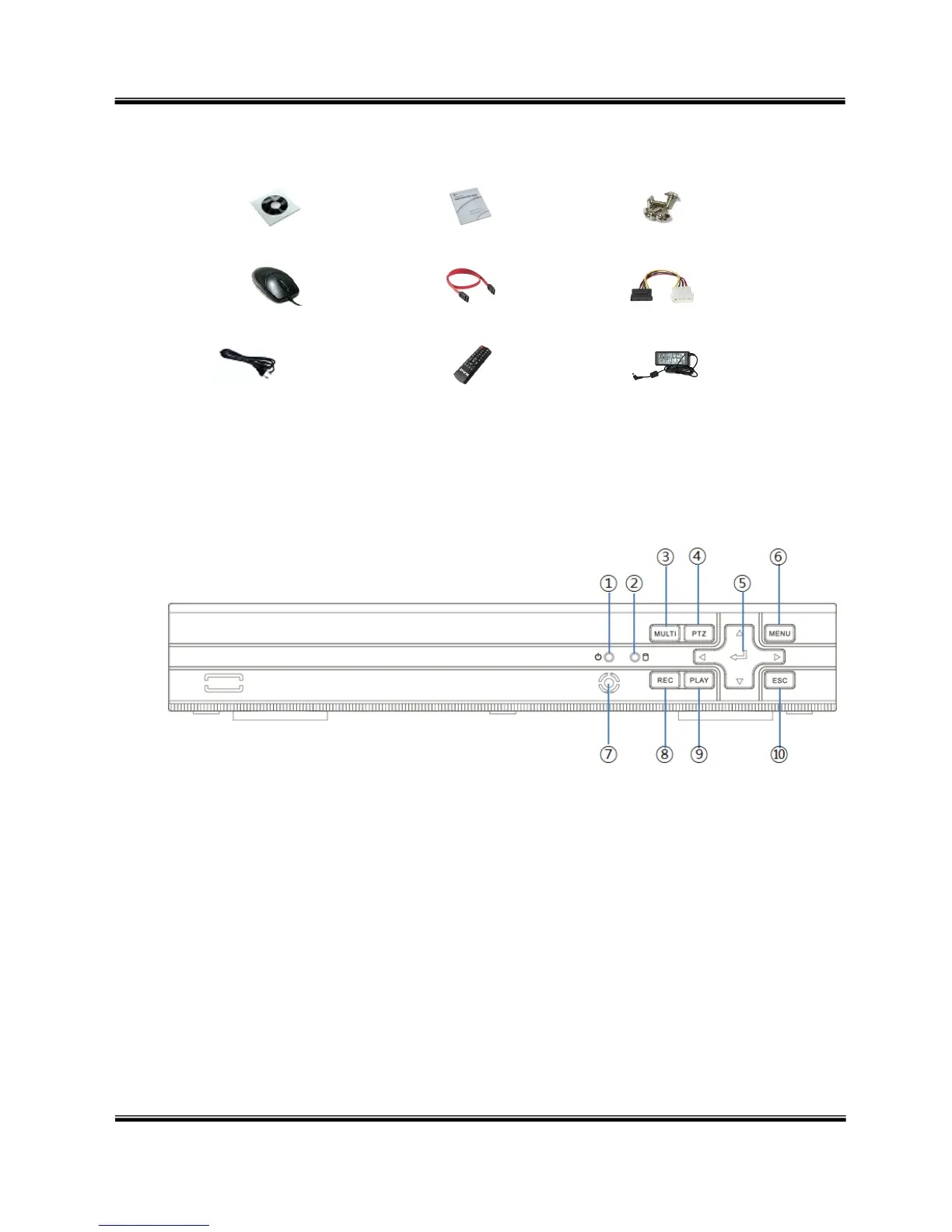
1-2. Contents
Software Installation CD
User’s Manual
Screws
Mouse
SATA cable
HDD power cable
Power cable
Remote control
Adapter
Reference: The type of components can be applied differently by the option.
1-3. Front Panel
① Power LED – Turn on when the power is turned on.
② Hard disk LED – Turned on HDD is accessed.
③ MULTI button – Used to select channel by on channel screen
④ PTZ button - Used for 『PTZ Control』 screen
⑤ SELECT, ← → ↑ ↓ buttons – Used to control/change configuration
⑥ MENU button – Used to enter menu mode
⑦ IR module – Remote controller receiver
⑧ REC button – Used for recording
⑨ PLAY button – Used for operation in playback mode
⑩ ESC button – Used to cancel and exit
※
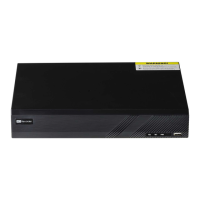
Sample image of 4ch DVR.



 To Next Page