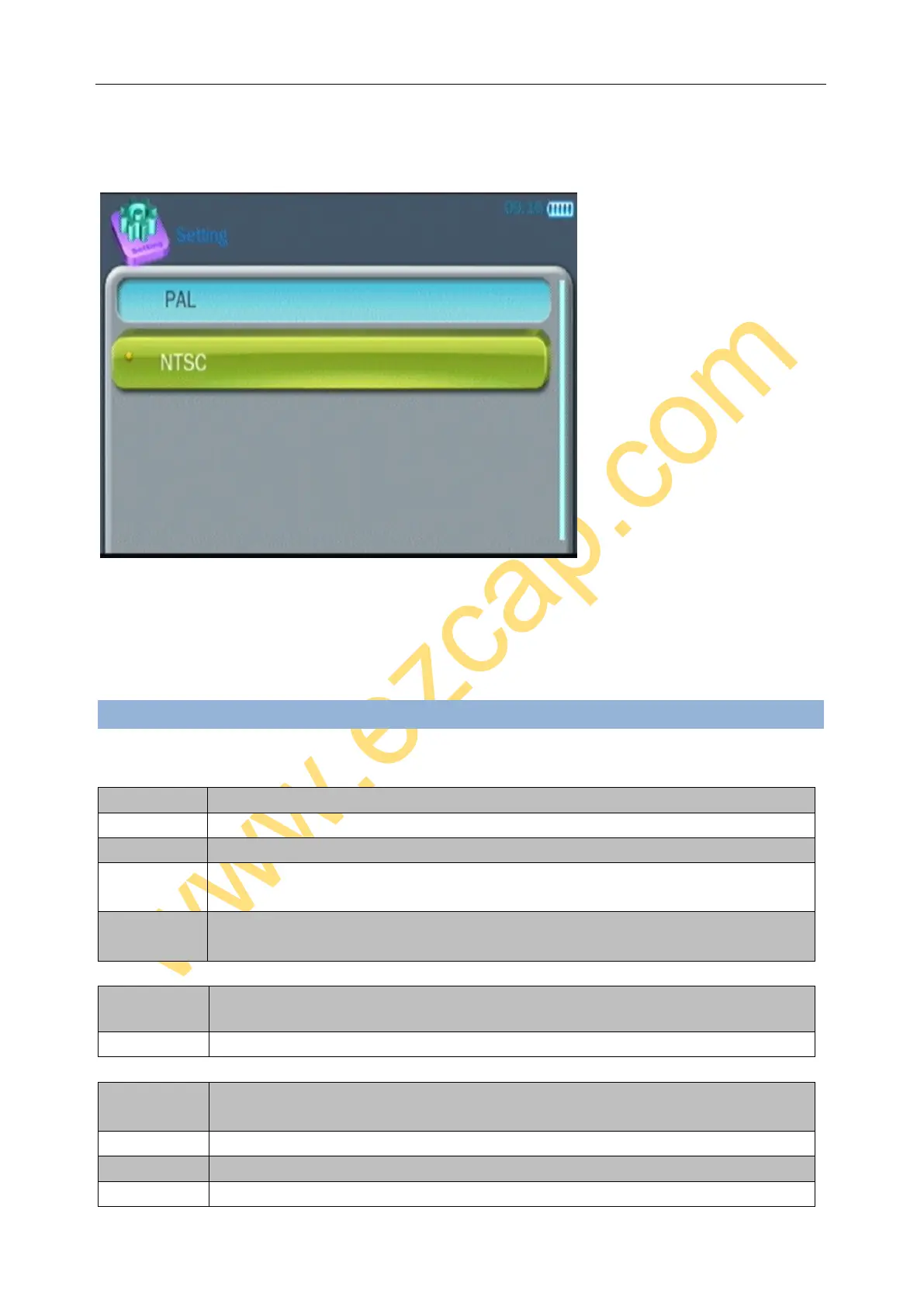
Enter TV:
TV IN - set the input video system, set it same with your video source.
TV-OUT - set the output video system, set it same with your TV monitor.
SPECIFICATIONS:
CVBS analogue video by 3.5mm to 3RCA cable
Analogue L/R audio by 3.5mm audio cable or 3.5mm to 3RCA cable
CVBS analogue video by 3.5mm to 3RCA cable, HDMI
Analogue L/R audio by 3.5mm to 3RCA cable, HDMI, 3.5mm earphone port
Video Tape, Camcorder Tape, VHS, VCR, DVD Player, DVR, Hi8, Game Player ...
CD Player, DVD Player, Cassette Player, Turntable, Smart Phone ...
Button: ON/OFF, Back, REC, Repeat, UP, DOWN, LEFT, RIGHT, OK.
3 Inch screen, Speaker inside, 950mAh Lithium Battery inside
125(L) × 61(W) × 20(H) mm


 To Next Page