2. FUNCTION MENU, use direction button to choose icons, press OK to enter:
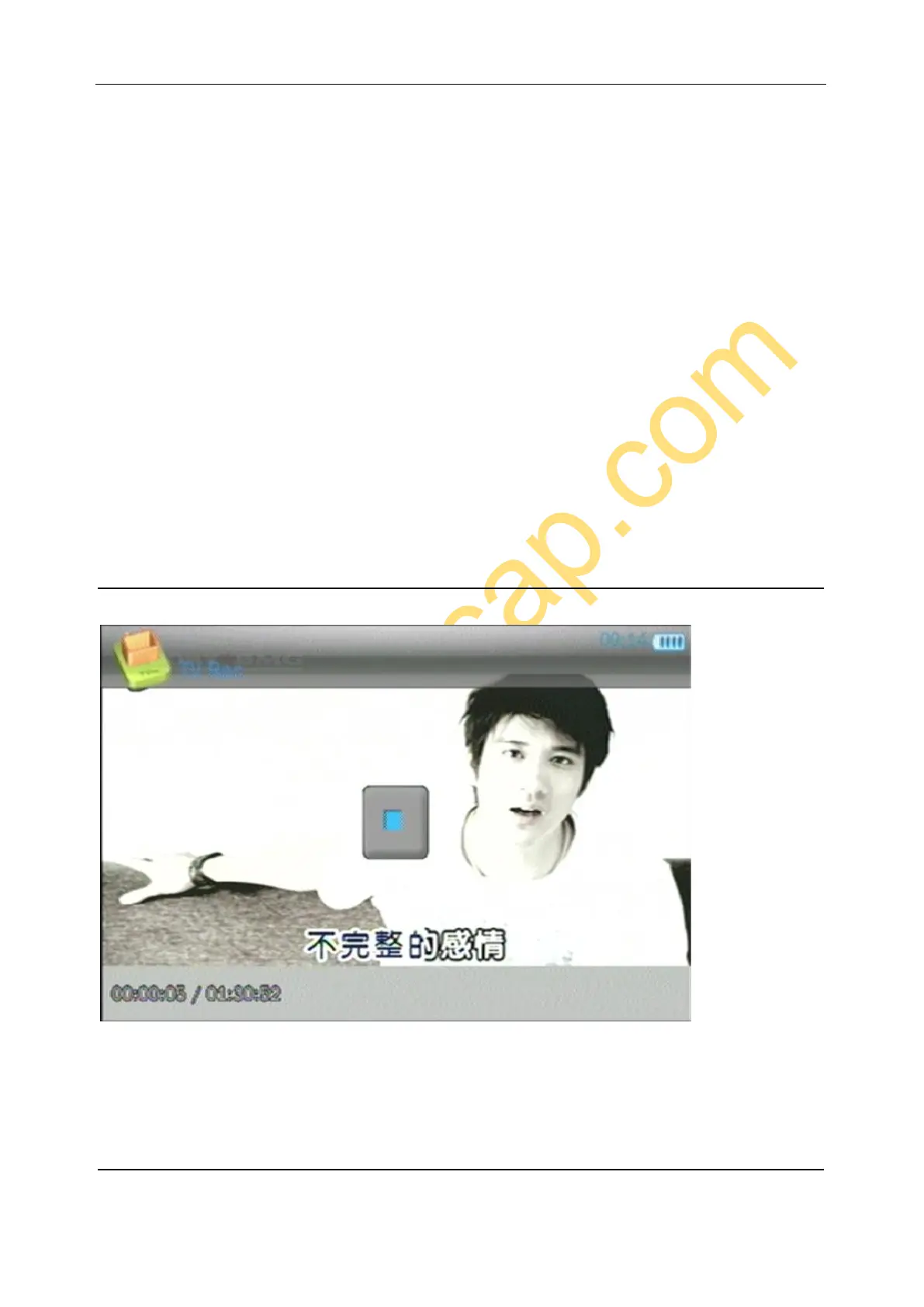
Videos – Enter to playback recorded videos.
Music – Enter to playback recorded audios.
Pictures – Enter to playback pictures.
TV IN – Enter to preview input video, and record.
Recorder – Enter to preview input audio, and record.
Setting – To set time, language, etc.
3. SD card in
4. USB cable plugged.
5. Capacity of battery.
RECORD VIDEO
Enter TVIN, will preview the connecting video, press ‘RECORD” button to record video, press again to stop recording
and save file. You also can press “OK” to record, press “OK” again to pause record, press “RETURN” button to save
the recorded file.
RECORD AUDIO


 To Next Page