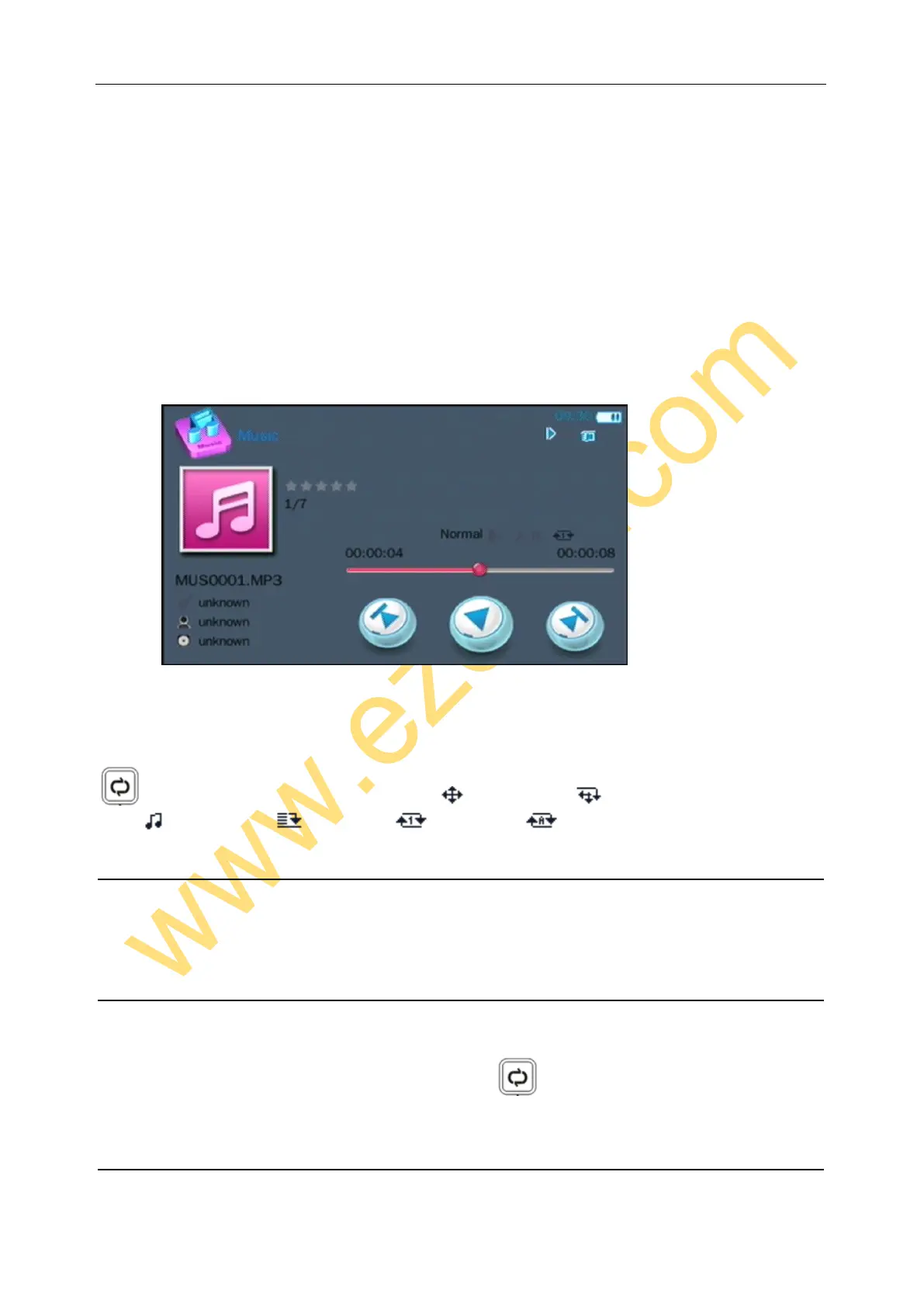
Choose file with direction buttons, press ok to play.
When playing, use UP/DOWN button to set audio level, LEFT/RIGHT keep press to Fast Backward / Fast Forward,
Double press to choose Previously / next sound.
Use return button to back to superior menu.
Use audio play mode button to choose mode: = Radom play = Radom and Repeat
= Introduction = Sequence = Repeat once = Repeat all
PICTURE PLAYBACK
Ezcap271 does not capture still image, but you can copy pictures to memory to view. Enter pictures—PIC to choose
and view.
DELETE FILE
If you want to delete the video, music or picture file, please find the file under Videos, Music or Pictures menu firstly.
And press OK to play, then long press “audio play mode” button , you will see picture – Confirm to Delete – Yes
- No, please select Yes and press OK to delete the file.
SETTING


 To Next Page