Confidential Page 31
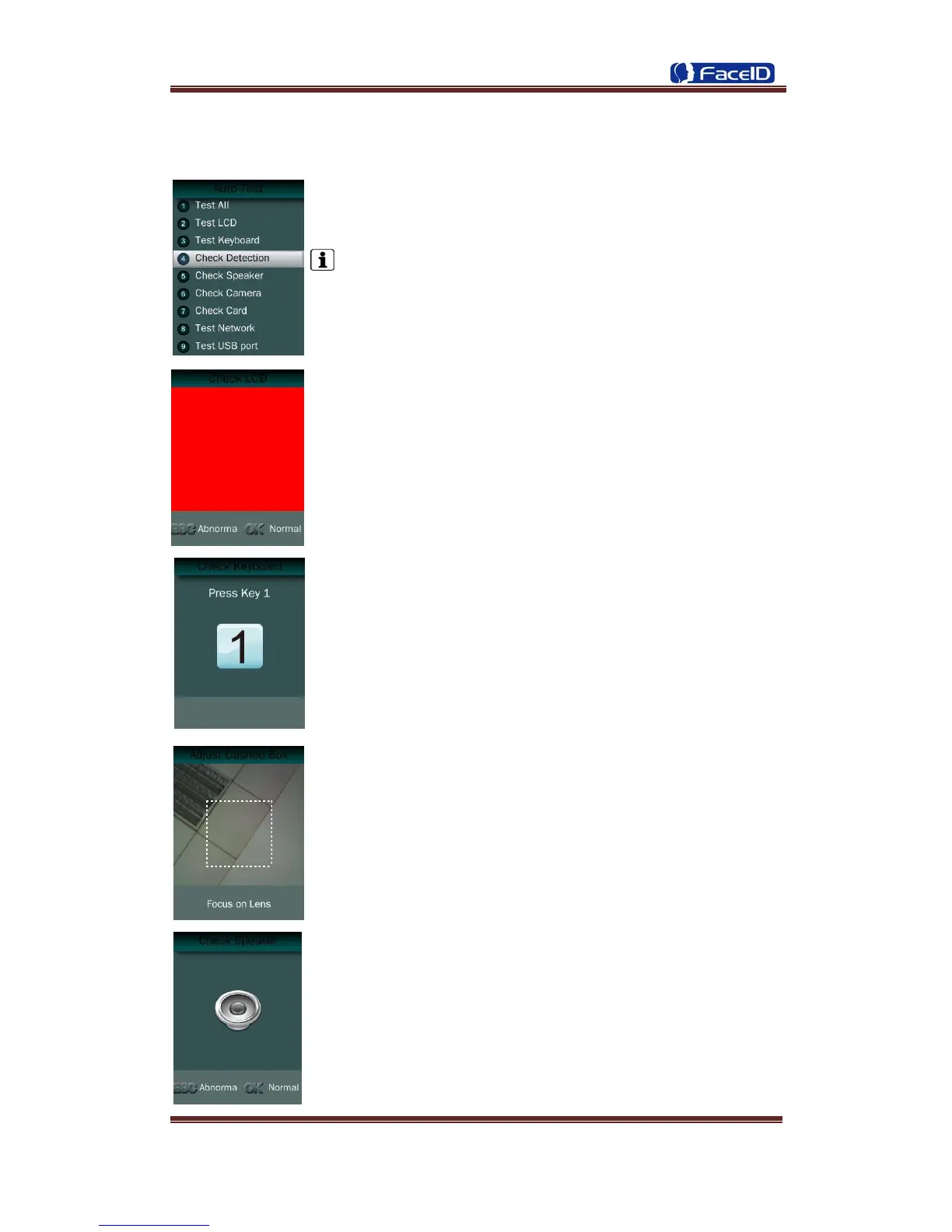
3. 7 Auto Test
Test All: Test all below hardware automatically
Press <OK> if it is working normal
Press <ESC> if it is working abnormal.
A list of status will be displayed after all testing.
Check LCD: Display Red, Green and Blue on the screen
Check Keyboard: Follow the screen message to check all keys.
Check Detection.
Check Speaker.


 To Next Page