Facina_VKPCCTV_Instructions_Rev01
10
Quick Start Guide
This guide is designed to show how to setup the unit in a short
period. To get the most out of this SEURITY CAMERA, please
read the manual thoroughly before operation. If you would like
to modify any of the Factory Default Settings, except for the
Time & Date, please read manual for instructions.
Factory Default Settings:
Time Out: 30 seconds Burst Mode: 1P
Resolution: 8MP Operation Mode: PIR
Video Capture: 10 seconds (Resolution 720P)
Time Lapse Mode setting: 19:00-7:00 (Next day), Time out 60
seconds, Resolution 8MP, 1P Still image.
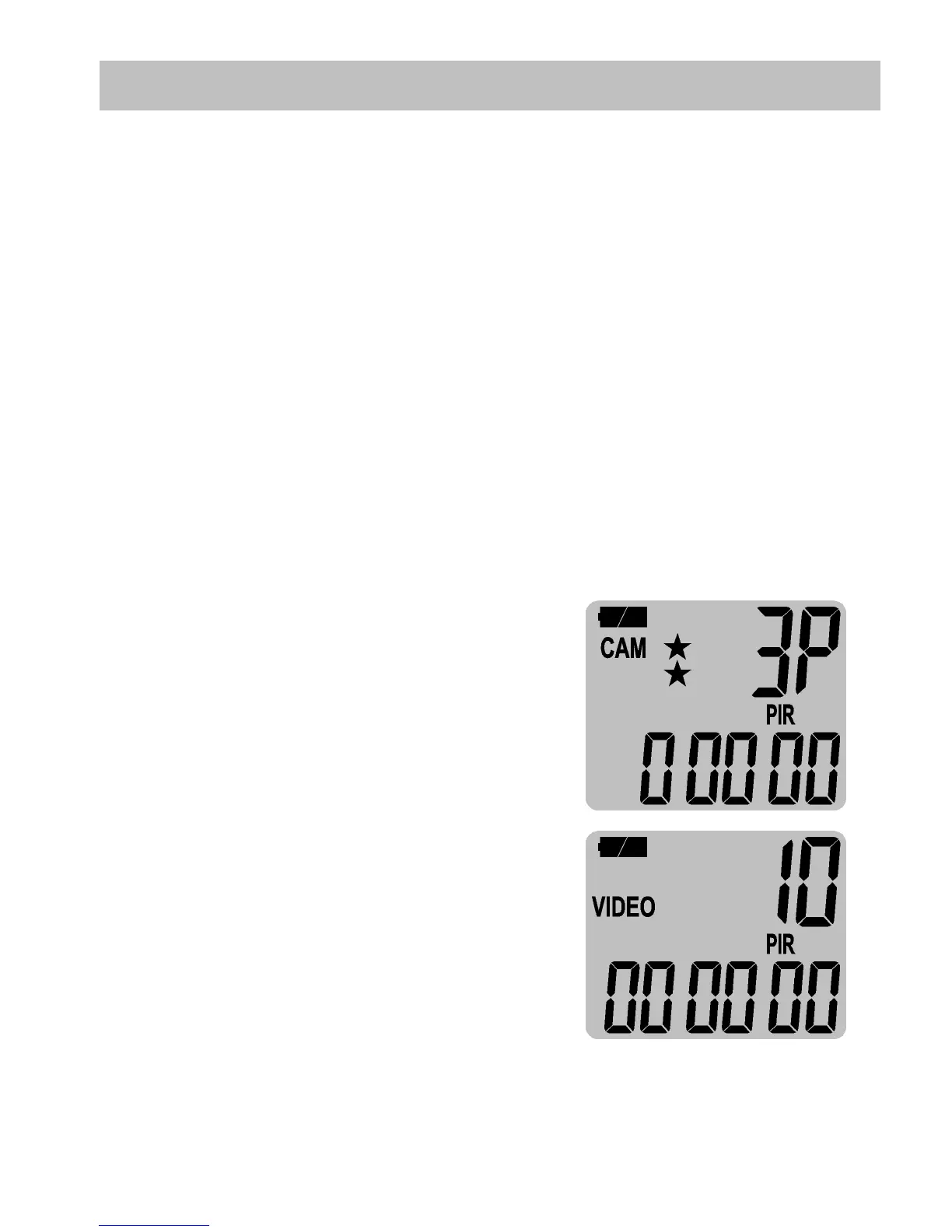
• A (Preset A) - This bypasses all
user defined settings and uses
the following settings:
(PIR mode / Still image /
Resolution: 5MP / Burst: 3P /
Time out: 30 seconds).
• B (Preset B) - This bypasses all
user defined settings and uses
the following settings:
(PIR mode / Video: 10 seconds
/ Resolution: 720P / Time out:
30 seconds).
• CAM – A programmable mode for user to program the
setting you wanted.


 To Next Page