Facina_VKPCCTV_Instructions_Rev01
29
To Capture Videos, make sure display reads VIDEO:
Once the switch at CAM position, if the display does not read
VIDEO then,
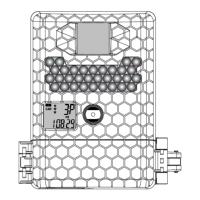
• Slide the switch to the TEST position, the status display
will show the camera current status.
• Press [M] button once to call out the program menu.
• The word PIR will be blinking, press [M] to confirm the
camera’s operation is PIR detection.
• Press [UP] or [DN] button until the word VIDEO is blinking.
• Press [M] button ONCE to confirm and then press and
hold [M] Button 2 seconds to exit.
• Then slide the switch from TEST to CAM position and
close the front cover with lock.
Right now, the status display will count down 60 seconds for you
to leave the coverage area, camera will captures image or video
for each PIR trigger after countdown.
NOTE: The time between motion detection and the
camera taking the pictures may vary due to lighting
conditions, program settings, and battery power level.
The IR Emitter will only be activated in low light
conditions.


 To Next Page