53
EN
NOTE!
When the appliance is turned off using the ON / OFF button on the handle of the tube,
the appliance enters into “Stand-By” mode. At “stand-By” mode “Power” indicator on the
control panel will turn on in red. When the appliance in unplugged and plugged again,
the vacuum cleaner will operate automatically.
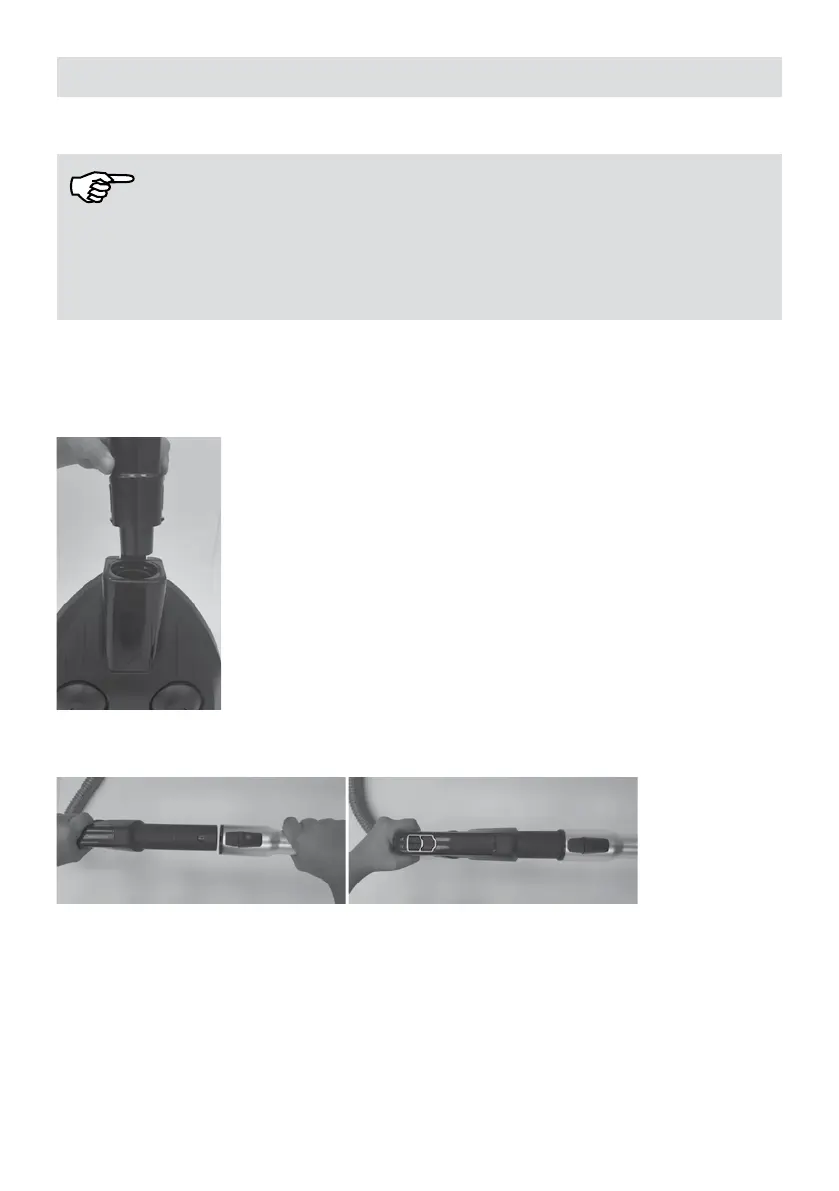
Installation
1. The appliance must be turned off and unplugged.
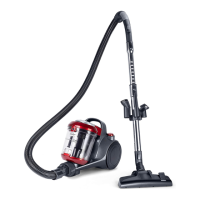
2. Lock suction hose to suction inlet.
3. Press the handle into telescopic tube and make sure it is locked.
4. Insert oor nozzle / turbo brush to the other end of telescopic tube and make sure it is
locked.





 To Next Page