59
EN
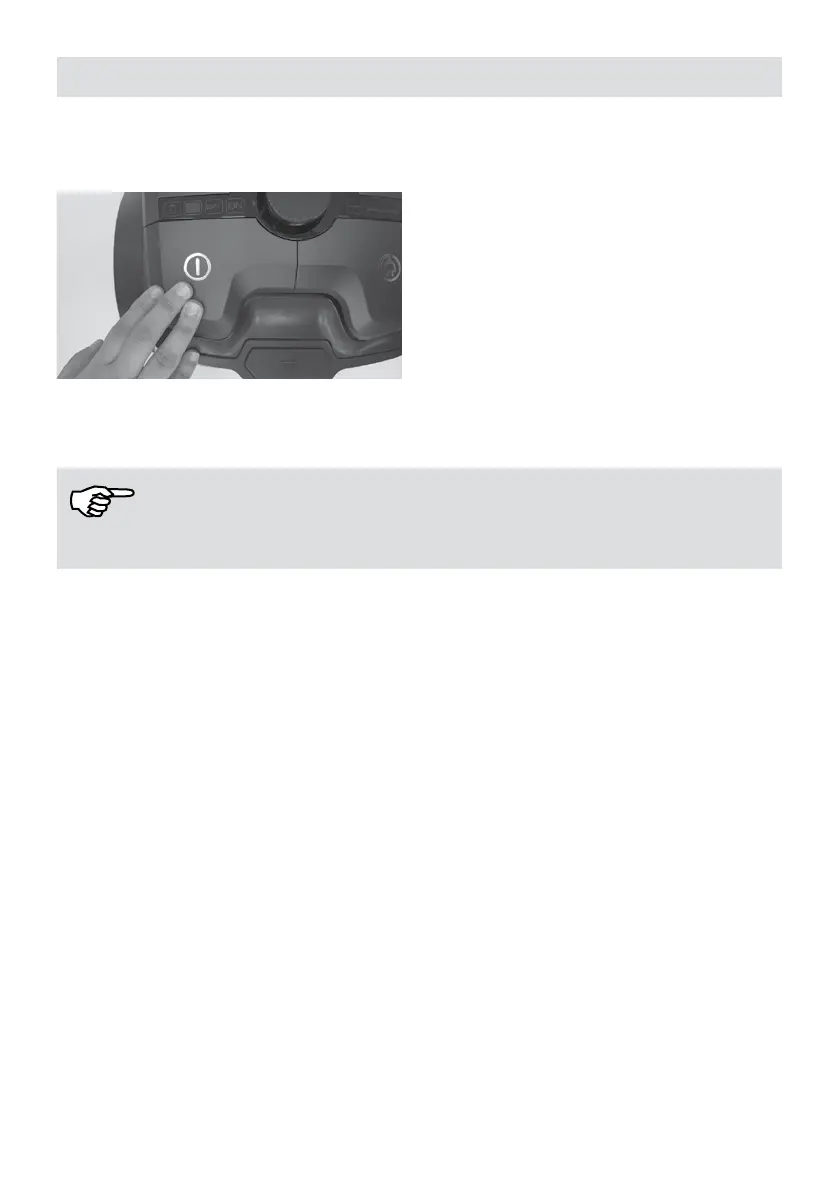
1. When you have nished cleaning, turn off the appliance using the ON / OFF button.
2. Unplug the cord holding from the plug.
3. Press cord rewind button on the appliance until all the cord is completely collected.
NOTE!
You can also rewind the cord using pull and release feature.
Dust container
Always operate your vacuum cleaner with the dust container installed. Dust container shall
be emptied immediately if suction power is reduces during vacuum cleaning.
Storage
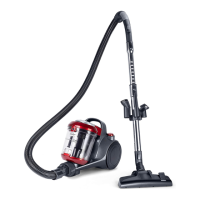
Put parking hook on the oor nozzle on the parking rails located at the left side or button of
the appliance. Thus, you may carry the appliance with ease or put it down safely.





 To Next Page