55
EN
Operation
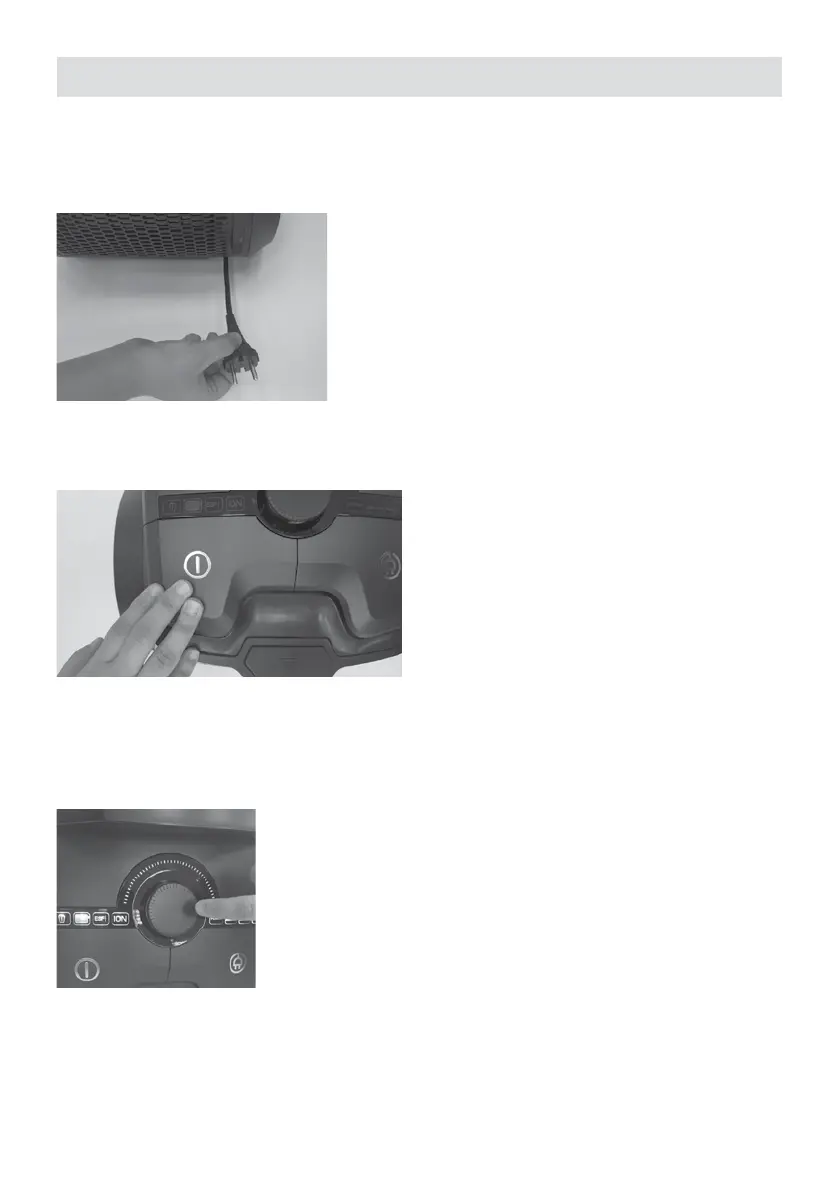
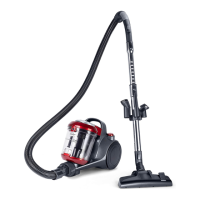
1. Pull the cable from the plug and connect it to a power outlet.
2. Turn on the vacuum cleaner by pressing the main ON / OFF button. During normal
operation, all indicators will be turned on in white.
3. With the pedal on the oor nozzle, adjust the nozzle according to the type of the upholstery.
4. Your appliance have a innitely variable electronic speed adjustment feature. Turn the
adjustment switch to clockwise to increase the speed and counter-clockwise to decrease the
speed.





 To Next Page