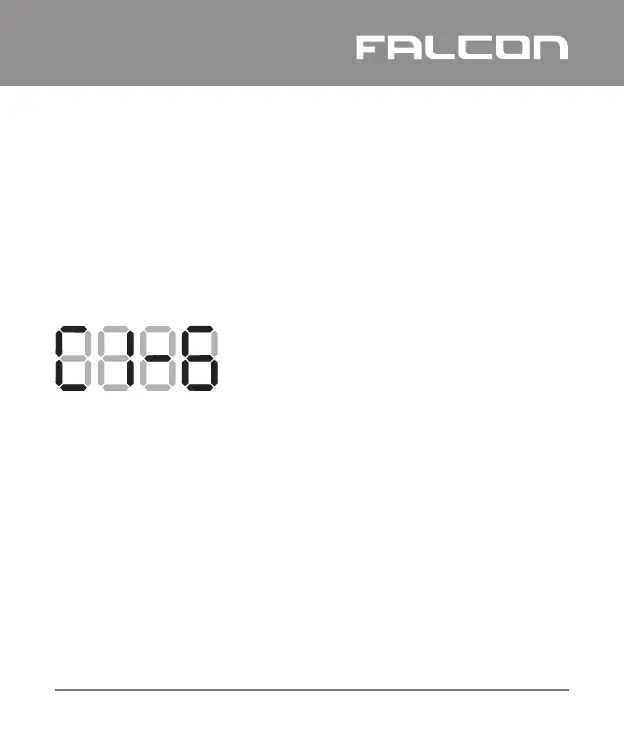
When the Falcon GSM has connected to the GSM network, it will
display the sim card of the network it is connected to and the
signal strength of the connection.
Example:
If an adequate signal strength is not obtained:
Ÿ Move the Falcon GSM to a more suitable location
Ÿ Fit the Falcon GSM with a higher gain antenna
Ÿ Change the default sim
When the Falcon GSM has powered up, it will start connecting
to the network, displaying its status as it initialises and connects
(see section 3.5 – Indicators and Controls)
3.4 Changing the Default SIM Card
The Falcon GSM has the option of changing the default SIM card
to be used.
The default SIM card should be changed to the one with the
highest signal strength.
Falcon GSM Installation and Operation Manual I
11
GSM
Connected on sim 1; signal strength 6
The minimum signal strength required
for good remote connectivity is 5.


 To Next Page