3: Detailed User Interface Features
38
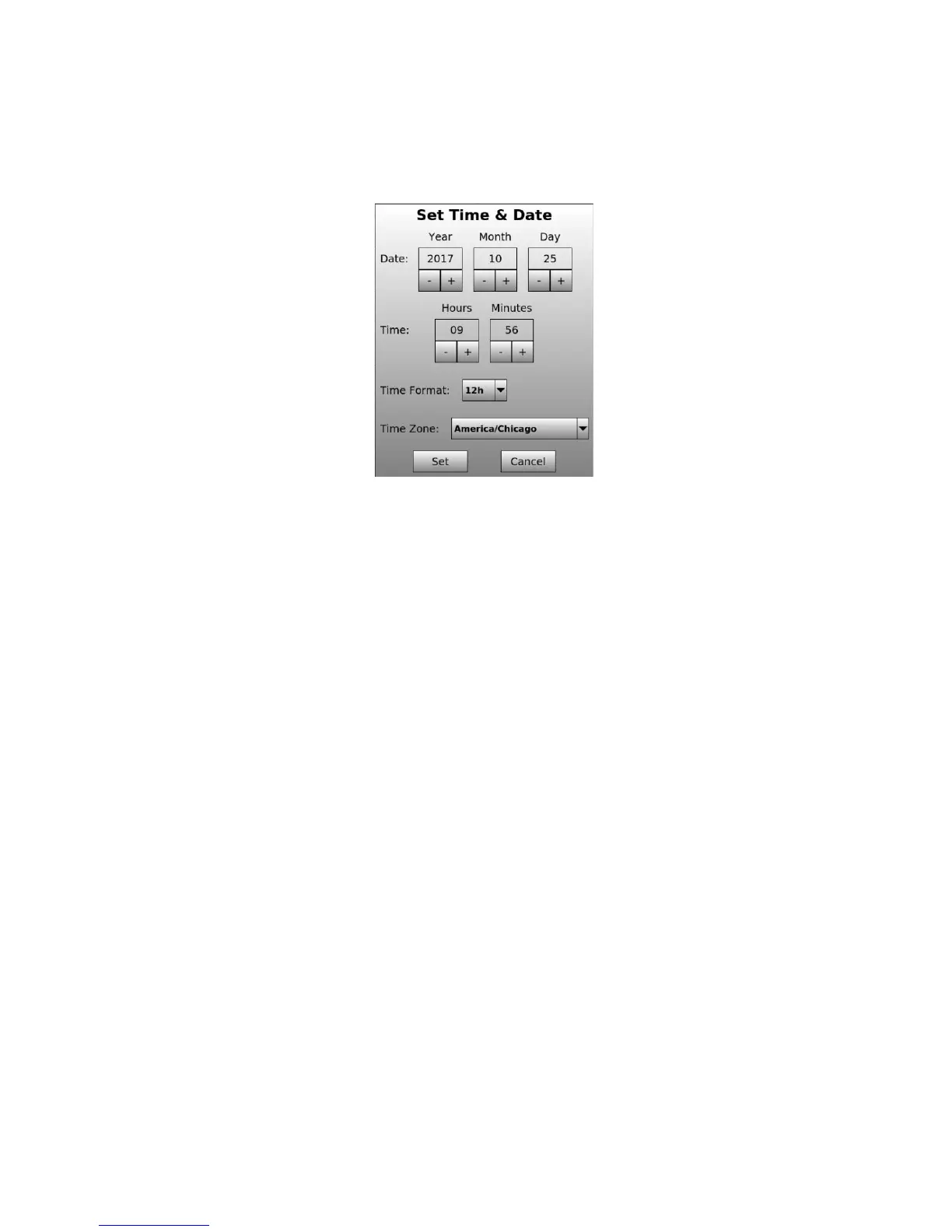
Set Date & Time - opens a dialog where the system ‘Date’: [Year, Month, Day], ‘Time’: [Hour,
Minute], ‘Time Format’: [12 or 24 Hr] and ‘Time Zone’ can be adjusted. Once modified, use the
‘Set’ button to store the modified settings. Use the ‘Cancel’ button to restore the settings.


 To Next Page