162236M User Manual GSM Gateway Page 12 of 20
5.3 Status
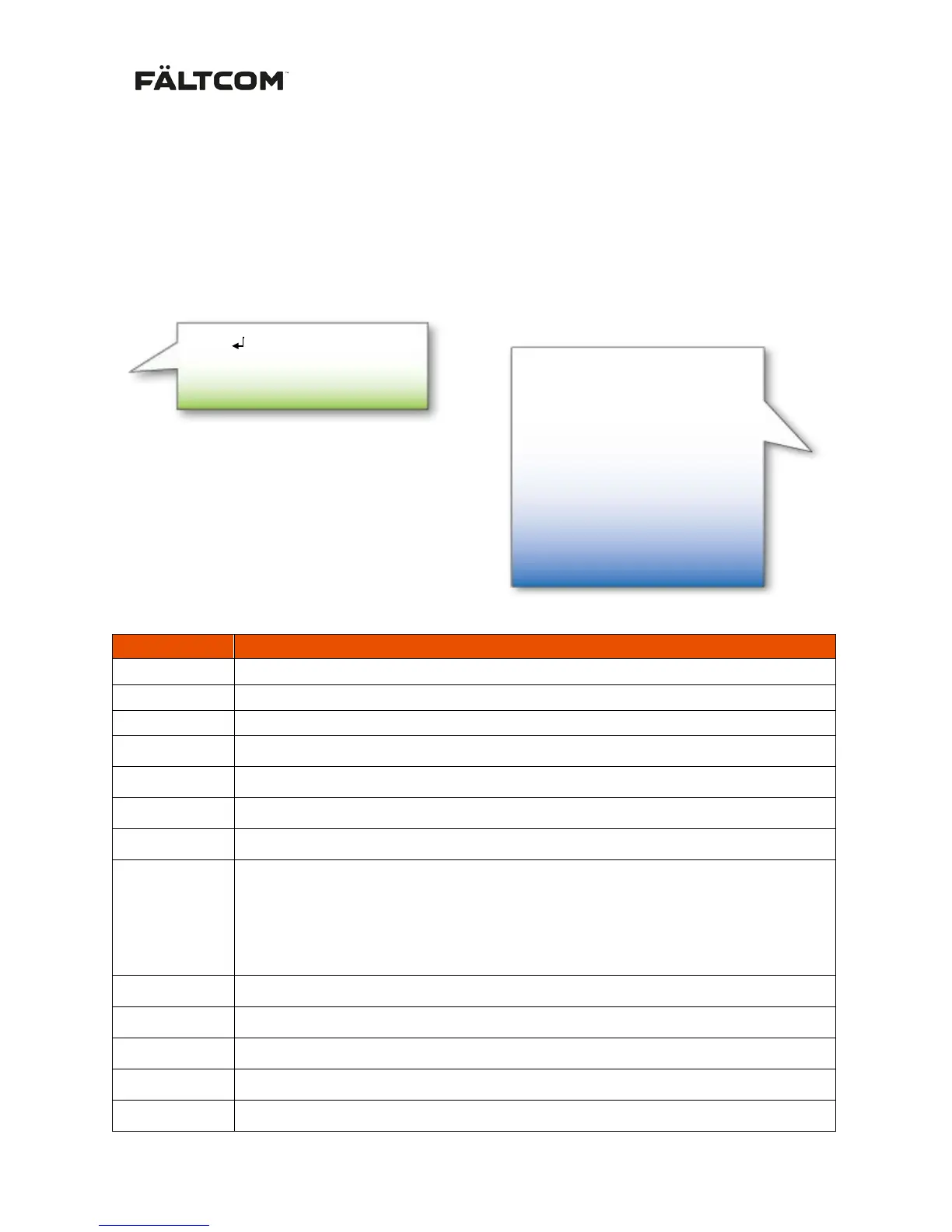
Get current status of the Gateway by sending a “Status” SMS. The SMS must contain the SMS
Access code followed by a new line and the word Status. The default Access code is 1111 and can be
changed using the Fältcom Manager SW.
If the access code or the request command (Status) is incorrect, the GSM Gateway will answer
“Request command not supported”. If the SMS is correct the Gateway will return an
acknowledgement.
Description table of the status SMS:
Serial number of the Gateway
Firmware version of the Gateway
Current signal strength (signal strength in dBm)
Highest signal during last 24h/lowest signal during last 24h since last restart.
Uptime counter, presented in days, hours and minutes.
Last called number, not saved in case of restart.
Current power source – Mains or Battery
LRR
Last restart reason
xxx1 Power on
xx1x External reset
x1xx Watch-dog reset
1xxx Low voltage reset
Current operator in use, in text format
Cell ID of the base station
Location area code of network cell
POTS line On-hook or Off-hook
Time since last hook-off, presented in days, hours and minutes.
FW:3.19
S:31 (-51)
S H/L:2/31 (-109/-51)
UT:450d21d22m
LC:0701234567
PWR:Battery
LRR:Reset
Op:Vodafone
CID:25781258
LAC:65534
Line:On
LHoff:02d01h36m
SMS acknowledgement from GSM Gateway:


 To Next Page