162236M User Manual GSM Gateway Page 15 of 20
6. Upgrade Tool
The USB interface is used to configure user specific parameters and to upgrade the GSM Gateway
firmware. The upgrade requires the Windows program “Fältcom Manager” and is available from
Fältcom or your local distributor. Use a standard USB – mini USB cable to connect the GSM Gateway
to the PC.
- Install the “Fältcom Manager” tool on your PC.
- Connect the GSM Gateway to the PC using a standard USB – mini-B USB cable.
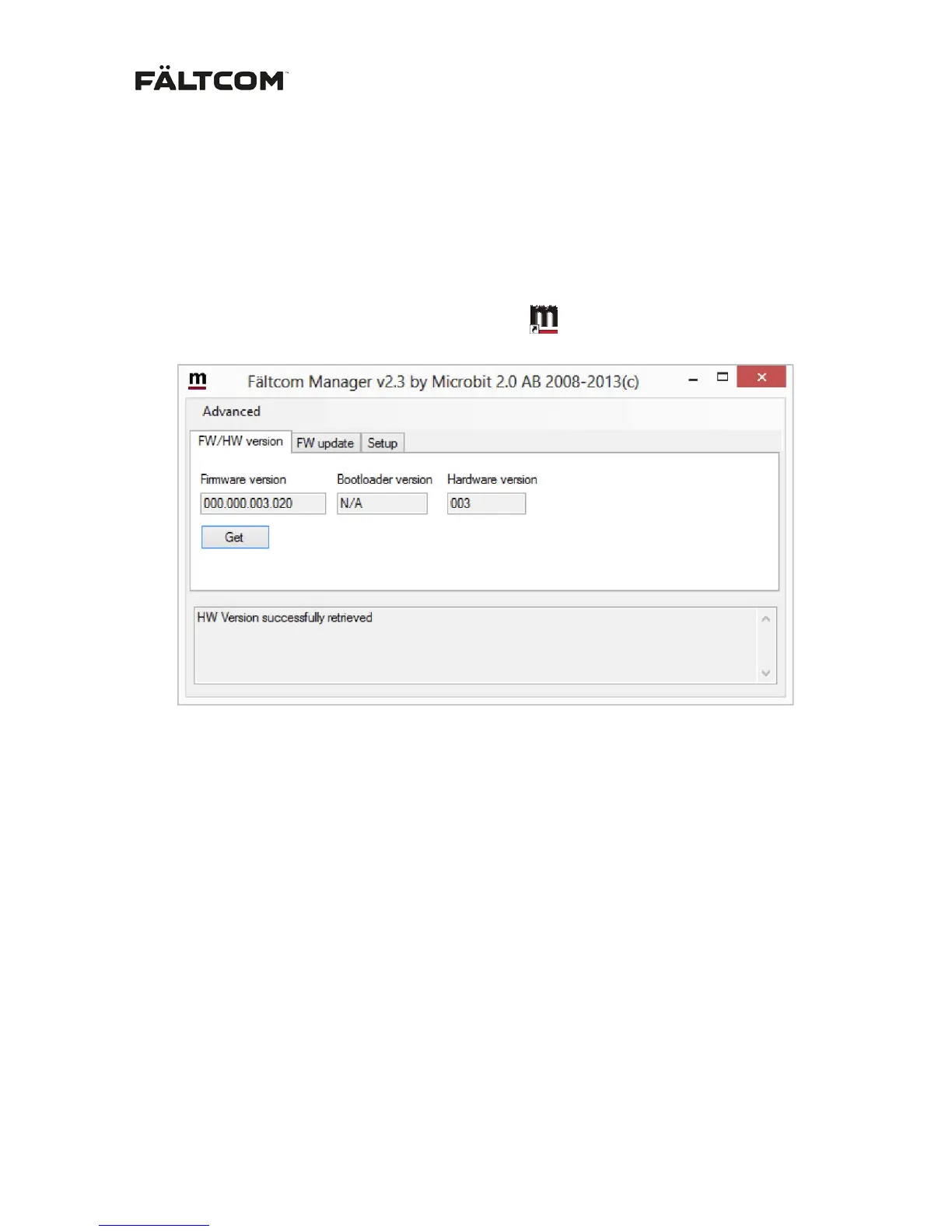
- Start the “Fältcom Manager” by clicking the icon
When the GSM Gateway is connected to the Manager tool the status bar at the bottom will show
“1258 connected”
Push “Get” to see the GSM Gateway Firmware and Hardware versions. In this example FW 3.20 and
HW 003.


 To Next Page