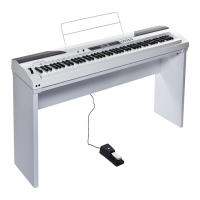
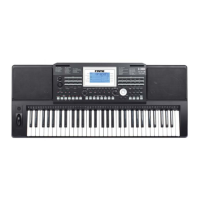
Power Switch and Master Volume
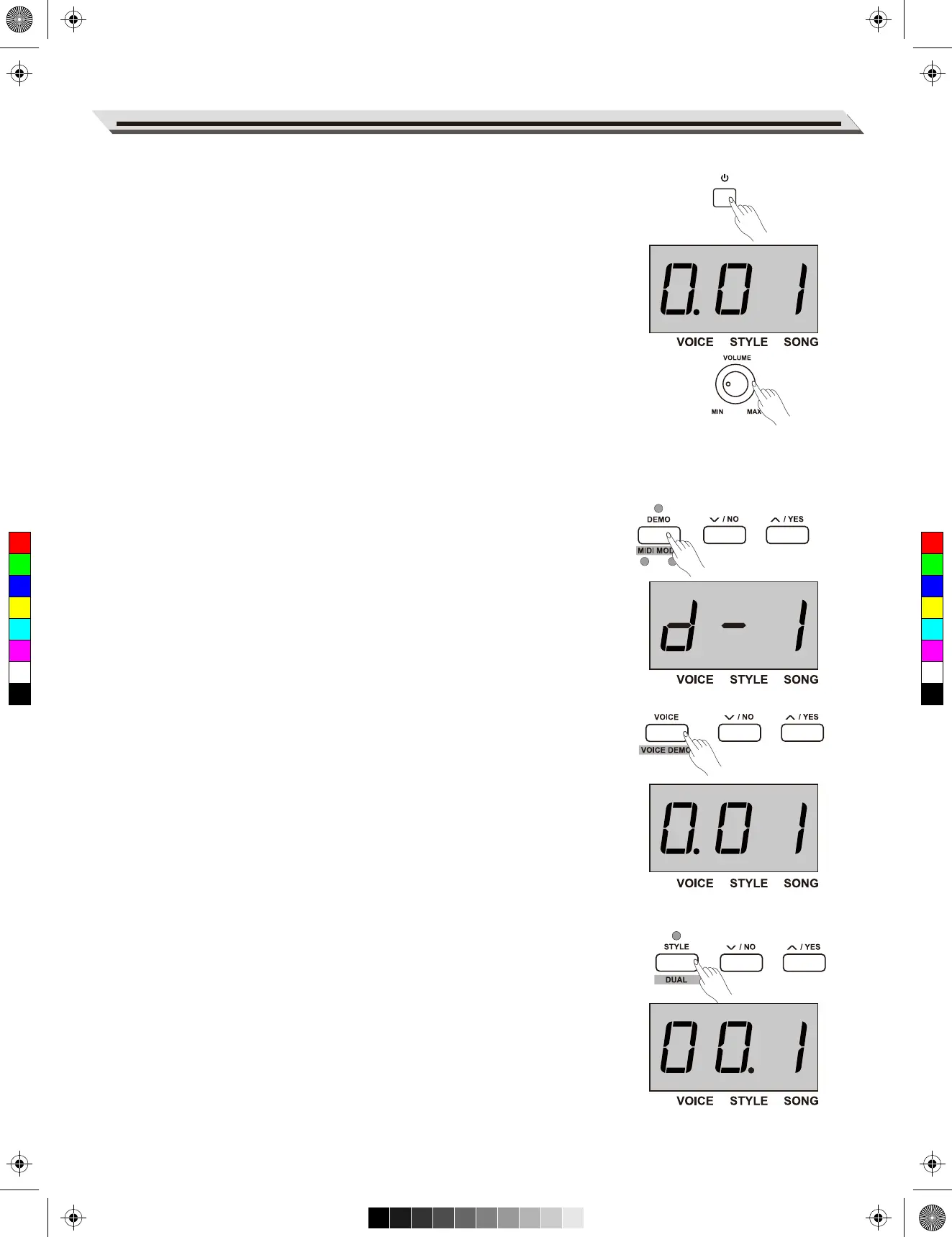
Turn the Power On/Off
1. First, please ensure the correct connection has been made based
on the previous instruction.
2. Press POWER switch, the nixie tube screen lights up, and displays
“0.01”, it indicates the instrument is power on.
Note:
Press the POWER switch, if the nixie tube screen dose not appear,
please check the power supply jack connection are made correctly or not.
Adjust the Master Volume
Rotate the [VOLUME] knob clockwise, the volume increasesand vice
versa.
Note:
If the keyboard is in silent, that means the volume may has been adjust-
ed to its minimum level or the headphone jack has been connected.
Playing Demo Songs
This instrument features several wonderful demo songs, please refer to
the Demo list for details.
1. Press the [DEMO] button, the nixie tube displays “d-1”, meanwhile,
all demo songs start to play in a continuous loop.
2. Use the data dial or [+/Yes]/[-/No] button to select the desired demo
song.
3. Press the [DEMO] or [START/STOP] button to stop playing, and exit
demo mode.
Playing Voices
This instrument features a variety of exceptionally realistic voices, please
refer to the Voice list for details.
1. Press the [VOICE] button.
Enter the voice mode. The nixie tube displays the current voice
number, such as “0.01”.
2. Select a voice.
Use the data dial or [+/Yes]/[-/No] button to select a voice you want to
play. You can also use the VOICE select buttons to select one.
3. Play the voice.
You can play the keyboard and listen to the wonderful voice.
Playing Styles
This instrument features a variety of styles. Try selecting some of the
different styles (Refer to the Style List) and play with the auto accompani-
ment.
1. Press the [STYLE] button.
Enter the style mode. The nixie tube displays the current style
number, such as “00.1”.
2. Select a style.
Use the data dial or [+/Yes]/[-/No] button to select a style you want to
play. You can also press and hold the [SHIFT] button, then press the
style keys marked STYLE 0-9 to select the desired style.
Quick Start
09
METRONOME
LOFF R
MELODY OFFEQ DUET HARMONY
ON/OFFTYPE ROOT
REVERB CHORUS
BEEP TOUCH TUNE OCTAVE SCALEPEDAL
RESONANCE
VOCAL
ON/OFF
EQ DUET HARMONY
ON/OFFTYPE ROOT
REVERB CHORUS
BEEP TOUCH TUNE OCTAVE SCALEPEDAL
RESONANCE
ON/OFF
C
M
Y
CM
MY
CY
CMY
K
aw_SP5300_Manual_G03_170426.pdf 9 17/4/26 10:16


 To Next Page