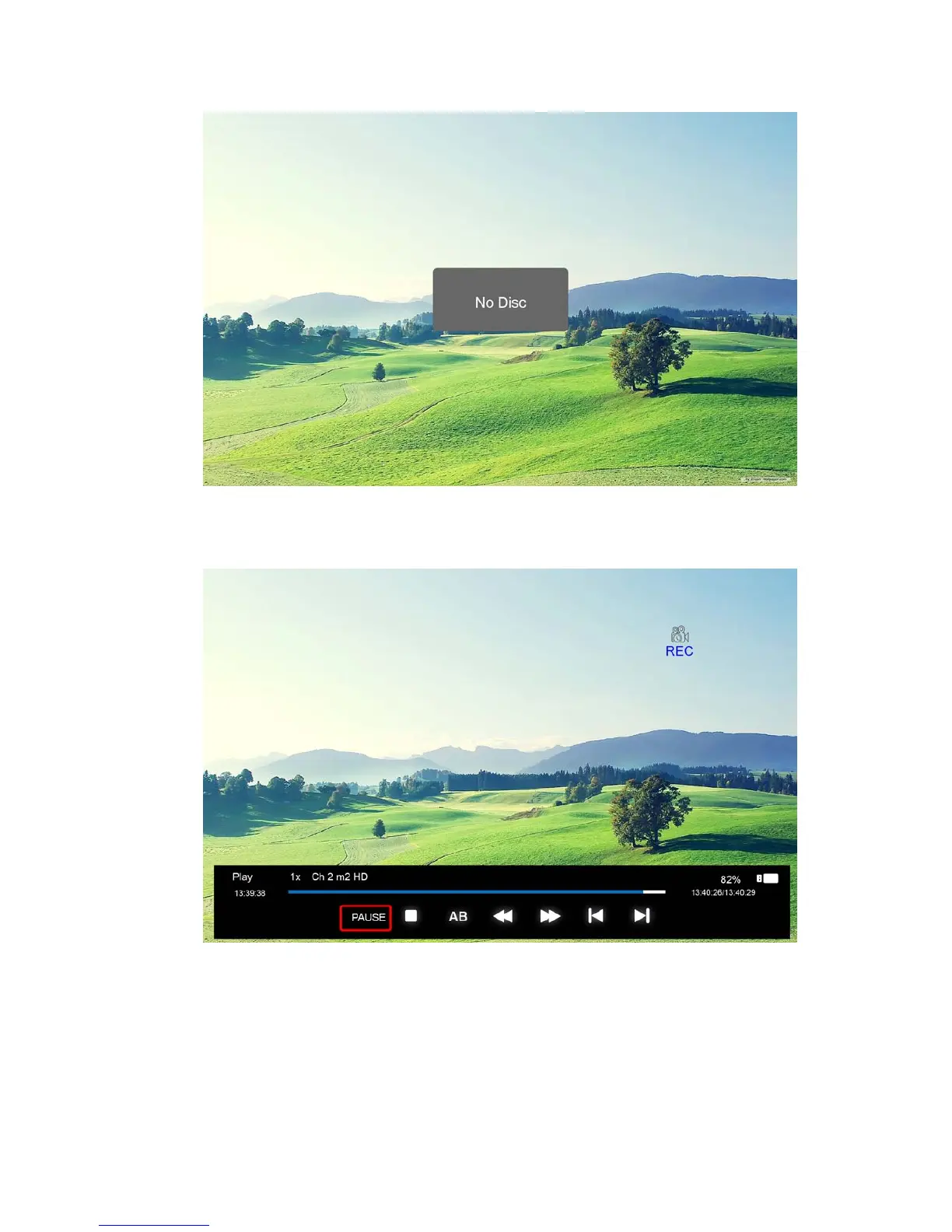
If you press “REC” key during the device checking and Initialization, the prompt window
will show a black screen for about 2s. When the TV is recording, the recording menu will
appear.
2. After the recording has started, you can select the the functions:
PLAY/PAUSE/STOP/AB/FF/FR/PRVE/NEXT。You can seen the detailed info in the recording
menu.



 To Next Page