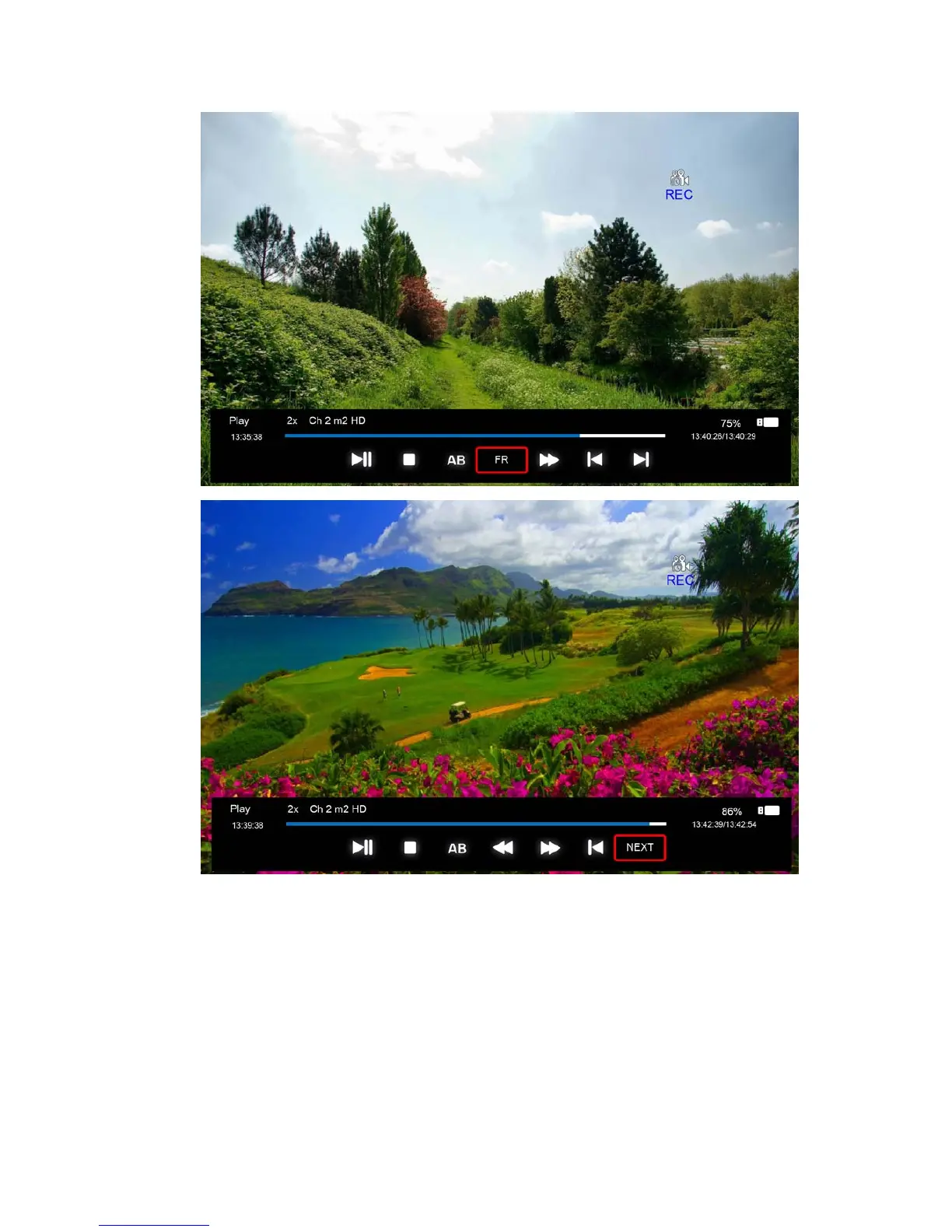
PLAY/PAUSE: you can set the play mode PLAY/PAUSE;
STOP: you can stop the recording, a menu will appear for checking whether to stop the
recording.
AB: you can set two points for playing the record file, from A to B.
FF/FR: you can set the play mode FF/FR;
PRVE/NEXT: you can play the record file to PRVE/NEXT 30s.
3. After recording has started, you can press the button PLAY/FF/FR/PRVE/NEXT on the RC.
You can play the record file by PALY/PAUSE/FF/FR/PRVE/NEXT/STOP.



 To Next Page