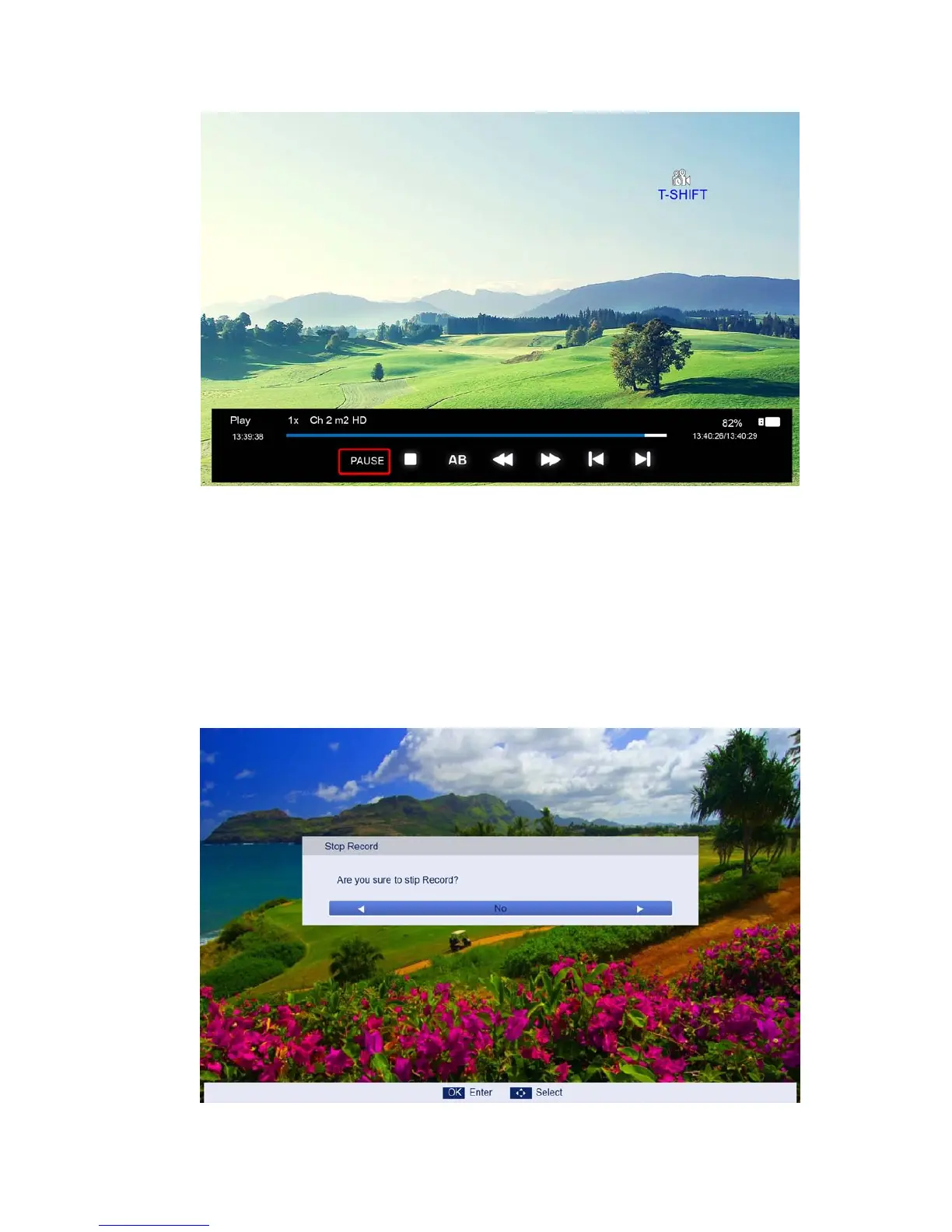
PLAY/PAUSE: you can set the play mode to PLAY/PAUSE;
STOP: you can stop the recording, the menu for checking whether to stop the recording will
appear.
AB: you can set two points for play the recording file from A to B.
FF/FR: you can set the play mode to FF/FR;
PRVE/NEXT: you can play the record file to PRVE/NEXT 30s.
3. After recording has started, you can press the button PLAY/FF/FR/PRVE/NEXT on the RC and
you can play the recording file by PALY/PAUSE/FF/FR/PRVE/NEXT/STOP.
4. You can press “STOP” key to jump to the real time broadcasting of the program, and with
another press of “STOP” key, you can stop time shift function after your confirmation.



 To Next Page