Note: Time shift function will stop when there’s no space left on the USB storage device.
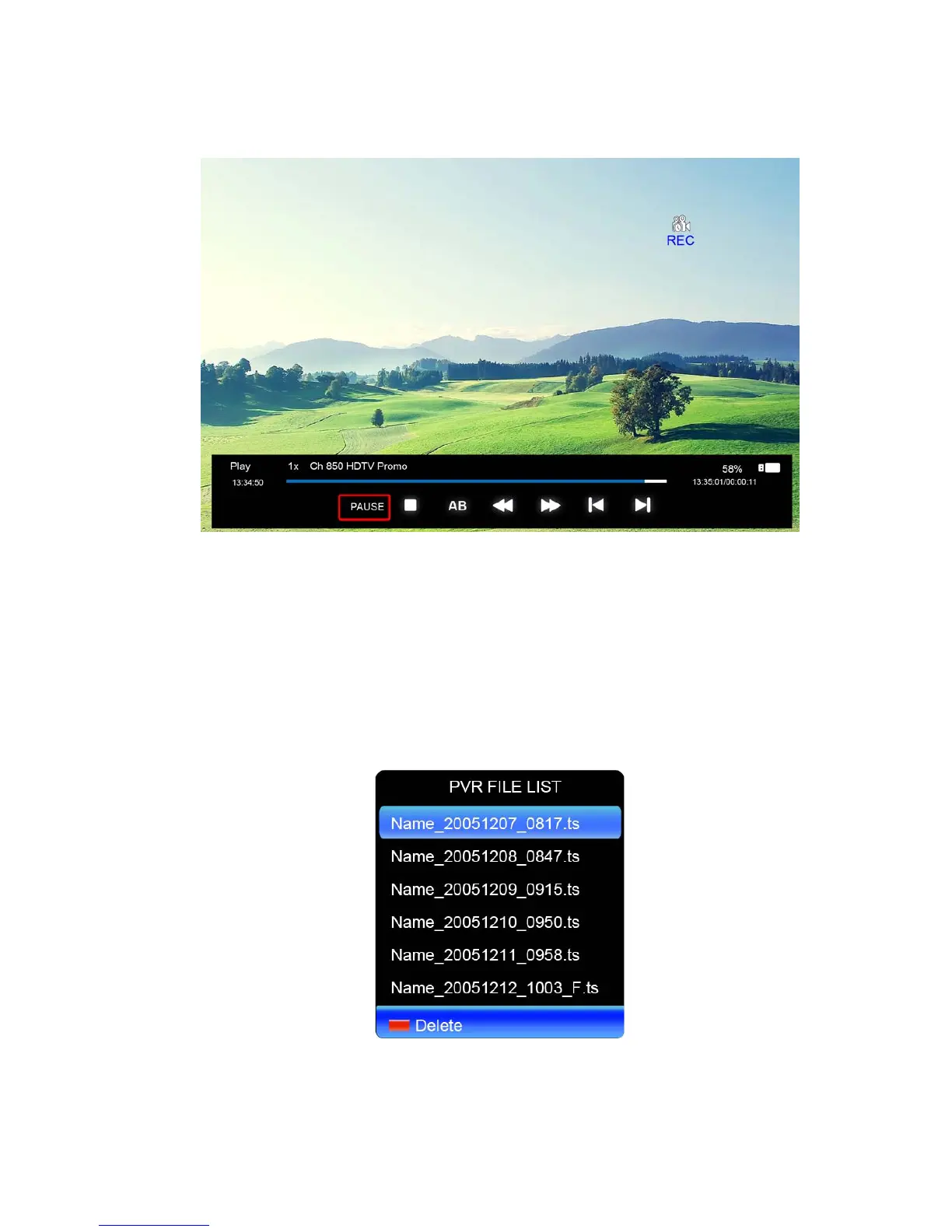
Press the ● button on the remote to record a TV program, as follows:
User can change the playback mode through the various buttons above when recording is
on.
PVR FILE LIST
After the recording is complete you can press REC.FILE button on the remote to display the
PVR FILE LIST.
Press▲/▼ to select record program file (.ts file).
Press ENTER to play.
Press red button to delete the selected file.
If you press ENTER to play, a menu will appear as follows:



 To Next Page