ENGLISH
28 / 48
3.6 File Manager
The file manager allows you to browse and play music, photo and movie files stored on an
internal HDD, external USB device, or network.
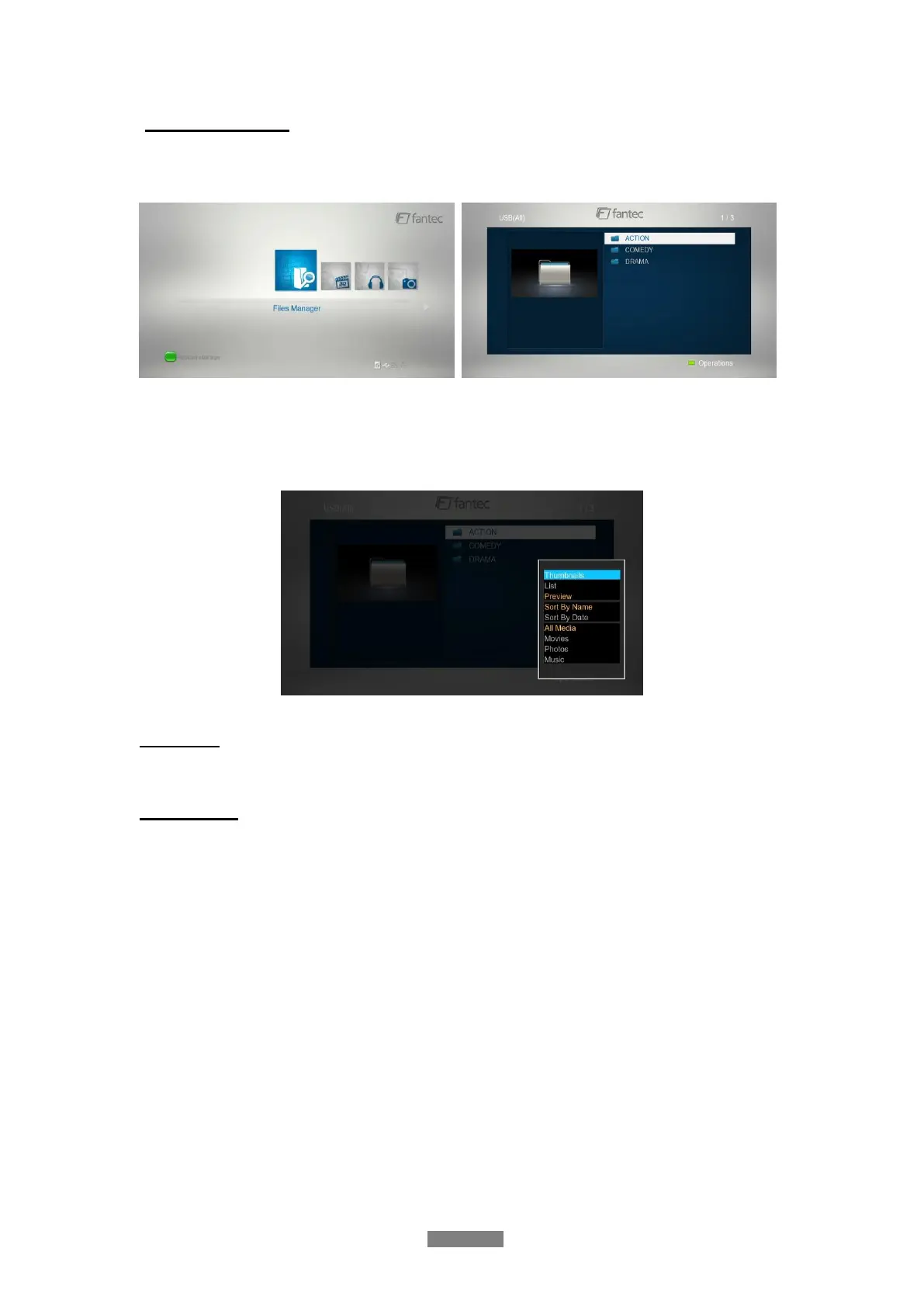
3.6.1 File Manager Options
In file manager, press Option button to display the option menu, you can get following
functions through the option menu.
View Mode
- Choose a review mode among Thumbnails, List, and Preview from option menu.
Filter options
- Choose Movies to display all the supported video files in current directory.
- Choose Photos to display all the supported image files in the current directory.
- Choose Music to display all the supported audio files in the current directory.



 To Next Page