EN 11 / 20
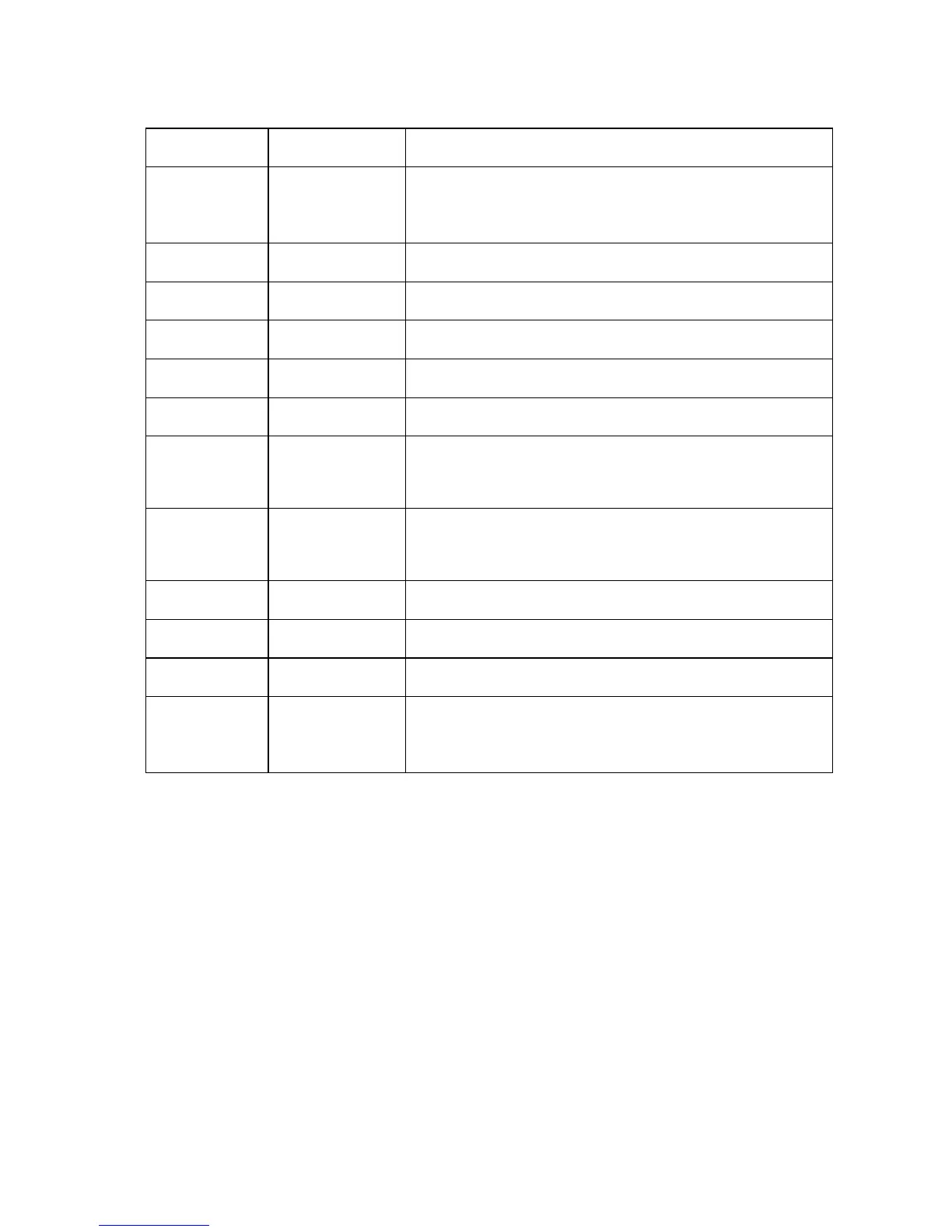
18 SETUP Press to access the setup menu.
19
NUMERICAL
PAD
0-9 numeric key
20
PHOTO Press to open photo option.
21
MUSIC Press to open music option.
22 VOLUME + Press to increase the volume.
23
STEP Slow-motion play for video
24
PLAY Press to start playback
25
PREVIOUS Press to go to the previous file or the previous
chapter on a title.
26
NEXT Press to go to the next file or the next chapter on
a title.
27
INFO Display the file info.
28
PSM Change the slide-show mode
29
DVD Play DVD folder like a common DVD player
30
S.SHOW
Slide Show button:
Press to start the Slide show
Change R/C battery
1. Battery service life is about one year. It depends on usage frequency
and operation.
2. If remote control doesn’t work when it is near the unit, please change
battery.
Note: Please dispose the exhausted batteries according to the local rule.
Remote control operation range
1. Remote control operation range: Within 6m from front panel, angel :<60°
2. Effective distance of remote control will be difference according to
different lightness of environment.



 To Next Page