EN 16 / 20
4.3 File Edit
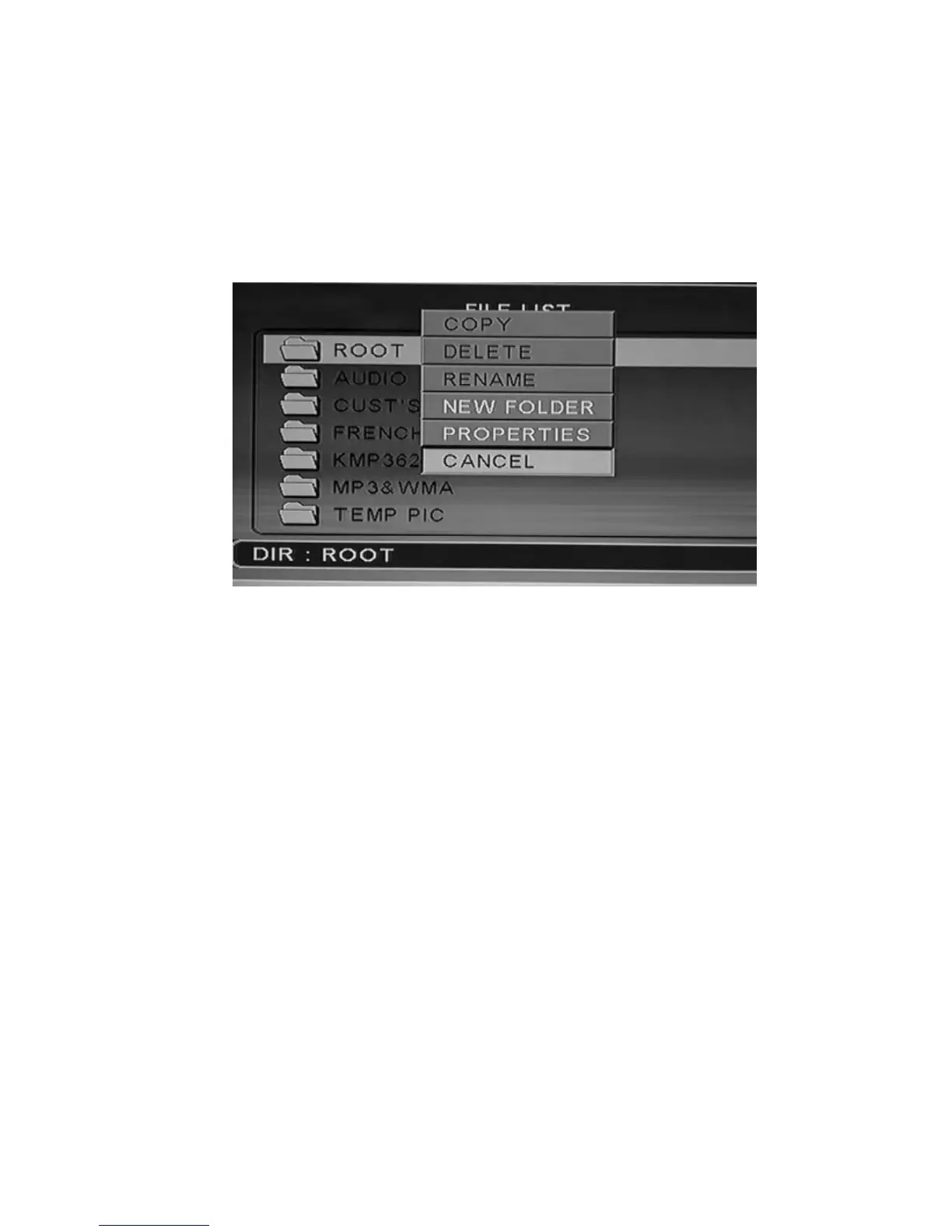
When you are in the file menu, press “EDIT” key, showing edit menu as
follows:
Press “UP / DOWN” direction keys to select operation, press “ENTER” key, then
make the corresponding operation to the selected file.
4.3.1 Copy
Select the folder by “DIR” key to appoint the selected as aim folder, then
mark the file you want to copy and press “EDIT” key to show edit menu.
Select the item “copy” by UP/DOWN key and then press “ENTER”.
4.3.2 Delete
Select “DELETE” sub-selection, press “ENTER” key, screen showing
remind dialog box, select “YES” to delete the item or “NO” cancel this
operation.
4.3.3 New folder/Rename
a. Select the file, press “EDIT” key to show edit menu, select “New
folder/Rename” sub-selection, press “ENTER” key, will show the
rename windows as following:



 To Next Page