EN 14 / 20
4.2 SETUP
General steps for original setup:
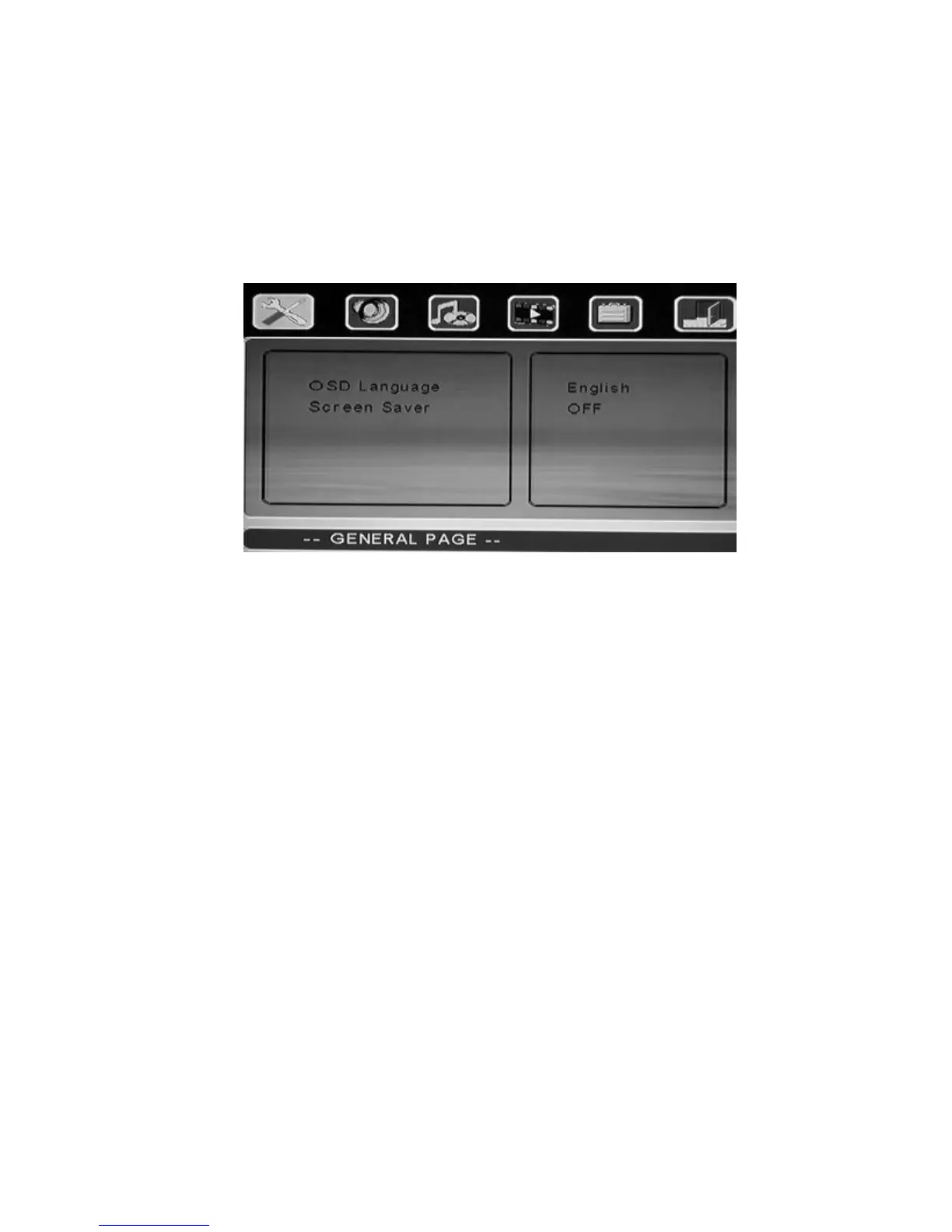
1. Press “SETUP” key. Setup menu appears on screen as following:
2. Press direction keys to select title or submenu, then press “ENTER” key
to confirm HIGHLIGHT selection.
3. Press “SETUP” key to exit setup menu display.
-- General Page --
OSD Language: Select the Menu Language.
Screen Saver: Turn screen saver on/off.
-- Speaker Setup Page --
Downmix: Set speaker downmix mode
(Left/Right, Stereo, 5.1 Channel)
-- Audio Setup --
Audio Output: Choose from analog, SPDIF/PCM and SPDIF/RAW
LPCM Output: Choose from LPCM 48k or LCPM 96k



 To Next Page