EN 17 / 20
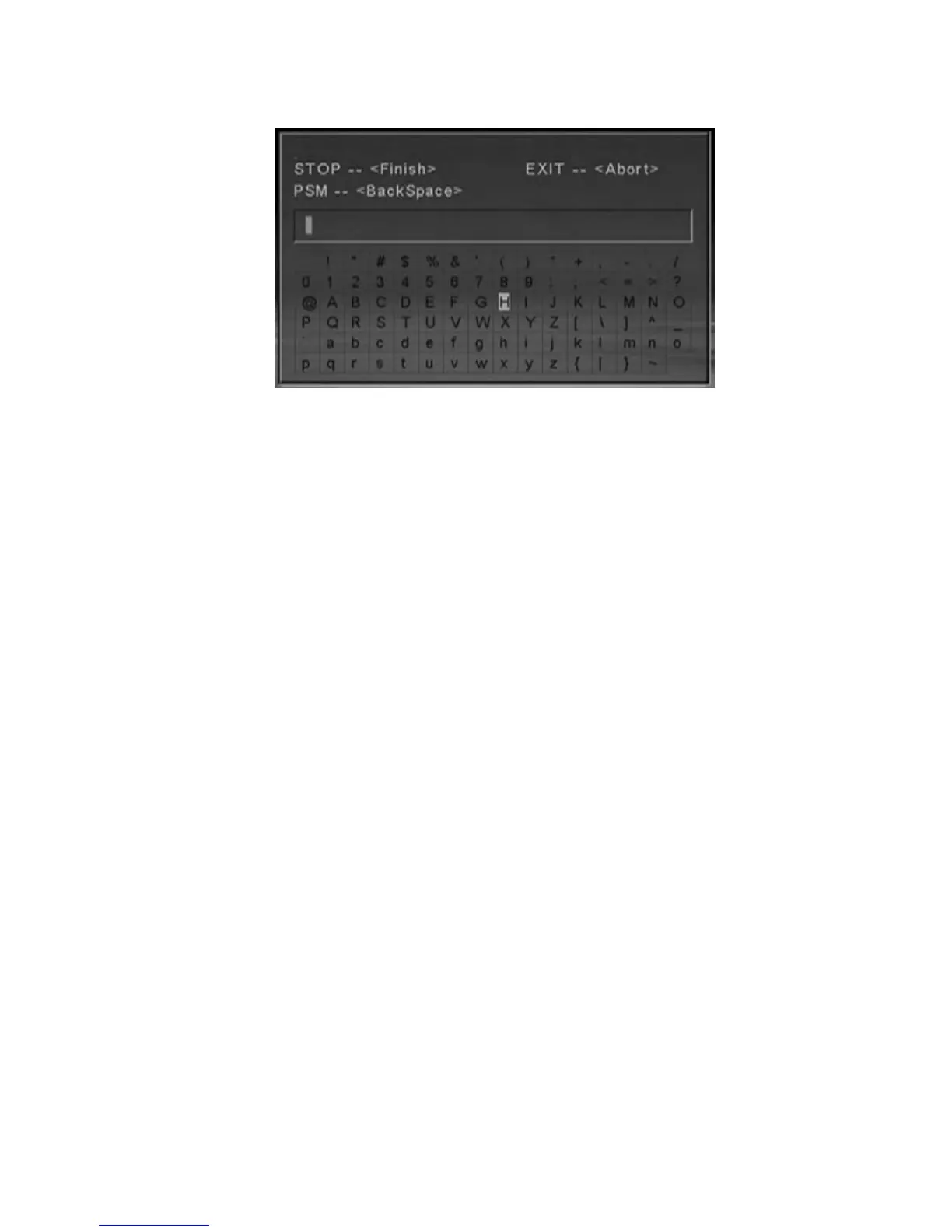
b. Move HIGHLIGHT to aim alphabets by direction keys, press “STOP”
key when you finished
c. Press “EXIT” key to cancel operation; press “PSM” key to cancel the
current inputting alphabet.
Note: You can not create or edit files or folders on SD/MMC cards.
4.3.4 Properties
Select this sub-selection, screen showing the properties of the file.
4.3.5 Cancel
Select cancel sub-selection to cancel edit operation.
Note:
The “edit” button is only effective under "File" directory, and HDD
format must be FAT32.



 To Next Page