EN 18 / 20
5. Appendix
5.1 FAQ
Please read the following guide before you contact our service.
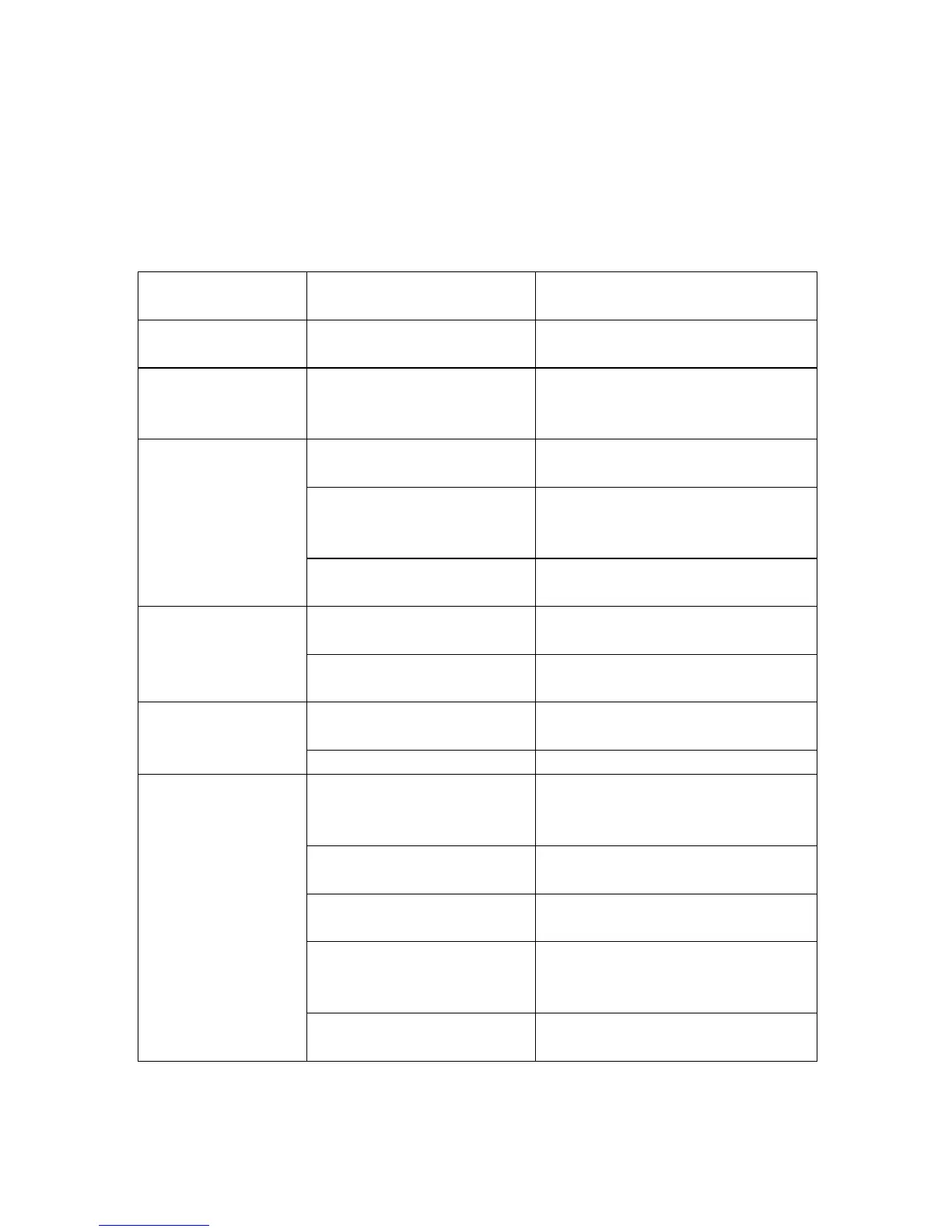
Symptom Possible reasons Resolutions
No power Power cable not plugged
in
Look, if the DC power cable is
connected correctly
Power on, but unit
doesn’t work
properly.
Restart player Plug in power supply and press
“Power” button on front panel or
“Power” button on remote control
No picture Unit not connected
properly
Connect Player as descript in
this manual
Unit video output not
comply with display
equipment
Press “HDMI/AV” key on
remote control
Display input is not set as
receive unit signal
Select proper video input format,
usually is video or AV
No volume Volume display 0 (TV or
player)
Adjust volume
Audio cable not connected
effectively
Connect audio cable effectively
Playing pictures
rolling up, poor
quality pictures
Reset up TV format such
NTSC, PAL.
Power off first, select correct TV
or display format.
Picture quality is bad Take pictures with better quality
Remote control
doesn’t work.
Battery with no energy or
not enough energy
Install new batteries, ensure
using same size of batteries:
AAA, 1,5V
Battery not installed
properly.
Install batteries correct
Remote control not
point at remote sensor
Point remote control on remote
sensor
Too long distance or too
big angle
Keep distance within 6m from the
front panel remote sensor; Lower
angle to sensor
Remote control route
malfunction
Remove obstacle



 To Next Page