EasyManua.ls Logo

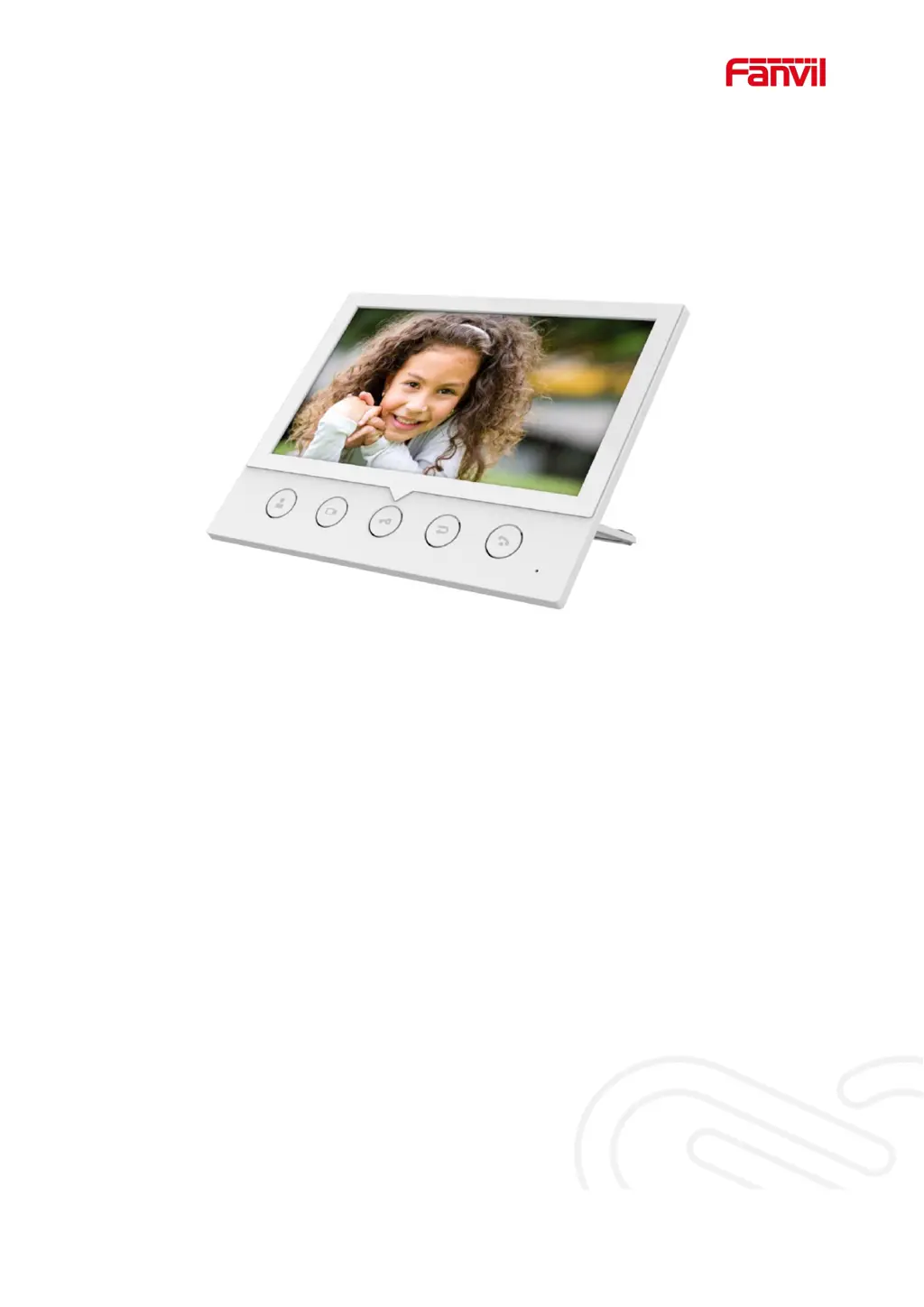
Fanvil i51W - User Manual

Fanvil i51W
46 pages
Print Icon
To Next Page IconTo Next Page
Loading...
Software Version: 1.0.0
Release Date2020/06/15
i51W&i52W User Manual

Other manuals for Fanvil i51W

Questions and Answers

  • K
    Kayla PerkinsAug 8, 2025
    What to do if Fanvil Intercom System could not boot up?
    • M
      Maurice LeeAug 8, 2025
      If your Fanvil Intercom System fails to boot, first ensure it's properly connected to a power source using a Fanvil power adapter or a PoE switch that meets standard specifications. Check all power connections. If the device enters 'POST mode', this indicates a system issue and you should contact local technical support for assistance in restoring the system.
  • R
    Rebecca FarrellAug 25, 2025
    Why Fanvil Intercom System device could not register to a service provider?
    • K
      Kayla HoganAug 25, 2025
      There are several reasons why your Fanvil Intercom System might fail to register. First, ensure the device is properly connected to the network via a network cable. Second, verify that the device has been assigned an IP address. If the IP address shows as 'Negotiating...', double-check your network configuration. Finally, if the network connection is stable, review your line configuration. If problems persist and configurations are correct, contact your service provider.

Fanvil i51W Specifications

General IconGeneral
Network10/100 Mbps Ethernet
MountingWall-mounted
Resolution320x240
AudioBuilt-in speaker and microphone
Ethernet Port1
Wi-FiYes
Supported ProtocolsSIP
PowerPoE (Power over Ethernet)
CommunicationSIP

Related product manuals