EasyManua.ls Logo

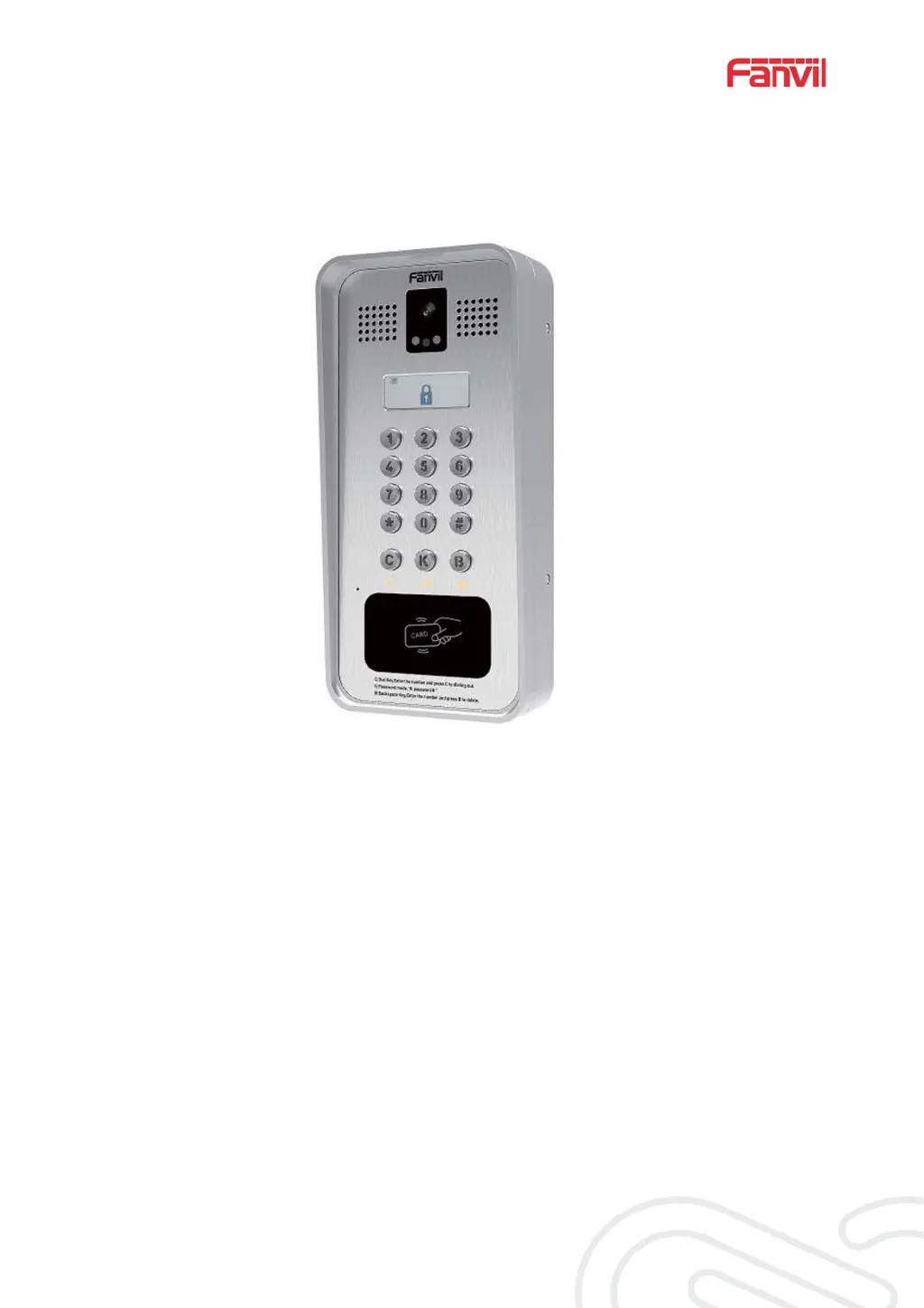
Fanvil i33V - User Manual

Fanvil i33V
57 pages
Print Icon
To Next Page IconTo Next Page
Loading...
Software Version:: 2.4.0
Release Date: 2019/03/04
User Manual
i33V&i33VF

Table of Contents

Other manuals for Fanvil i33V

Questions and Answers

  • T
    Thomas CarterAug 9, 2025
    Why my Fanvil Intercom System could not boot up?
    • W
      William WeberAug 9, 2025
      If your Fanvil Intercom System fails to boot up, use the standard power adapter provided by Fanvil or a PoE switch that meets the specification requirements. Also, check to ensure the device is securely connected to the power source. If this doesn't solve the problem, it is possible that the device system image has been damaged, in this case, please contact local technicist to help you restore the phone system.
  • E
    erikayangAug 25, 2025
    What to do if Fanvil i33V Intercom System could not register to a service provider?
    • X
      xchandlerAug 25, 2025
      First, ensure your Fanvil Intercom System is properly connected to the network using the [Network] port, not the [PC] port. Then, verify that the device has an IP address. If the IP displays “Negotiating…”, there's no IP address assigned, meaning you should check your network configurations. If the network connection is stable, double-check your line configurations. If issues persist, contact your service provider for assistance.

Fanvil i33V Specifications

General IconGeneral
Network10/100 Mbps Ethernet
InstallationWall-mounted
Video CodecsH.264
Ingress ProtectionIP65
Display4.3-inch LCD
AudioFull-duplex, hands-free
Power SupplyPoE
Camera720p HD
ProtocolsSIP
Operating Temperature-10°C to +50°C

Related product manuals