
 To Next Page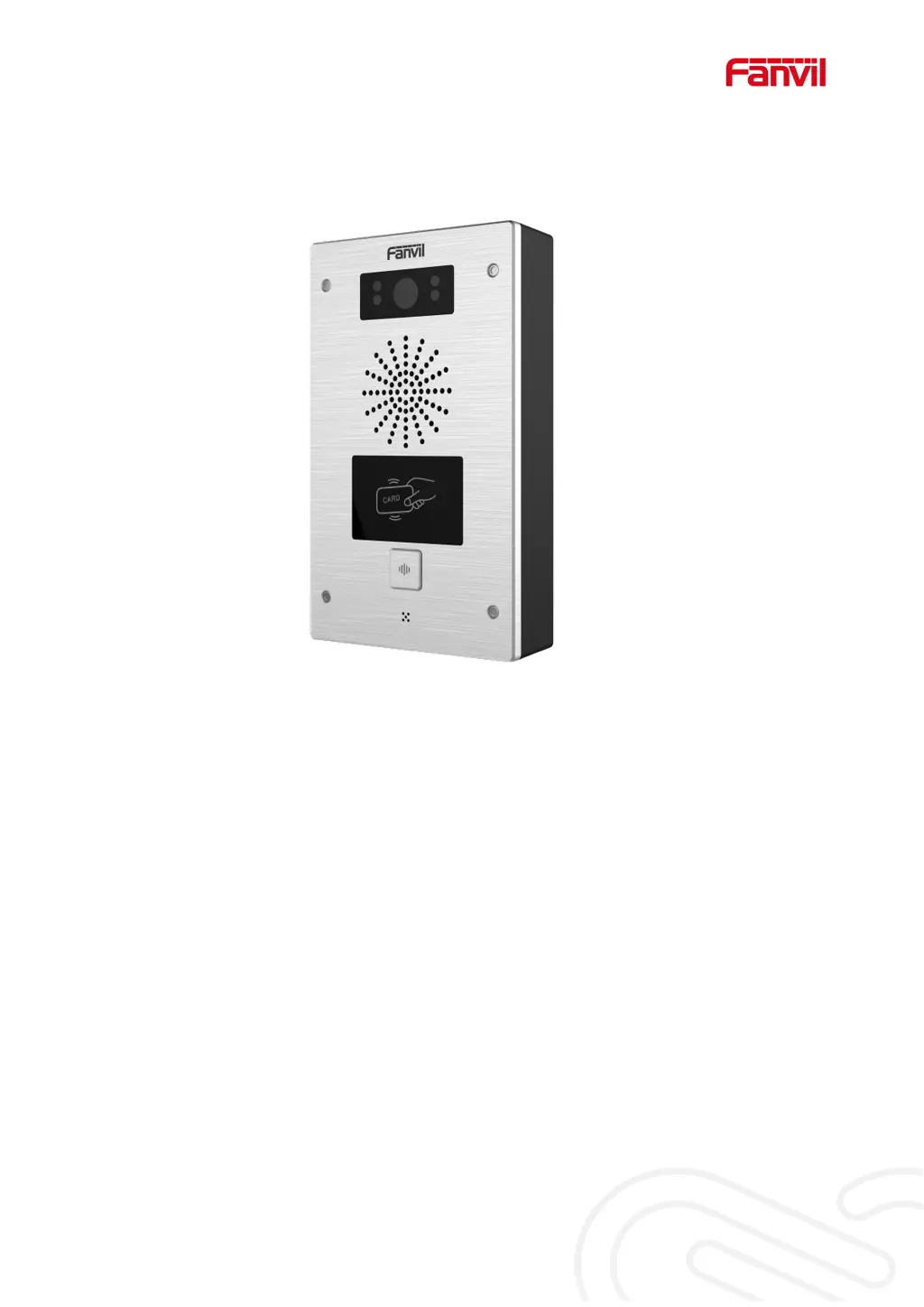


L
larryfranklinAug 4, 2025
What to do if Fanvil i32V could not register to a service provider?
- CCassie PhamAug 5, 2025
If your Fanvil Intercom System fails to register, first ensure the device is properly connected to the network via the [Network] interface, not the [Computer] interface. Next, verify that the device has obtained an IP address by checking the system information. If the IP address shows Negotiating..., the device hasn't obtained one, so check your network configuration. If the network connection is confirmed to be good, double-check your line configuration. If issues persist, capturing network data and sending it to Fanvil Support Email for analysis might be necessary.
 General