EasyManua.ls Logo

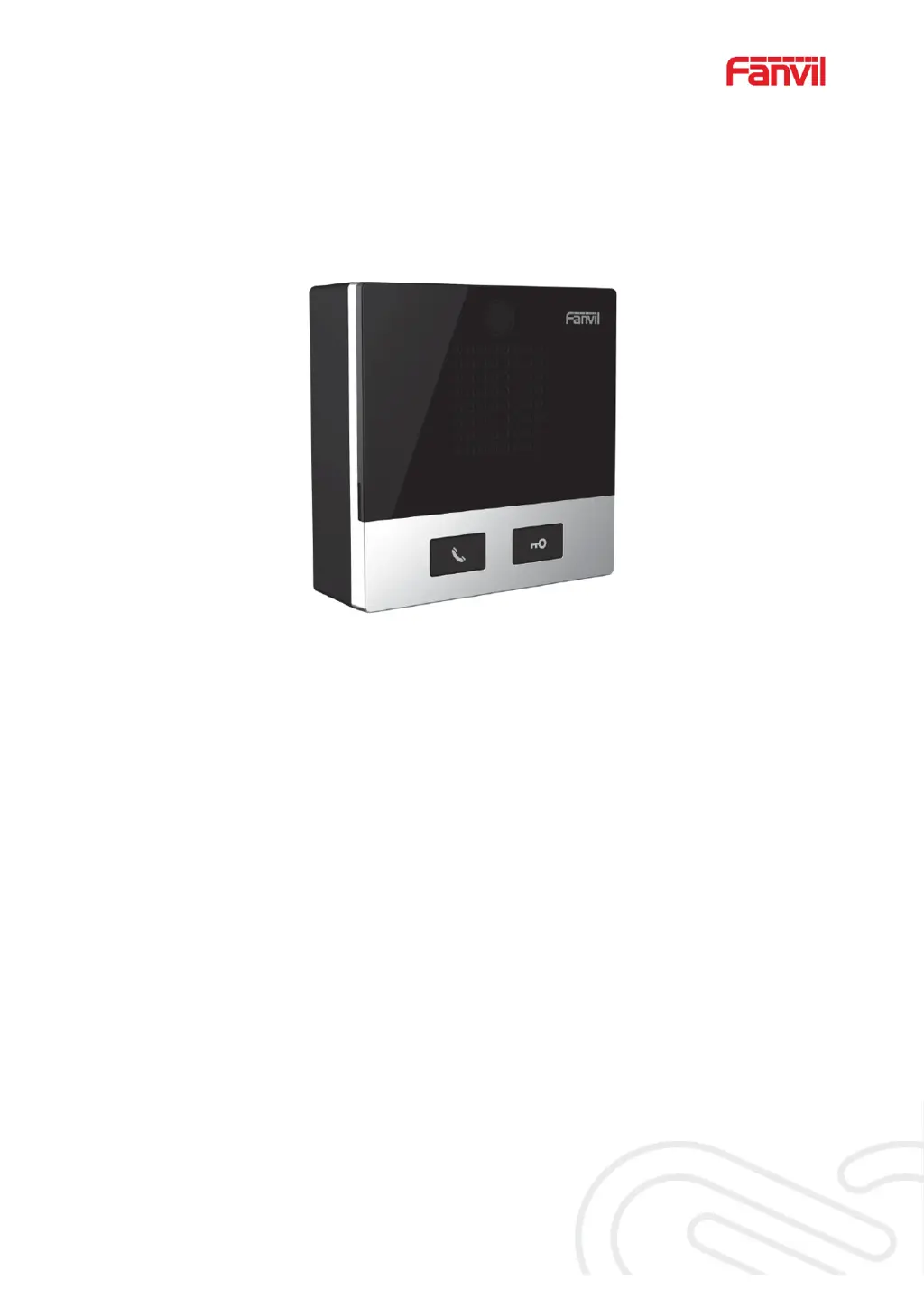
Fanvil i10 - User Manual

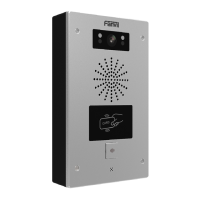
Fanvil i10
59 pages
Print Icon
To Next Page IconTo Next Page
Loading...
Software Version: 1.0.0
Release Date
˖
2019/07/24
User Manual
i10&i10V&i10D

Table of Contents

Other manuals for Fanvil i10

Questions and Answers

  • J
    Jennifer MartinezJul 29, 2025
    What to do if Fanvil i10 Intercom System does not register?
    • J
      johnlopezJul 29, 2025
      If your Fanvil Intercom System fails to register with a service provider, ensure the network cable is properly connected and the device has a stable internet connection. If the network is functional, double-check your SIP line configuration settings. If issues persist, contact your service provider for assistance.
  • J
    Janice CherryAug 12, 2025
    How to fix Fanvil i10 that could not boot up?
    • P
      Patty RojasAug 12, 2025
      If your Fanvil Intercom System won't boot up, first verify the power connection and ensure that you are using a Fanvil-approved power adapter or PoE switch. If the device enters "POST mode" with a slowly flashing LED, it indicates a system malfunction. In this case, contact Fanvil technical support for assistance with system recovery.

Summary

Safety Instruction

Install Guide

Use POE or external Power Adapter

Details the two supported power supply methods: POE and external adapter.

Basic Introduction

WEB Configuration

Details how to access and log in to the device's web management interface.

SIP Configurations

Explains the process of configuring SIP lines for telephony services.

Basic Function

Web Page Management & Security

System Account Management

Management of user accounts, including adding, deleting, and setting permissions.

System Configurations

Tools for exporting, importing, and resetting device configurations.

System Maintenance & Provisioning

System Upgrade

Procedure for updating the device firmware through the web interface.

System Auto Provision

Details on setting up automatic device provisioning methods.

Network Configuration

Network Basic Settings

Configuration of network connection types and essential network parameters.

Line Configuration

Line SIP Configuration

Comprehensive guide to configuring SIP line settings for communication.

Trouble Shooting

Fanvil i10 Specifications

General IconGeneral
Modeli10
CategoryIntercom System
Ingress ProtectionIP54
Ethernet10/100 Mbps
MountingWall-mounted
Audio CodecG.711, G.722
Network ProtocolsSIP, TCP/IP, UDP, RTP, RTCP, HTTP
Power SupplyPoE or 12V DC

Related product manuals