FARO
®
Laser Scanner Manual
85
Chapter 7: Controller Software
This manual compass measurement only affects the output on this screen and
it is not necessary for the orientation data measured during scanning. During
scanning an orientation measurement is performed automatically.
The accuracy of compass measurements can be affected by magnetic or
other environmental interference. An indicator of the strength of environmental
interference and thus of the current compass measurement accuracy is the
displayed Horizontal field strength of the magnetic field. The typical strength
of the earth's magnetic field depends on geographical position and varies from
0.3 to 0.6 gauss (G). The displayed horizontal field strength is lower than the
absolute field strength because of the inclination of the field. For example, the
typical horizontal field strength for Europe is about 0.2 gauss.
If the measured field strength differs significantly from the expected field
strength, there might be a strong artificial magnetic field near the scanner that
probably affects the measurement. To get the most reliable orientation data for
the scan registration, avoid positioning the scanner near to strong magnetic
fields. If the measured horizontal field still significantly differs, you can switch
the use of the compass data to OFF.
GPS
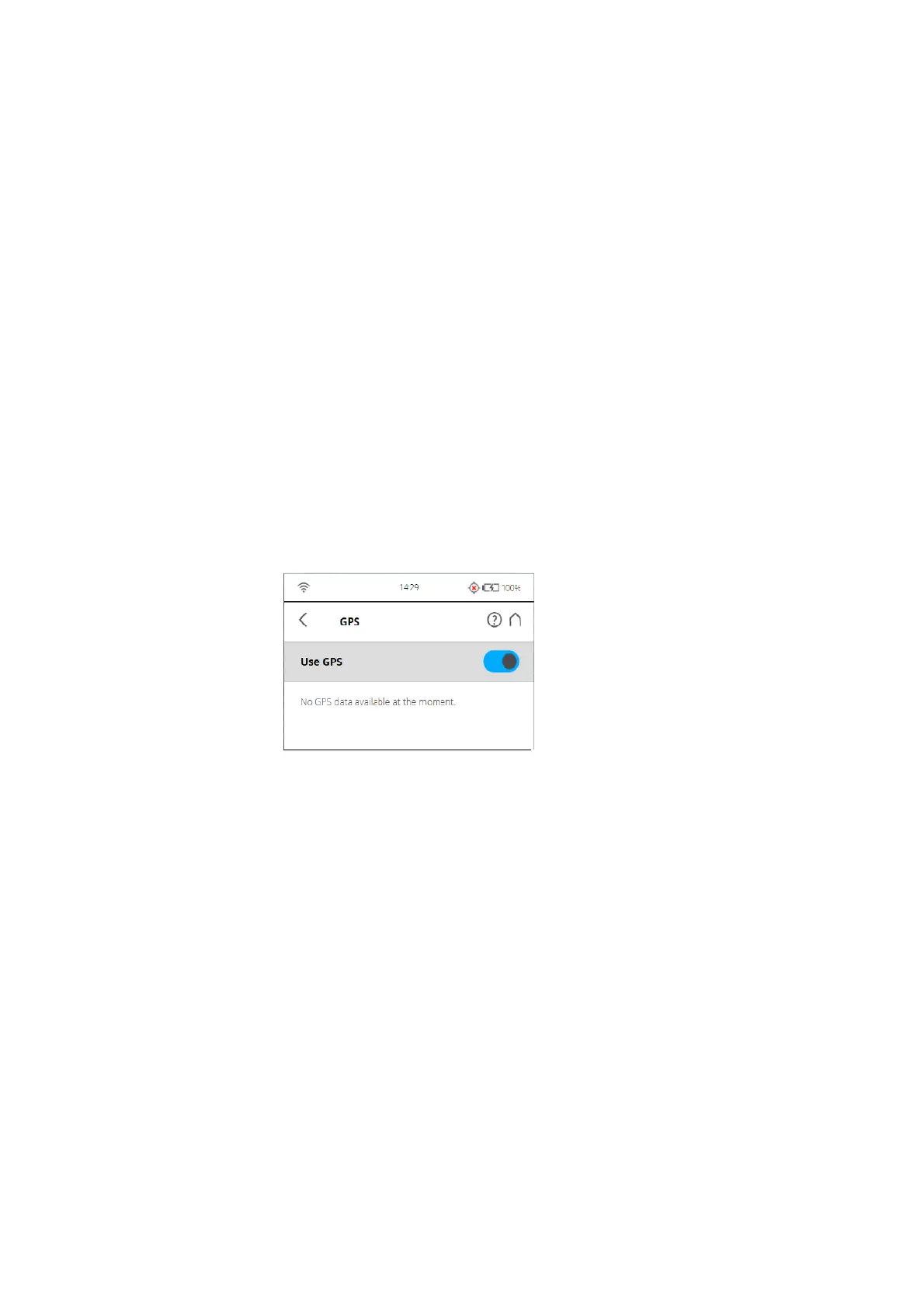
Figure 7-61: GPS
The position information of the scanner‘s position provided by the built-in GPS
sensor is attached to each scan and is automatically used for the scan
registration in SCENE, if the use of the GPS sensor is switched ON.
Use GPS - Turn the GPS sensor ON or OFF. Unlike the other sensors, GPS
data is only recorded and attached to each scan if this sensor is turned ON.
This function is also available under Scanning Parameters.
For more information, see
Setting the Scanning Parameters on page 38.
After the GPS sensor is switched ON, it automatically begins searching for
GPS satellites. Note that it can take some minutes to find all the available
satellites and to determine a precise position information. It is recommended
to switch the GPS sensor OFF if it is not needed or if a GPS signal is not
available (for example, if you are scanning indoor).
GPS information - Provides information about the currently measured GPS
coordinates latitude, longitude and the altitude as well as the UTC time of the
last satellite contact and the number of satellites that are currently in view. The
GPS receiver needs the signal of at least three satellites to calculate a 2D



 To Next Page