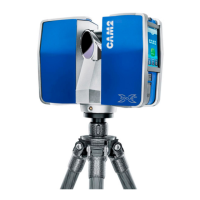
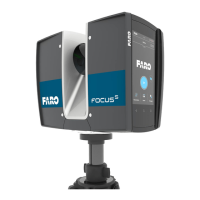
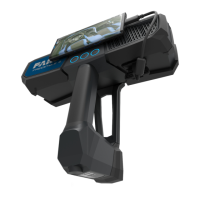
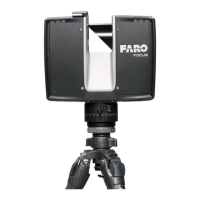
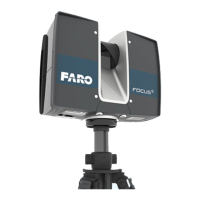
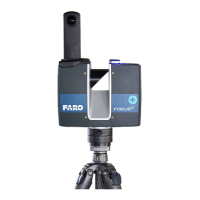
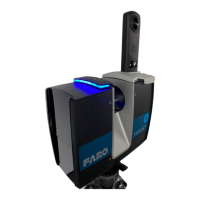
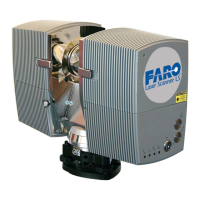
User’s manual FARO Laser Scanner LS 3
© 2007 FARO Scanner Production
Table of contents
1 Introduction 5
2 Safety Precautions 6
2.1 General Safety Information................................................................................................ 6
2.2 Electrical Safety................................................................................................................. 7
2.3 Laser Safety...................................................................................................................... 7
2.4 Mechanical Security .......................................................................................................... 9
3 Equipment 10
4 Your first scan - step-by-step 11
4.1 Setup of the FARO Laser Scanner LS ............................................................................. 11
4.1.1 Step 1 - Setting up the tripod................................................................................................ 11
4.1.2 Step 2 – Attaching the Tripod Head..................................................................................... 11
4.1.3 Step 3 – Fixing the FARO Laser Scanner LS ..................................................................... 12
4.1.4 Step 4 – Connecting the FARO Laser Scanner LS............................................................ 13
4.1.5 Step 5 - Switching on the scanner....................................................................................... 15
4.2 Installing and using the software...................................................................................... 15
4.2.1 Step 6 – (Software installation)............................................................................................ 15
4.2.2 Step 7 – Establishing an Ethernet connection to the scanner........................................... 15
4.3 Starting a scan ................................................................................................................ 17
4.3.1 Step 8 – Unlocking the laser ................................................................................................ 17
4.3.2 Step 9 – Scanning................................................................................................................. 17
4.3.3 Step 10 – Shutting down the scanner.................................................................................. 17
5 Shutdown of the FARO Laser Scanner LS 18
6 The Software FARO Record 19
6.1 Installation....................................................................................................................... 19
6.2 License............................................................................................................................ 19
6.3 The scan bar ................................................................................................................... 20
6.3.1 Scanner Parameter............................................................................................................... 20
6.3.2 Scanner Settings................................................................................................................... 26
6.3.3 Scanner Selection................................................................................................................. 26
6.4 The Scanner menu.......................................................................................................... 27
6.5 Status bar........................................................................................................................ 28
7 Color Option 29
7.1 Initial Setup of the camera............................................................................................... 29
7.2 Setup before scanning..................................................................................................... 29
7.3 Scanning with color ......................................................................................................... 32
7.4 Applying the pictures to the scan ..................................................................................... 34
8 Using FARO Record Mobile with a PDA 35
8.1 Setting up the WLAN connection ..................................................................................... 35
8.1.1 FARO LaserScanner LS....................................................................................................... 35
8.1.2 PDA........................................................................................................................................ 36
8.2 Setting up Opera ............................................................................................................. 38
8.3 Connecting to the Scanner .............................................................................................. 39
8.4 FARO Record Mobile Pages Description ......................................................................... 40
8.4.1 Scan Page ............................................................................................................................. 40


 To Next Page