Process Controllers
FAST Lit. Part No. 229-51317 Rev. B (EMPLOYEE) 11/01/2007 (L20-321 rev 0 12/07) Page 10
© 2005-2007 Food Automation – Service Techniques, Inc. All Rights Reserved
This document contains confidential information. The dissemination, publication,
copying, or duplication of this document without prior written authorization is
strictly prohibited.
4
Choose a Product
Name
OR
PRODUCT NAME
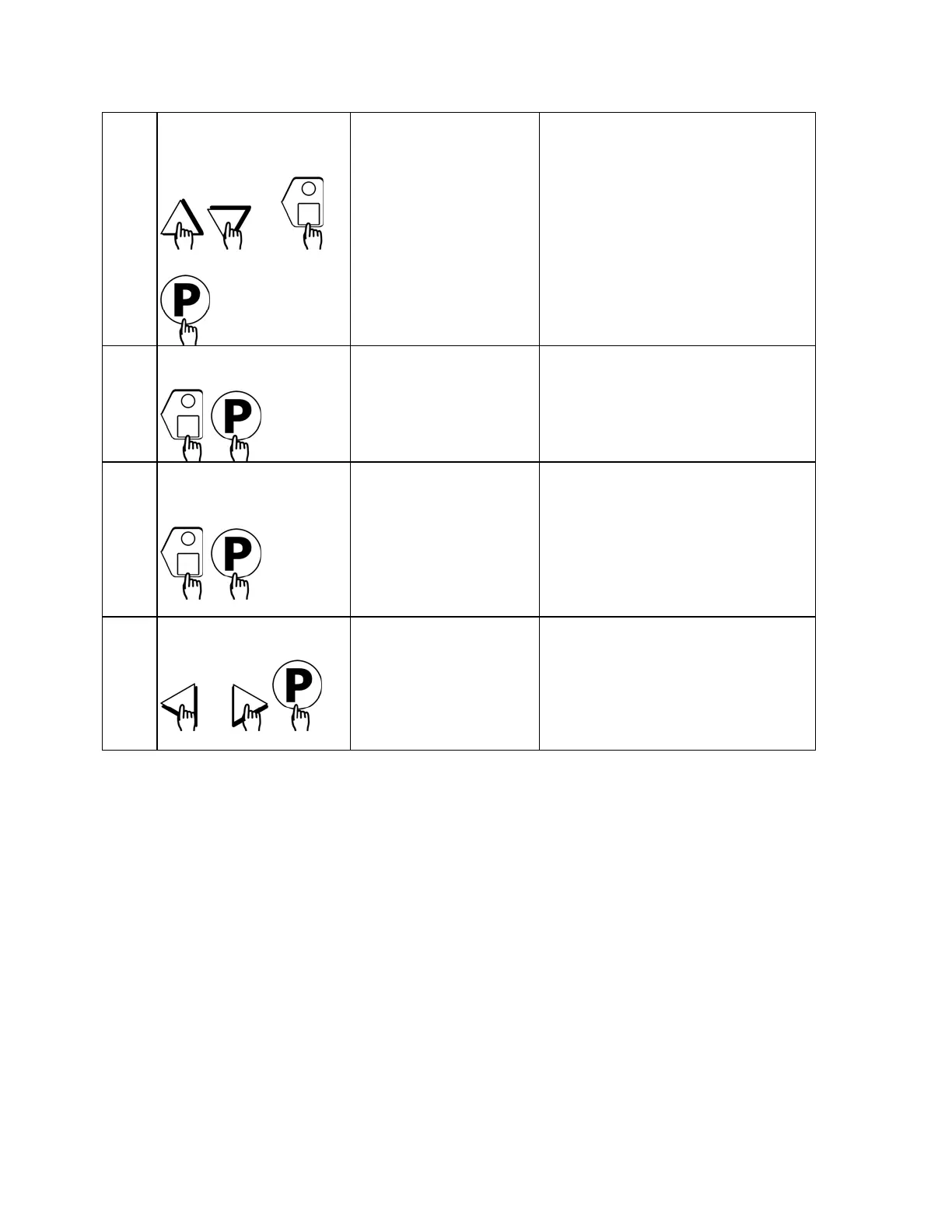
• Press the UP or DOWN arrow
keys to scroll through product
names, OR start spelling the
desired product name by using
the top row of lettered product
keys.
• Press the “P” key to lock in
selection.
5
Set Stage 1 Cook Time
STAGE 1 TIME
MM:SS
• Type in the time for Stage 1.
Range is from 00:00 to 99:59.
• Press the “P” key to advance to
next stage or parameter.
6
Set Stage 1
Temperature
STAGE 1 TEMP
XXX F
• Type in the Setpoint temperature
for this stage. Range is from 200
to 375 F, or the equivalent of
Degrees C.
• Press the “P” key to advance to
the next stage or parameter.
7
Set Stage 1 Timing
OR
STAGE 1 TIMING
(STRAIGHT, FLEX)
• Press the LEFT or RIGHT arrow
keys to select the type of timing
to be used for this stage.
• Press the “P” key to advance to
next stage or parameter.



 To Next Page
 Loading...