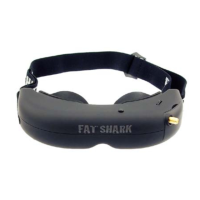
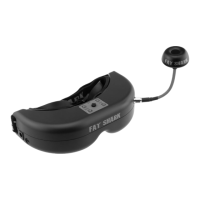
Fat Shark 4 RC Vision Systems
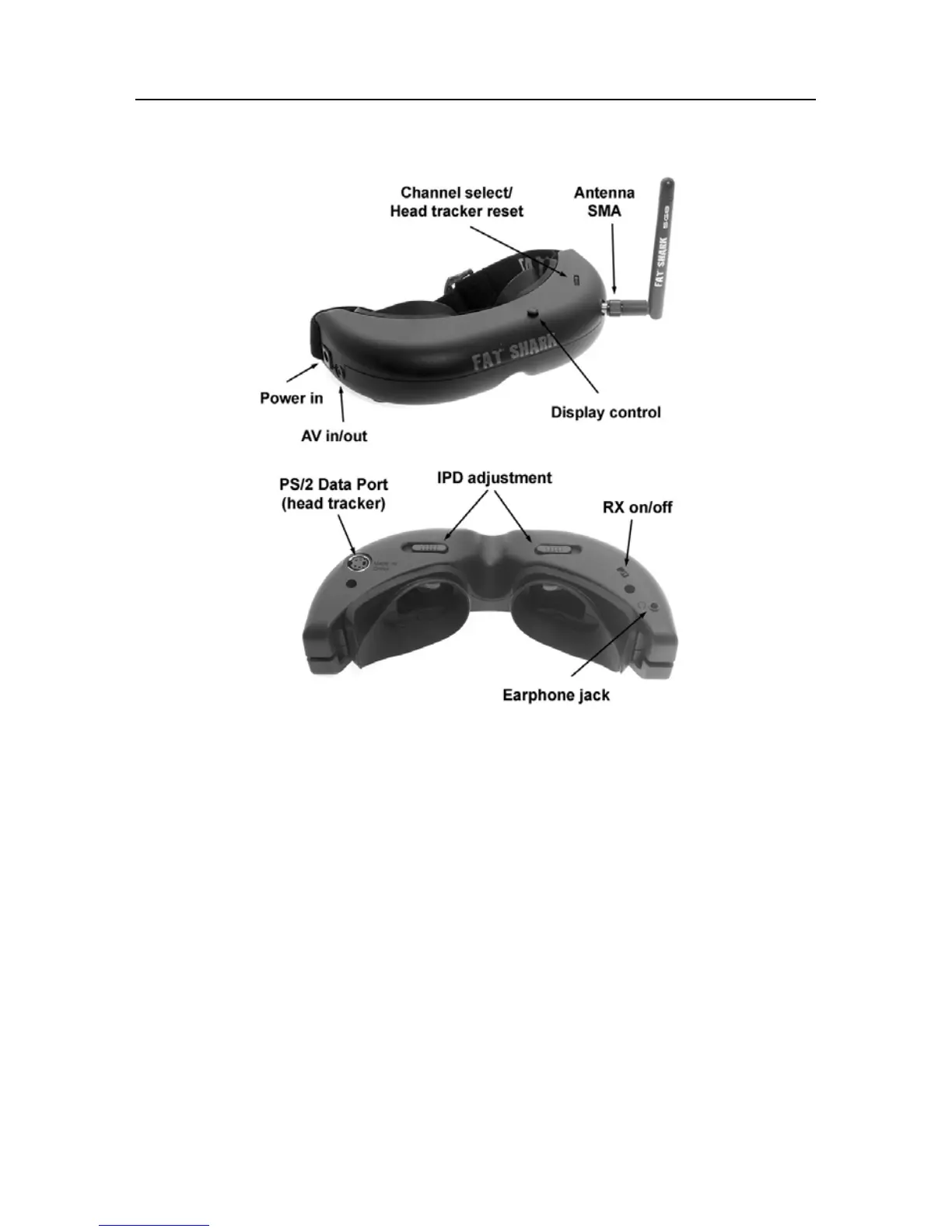
Controls Diagram
Controls
Brightness/contrast control: pressing left and right increases/decreases display contrast.
Press forward/back increases/decreases brightness.
RX power switch: The receiver module power is controlled by this switch. Turn off RX
module to avoid video conflict with video source via the AV cable.
Channel select: Rocking the channel select switch forward and back will cause the channel
to incrementally increase/decrease. Audio beep sounds on channel change. A long beep
sounds on channel top and bottom limits.
Note: Fat Shark only guarantees compatibility with Fat Shark or ImmersionRC transmitters.
CH1: 5740 MHz CH2: 5760 MHz CH3: 5780 MHz CH4: 5800 Mhz
CH5: 5820 MHz CH6: 5840 Mhz CH7: 5860 MHz
Head tracker menu/reset:
Activated by a vertical press on the channel rocker switch.
Low battery warning: Audio warning if input voltage drops below 6.8V
Volume control: There is no volume control - volume level is set at high. Please use with
adjustable earphone accessory for volume control.


 To Next Page