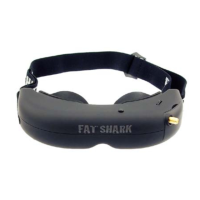
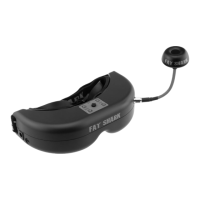
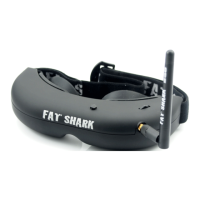
Fat Shark 7 RC Vision Systems
Downlink Overview
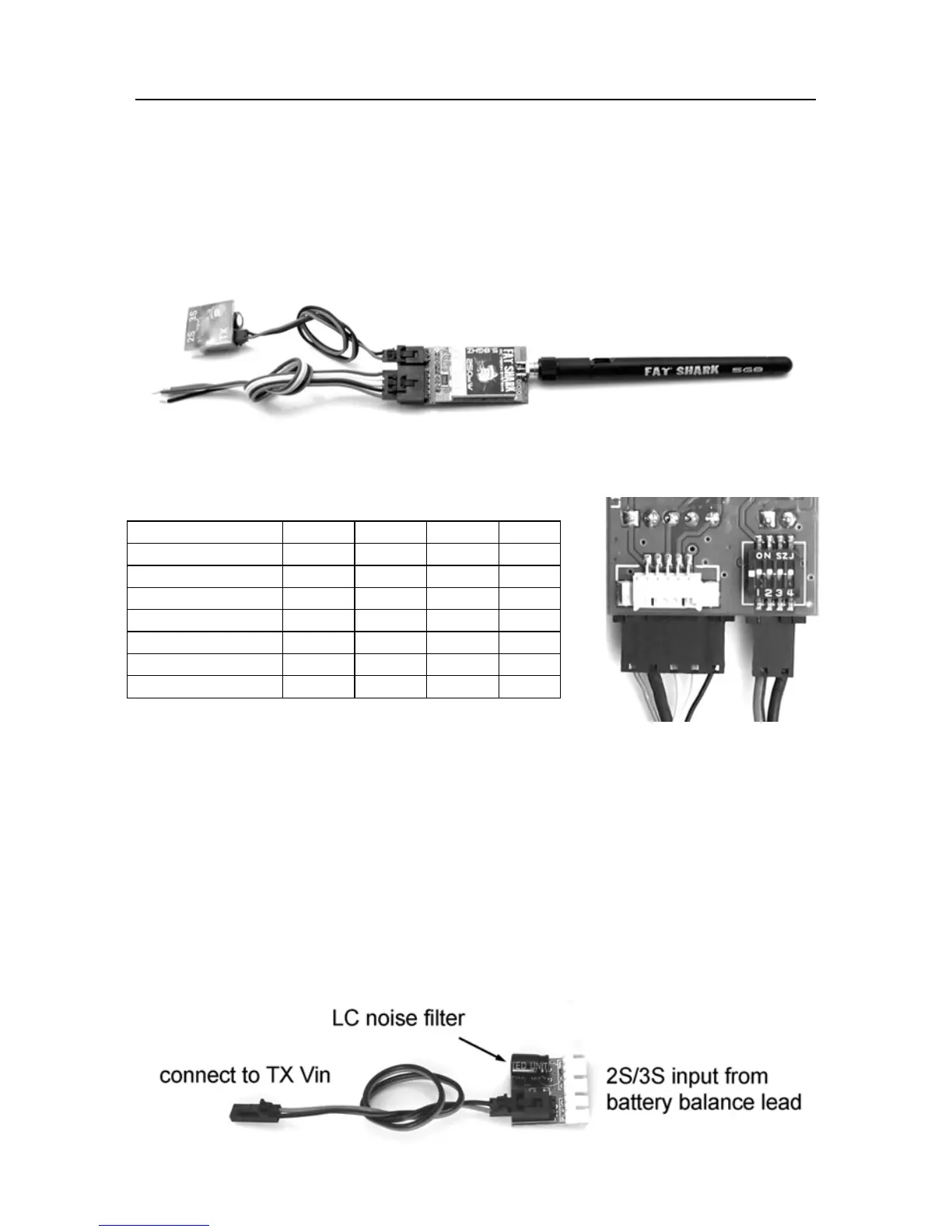
Downlink system comes preassembled and tested for plug/play with your aircraft.
Simply connect the balance lead of your 2S or 3S (7.4V or 11.1V) RC battery to
provide power to your Fat Shark Downlink and you are ready to fly.
The handy balance lead filters RC servo and motor noise from your RC pack for a
crisp, clear image.
Transmitter
Channel select chart:
1 2 3 4
Ch1 5740 MHz On On On N/A
Ch2 5760 MHz Off On On N/A
Ch3 5780 MHz On Off On N/A
Ch4 5800 Mhz Off Off On N/A
Ch5 5820 MHz On On Off N/A
Ch6 5840 Mhz Off On Off N/A
Ch75860 MHz On Off Off N/A
WARNING: DO NOT POWER TRANSMITTER
WITHOUT ANTENNA ATTACHED. NO ANTENNA LOAD WILL CAUSE
DESTROY TX RF AMPLIFIER – NOT COVERED BY WARRANTY
Small white connector on back of transmitter is for ImmersionRC’s Tiny Telemetry.
See accessories.
Power (via discharge filter supply)
The discharge filter supply allows you to power your downlink equipment from your
onboard RC pack. Connect as shown below:


 To Next Page