Advanced Function Instruction
7-8
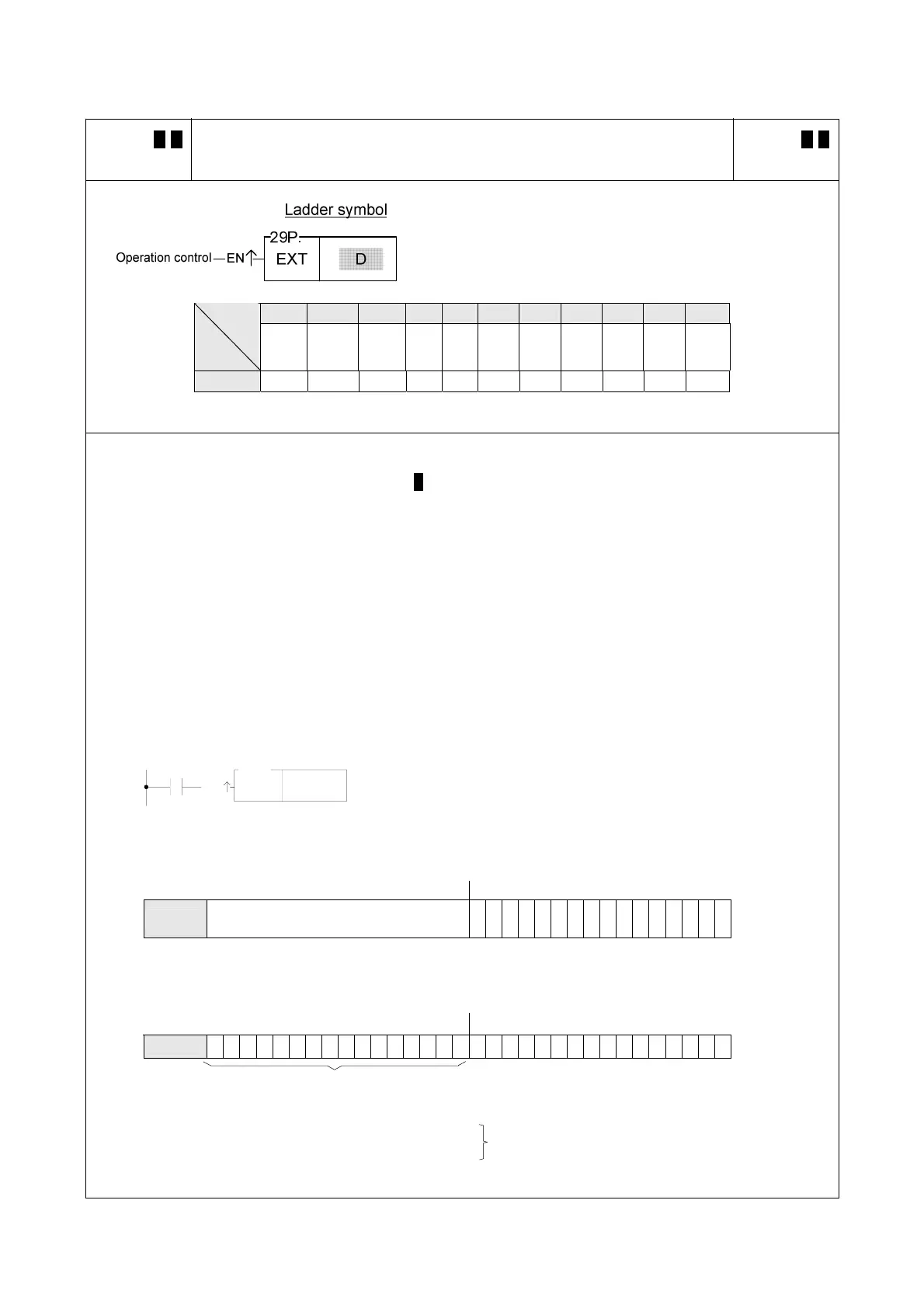
FUN 29 D P
EXT
SIGN EXTENSION
FUN 29 D P
EXT
D : Register to be taken sign extension
D may combine with V, Z, P0~P9 to serve indirect address
application
WY WM WS TMR CTR HR OR SR ROR DR XR
Range
Ope-
rand
WY0
∣
WY240
WM0
∣
WM1896
WS0
∣
WS984
T0
∣
T255
C0
∣
C255
R0
∣
R3839
R3904
∣
R3967
R3968
∣
R4167
R5000
∣
R8071
D0
∣
D4095
V、Z
P0~P9
D ○ ○ ○ ○ ○ ○ ○ ○* ○* ○ ○
z When operation control "EN" = 1 or "EN↑" ( P instruction) from 0 to 1, this instruction will sign extent the 16
bit numerical value specified by D to 32-bit value and store it into the 32-bit register comprised by the two
successive words, D + 1 and D. (Both values are the same, only it was originally formated as a 16 bit
numerical value, and was then extended to be formated as a 32 bit numerical value.)
z This instruction extent the numerical value of a 16-bit register into an equivalent numerical value in a 32-bit
register (for example 33FFH converts to 000033FFH), Its main function is for numerical operations
(+,-,*,/,CMP......) which can take the 16 bit or 32 bit numerical values as operand. Before operation all the
operand should be adjusted to the same length for proper operation.
R 0
X0
EN
29P
EXT
z The instruction at left takes a 16 bit numerical value R0,
and extends it to an equivalent value in 32 bits, then
stores it into a 32 bit register (DR0=R1R0) comprised R0
and R1
R1 B15 R0 B0
D R1 R0
Ignore the value of R1 before
extension
110011111100 0 1 1 1
-12345
Ø
X0=
B31 R1 B16 B15 R 0 B0
D
R1 R0 1 1 1 1 1 1 1 1 1 1 111111110011111100 0 1 1 1
-12345
Fill B15 value into B31-B16,(if B15 is 0, then B31-B16 are all 0)
Before extension(16 bits) R0= CFC7H=−12345
After extension(32 bits)R1R0=FFFFCFC7H=−12345
The two numerical values are actually the same



 To Next Page