UPS E-Prom Replacement
1. Record machine settings such as
• “Voltage Offset” , Defrost Times and Wake/Sleep Times
2. Disconnect power to machine
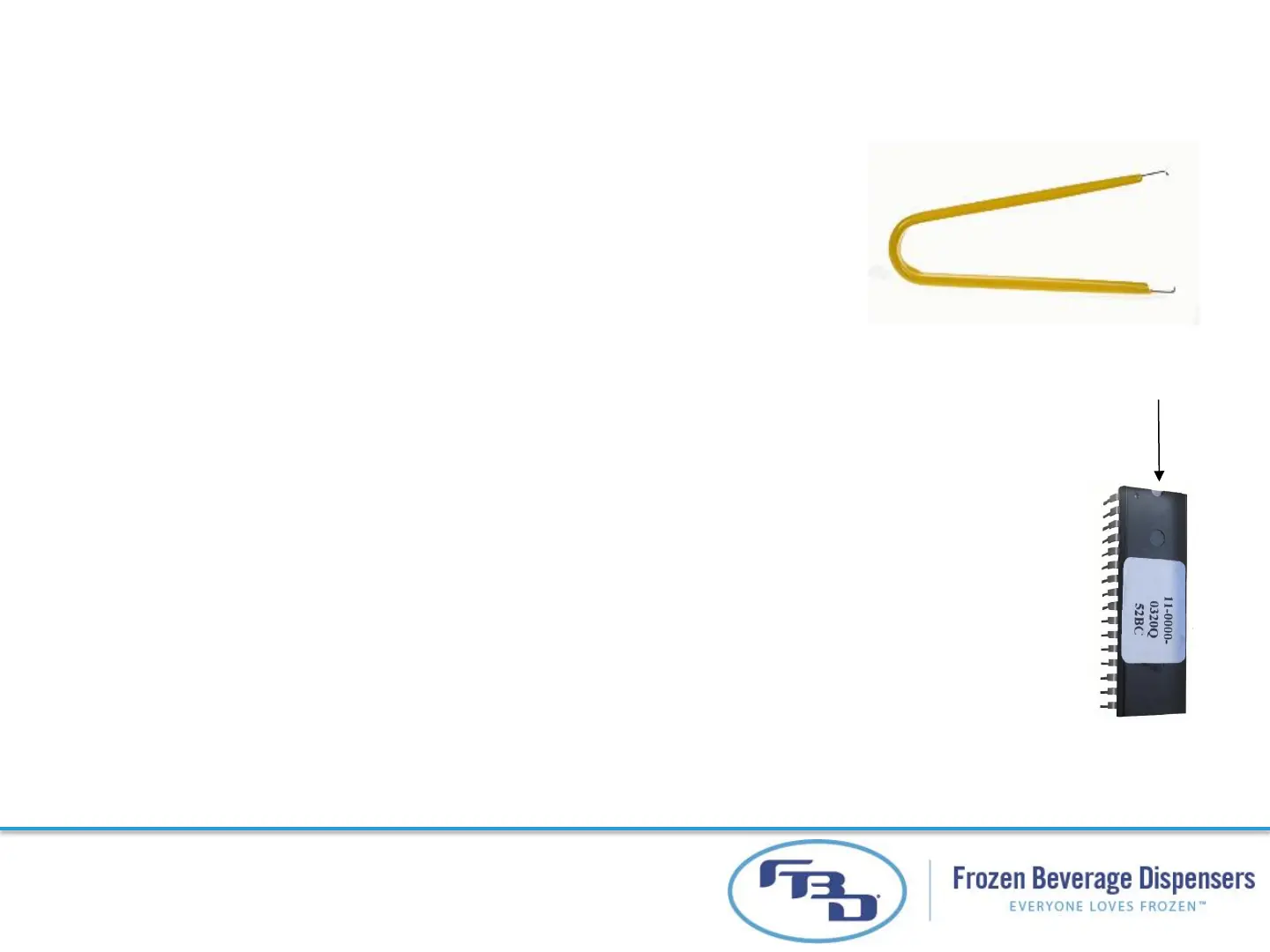
3. Remove old E-PROM with chip puller
4. Install new E-PROM with notch up.
5. Reconnect power to machine. Wait 1 minute for software to load
6. Scroll to Load All Defaults to reset
7. Re-enter recorded values from step 1 back to the machine settings
8. Press “Off”, “Defrost”, then “Run” for each barrel
47
Notch Up



 To Next Page