EasyManua.ls Logo

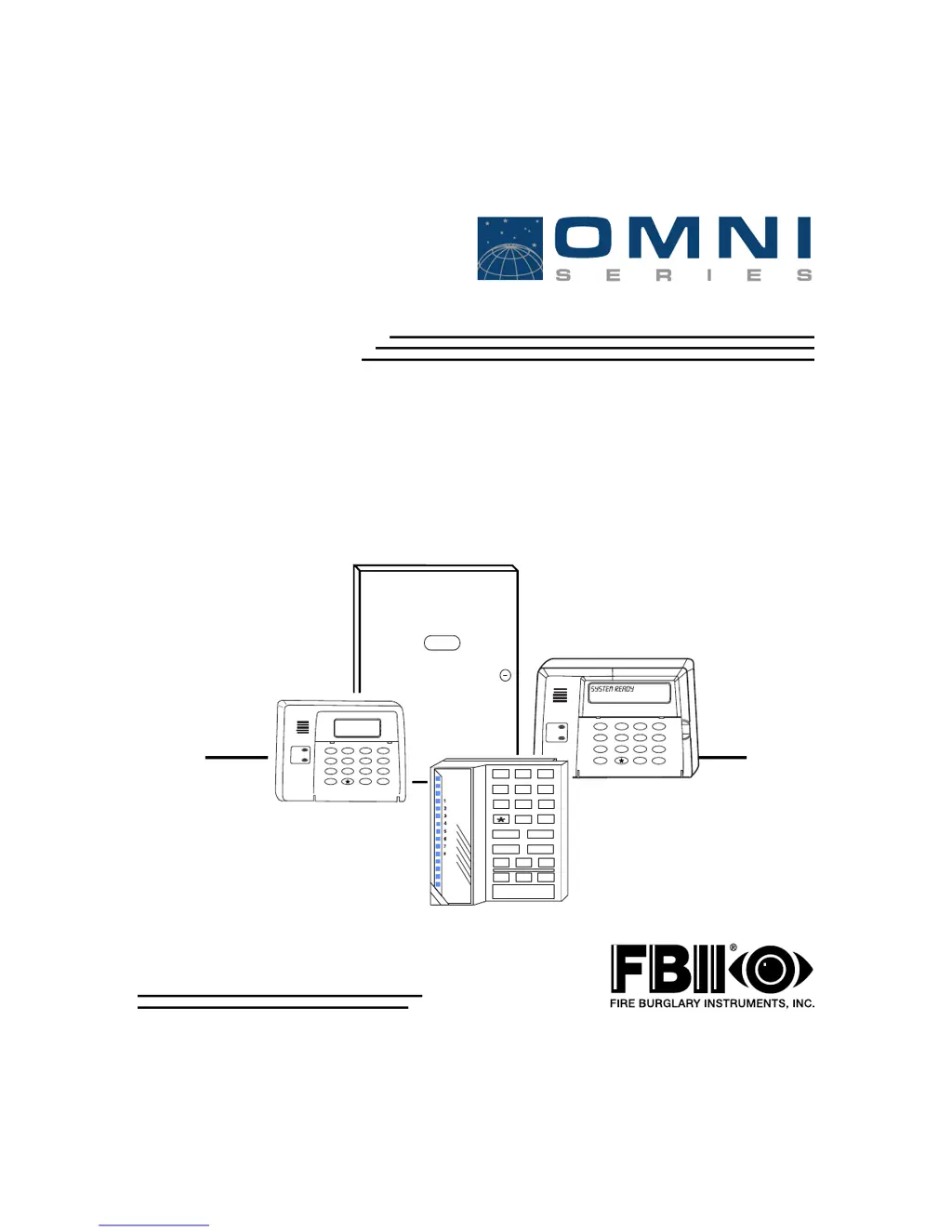
FBII OMNI-400 EU - User Manual

FBII OMNI-400 EU
96 pages
Print Icon
To Next Page IconTo Next Page
Loading...
6HF XULW\6\VWHP
2
2
0
0
1
1
,
,
2
2
0
0
1
1
,
,
(
(
8
8
2
2
0
0
1
1
,
,
2
2
0
0
1
1
,
,
(
(
8
8
,QVWDOODWLRQDQG6HWXS*XLGH
ARMED
READY
1
4
7
2
5
8
0
3
6
9
#
STAY
BYPASS
INSTANT
CODE
ARMED
READY
1
4
7
2
5
8
0
3
6
9
#
STAY
BYPASS
INSTANT
CODE
1 3
2
4 6
5
7 9
8
#
0
STAY INSTANT
BYPASS
CODE
ARM
AC / LB
READY
STAY
INST
LO BATT
SPRV.
N9979 5/01

Table of Contents

Questions and Answers

  • J
    Julia StantonAug 7, 2025
    What to do if the ARM light is slowly blinking and the LCD KP shows COMM FAILURE on my FBII Security System?
    • C
      Courtney PowersAug 7, 2025
      If the ARM light is slowly blinking and the LCD KP displays 'COMM FAILURE', it indicates a failure to communicate with the central station. First, check for any cut or disconnected telephone lines and repair them if needed. Then, verify the panel programming for any incorrect central station information and reprogram it with the correct details if necessary. If the issue persists, it might be due to faulty telephone lines, in which case you should consult your local telephone company. As a last resort, the panel itself might be faulty and need replacement.
  • T
    Taylor HernandezAug 12, 2025
    Why is the AC/LB light OFF on my FBII OMNI-400 EU?
    • M
      Matthew RobertsAug 12, 2025
      If the AC/LB light is off, it could be due to a primary AC power outage. Check the transformer connection and the AC input voltage. Alternatively, the keypad might be faulty, requiring replacement.
  • B
    Brian SmithAug 17, 2025
    What to do if the Siren/Speaker does not sound in my FBII OMNI-400 EU Security System?
    • R
      revansAug 17, 2025
      If the siren or speaker isn't working, first test the siren/speaker by connecting it directly to a 12VDC power source. If no sound is produced, replace the siren/speaker. Next, inspect the wiring for any open or short circuits, and replace the wiring if necessary. Finally, check terminals 3 (+) and 4 (-) for 12VDC when the panel is in alarm (if programmed for bell output); if no voltage is measured, the panel might be faulty and need replacement.
  • J
    jenkinsmiguelAug 22, 2025
    How to fix ZONE light ON & READY light OFF issue in FBII Security System?
    • J
      Jonathan WolfAug 22, 2025
      If the ZONE light is ON and the READY light is OFF, it means a zone is faulted and the system isn't ready. Inspect the loop wiring for any opens or shorts and repair them. Also, check the EOL resistor for any opens or incorrect values. Another possible cause is a faulty keypad that needs to be replaced. As a final check, verify the zone terminal voltage for 3.3VDC; you can also temporarily bypass the zone to test; if the problem persists, replace the panel.
  • D
    David PenaAug 27, 2025
    How to troubleshoot AC/LB light slowly blinking with LCD KP showing LOW BAT on FBII OMNI-400 EU?
    • B
      Brandy KingAug 27, 2025
      If the AC/LB light is slowly blinking and the LCD KP displays 'LOW BAT', it indicates a DC power issue or low battery voltage. Check the battery connections and the battery voltage with the transformer disconnected. If the voltage is less than 11VDC, let the battery charge or replace it.
  • M
    Melissa DelacruzSep 1, 2025
    How to fix a keypad display that is not lit on my FBII OMNI-400 EU?
    • Q
      qmcknightSep 1, 2025
      If the keypad display is not lit, it could be due to a loss of both AC and DC power. Check the transformer and battery connections, and verify the AC input and battery voltage with the transformer disconnected. Another potential cause is that the keypad isn't receiving power. In this case, check terminals 20 (+) and 17 (-) for 12VDC.

Summary

Introduction and System Features

System Features Overview

Overview of OMNI-400/600 control panel capabilities and programming.

System Wiring and Hookup

System Wiring Diagram

Illustrates the electrical connections for the control panel and its components.

Terminal Connections Explained

Detailed description of each terminal and its function on the control panel.

PC Board and Keypad Mounting

Mounting the PC Board

Step-by-step instructions for physically installing the PC board in the enclosure.

System Configuration

Hardwire Zones

Details on zone types, double-balancing, and zone doubling.

Relay;Trigger Outputs

Information on system outputs, built-in triggers, and optional relay modules.

System Operation

Power Up;System Reset

Describes system stabilization mode and reset procedures upon initial power-up.

Arming the System

Instructions for arming the system in different modes (Away, Stay, Instant).

Disarming, Reset, and Bypass Functions

Procedures for disarming, resetting, and bypassing zones.

User Code Programming

How to program, modify, and delete user codes and assign authority levels.

User Code and Authority Level Management

Details on user code types, authority levels, and management.

Quick Command Modes

System Programming

Installer Mode Functions

Details on Installer Modes 1, 2, 3, and 4 for programming, review, testing, and log viewing.

Keypad Data Entry and Programming Mode

Explains how to enter programming mode and interpret LCD keypad displays.

Navigating Programming Menus

Guides on moving between questions, entering data, and acknowledging inputs.

System Programming - Installer Mode 1

Central Station Number Configuration

Programming central station phone numbers, pager numbers, and account numbers.

CS Dialer Format and Receiver Type Settings

Setting the dialer format and receiver type for central station communication.

CS Reporting Options Configuration

Configuring backup, dual, split reporting, and tamper restore settings.

Arming Options and Entry;Exit Delays

Settings for arming with faults, bypass errors, AC loss, and entry/exit delay configurations.

Dial Delay, Ring Count, and Entry;Exit Delays

Configuring AC dial delay, ring count for downloads, and entry/exit delay times.

Trigger and Relay Type Definitions

Defines trigger and relay types, including momentary outputs and specific event codes.

Assigning Trigger and Relay Types to Functions

Details on assigning specific trigger and relay types to zones and functions.

Zone Programming and Report Codes

Zone Types and Attributes Configuration

Configuring zone types, attributes, swinger options, chime, and dial delay.

Zone and System Report Codes Programming

Programming specific report codes for zones and system events.

Descriptor Programming Submode

Central Station Reporting Formats

Troubleshooting Guide

Common System Symptoms and Remedies

Lists common symptoms, their causes, and remedies for system problems.

FBII OMNI-400 EU Specifications

General IconGeneral
BrandFBII
ModelOMNI-400 EU
CategorySecurity System
LanguageEnglish

Related product manuals