• Note:
Selecting the LOWEST power required for clear
communication will decrease the power usage and extend
the battery life.
3. Auto-Scan
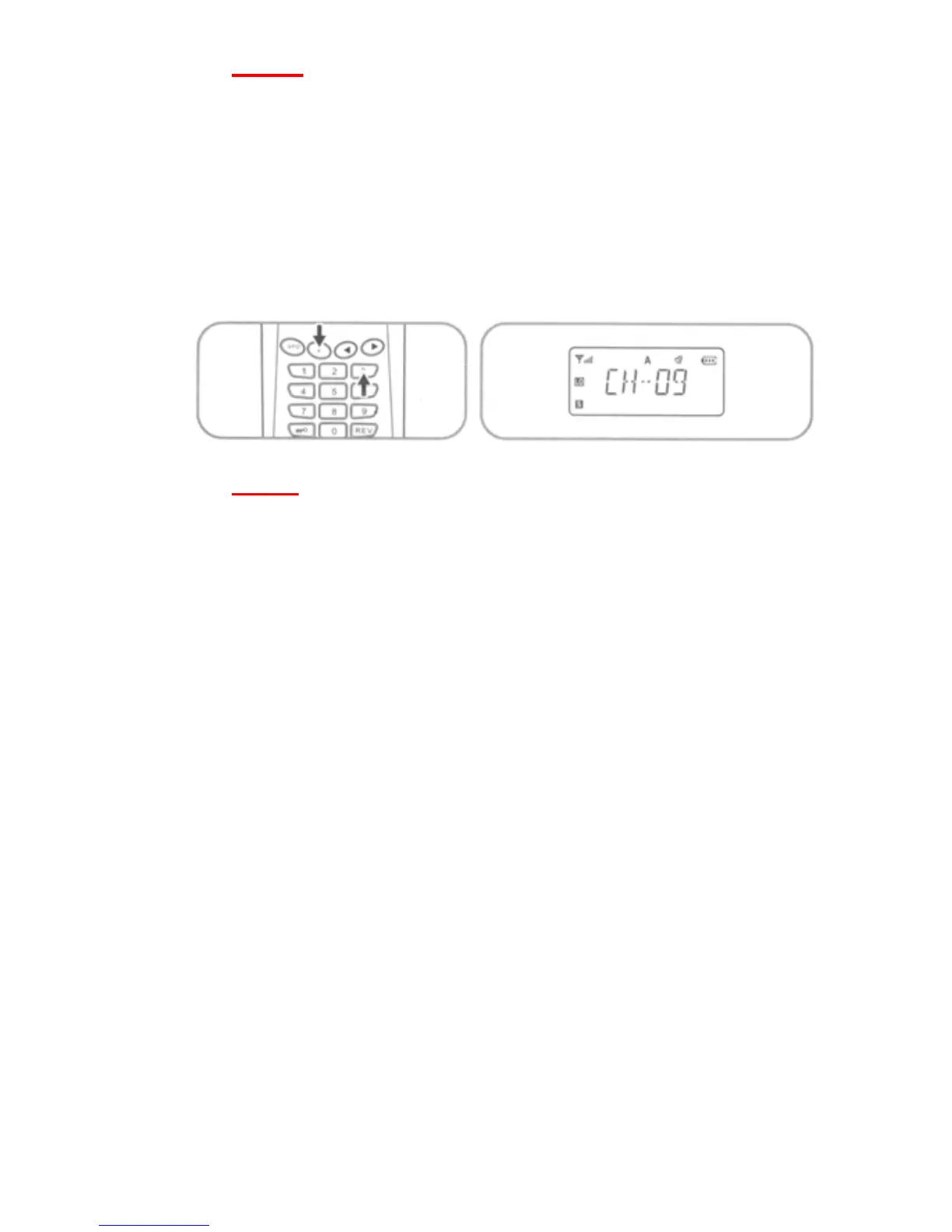
Press [F] + [3] key sequence to start auto-scan of memory
channels, scans in both VFO and MR modes.
• Note:
Auto-scan will scan each frequency or programmed
memory channel from the lowest to the highest. Pressing
any key except the MONITOR or PTT key will stop
auto-scan and return to the frequency or memory channel
at which you initially started the scan.
• Pressing the MONITOR key will pause the scan for 5
seconds and then continue.
• Pressing the PTT switch will stop the scan at the current
frequency or memory channel being scanned.
12


 To Next Page