6
2.4 Hardware design rules
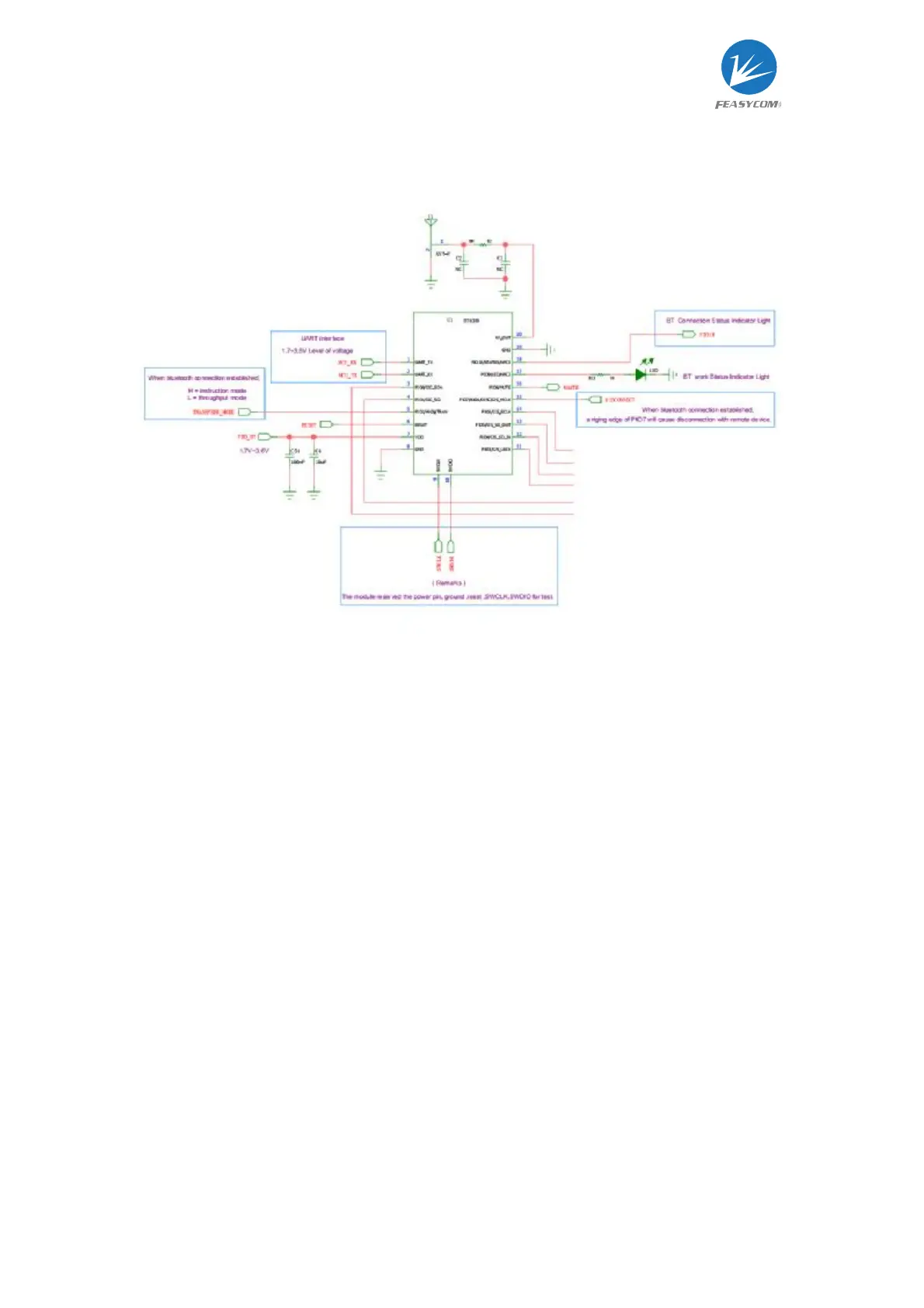
l The module will work when only connect with VDD, GND, UART Rx and UART of the
module.
l User can get the Bluetooth connection status by connecting to the STATUS pin
(PIN18) of the module.
l User can get the working status by connecting to the LED pin (PIN17) of the module.
l User can connect the TRAN pin (PIN5) so that the module can respond to AT
commands in the transparent transmission mode.
l User can connect to the DISC pin (PIN15) to actively disconnect when Bluetooth is
connected, or use commands to disconnect.
l User can connect the RESET pin (PIN6) to reset the module by hardware.



 To Next Page