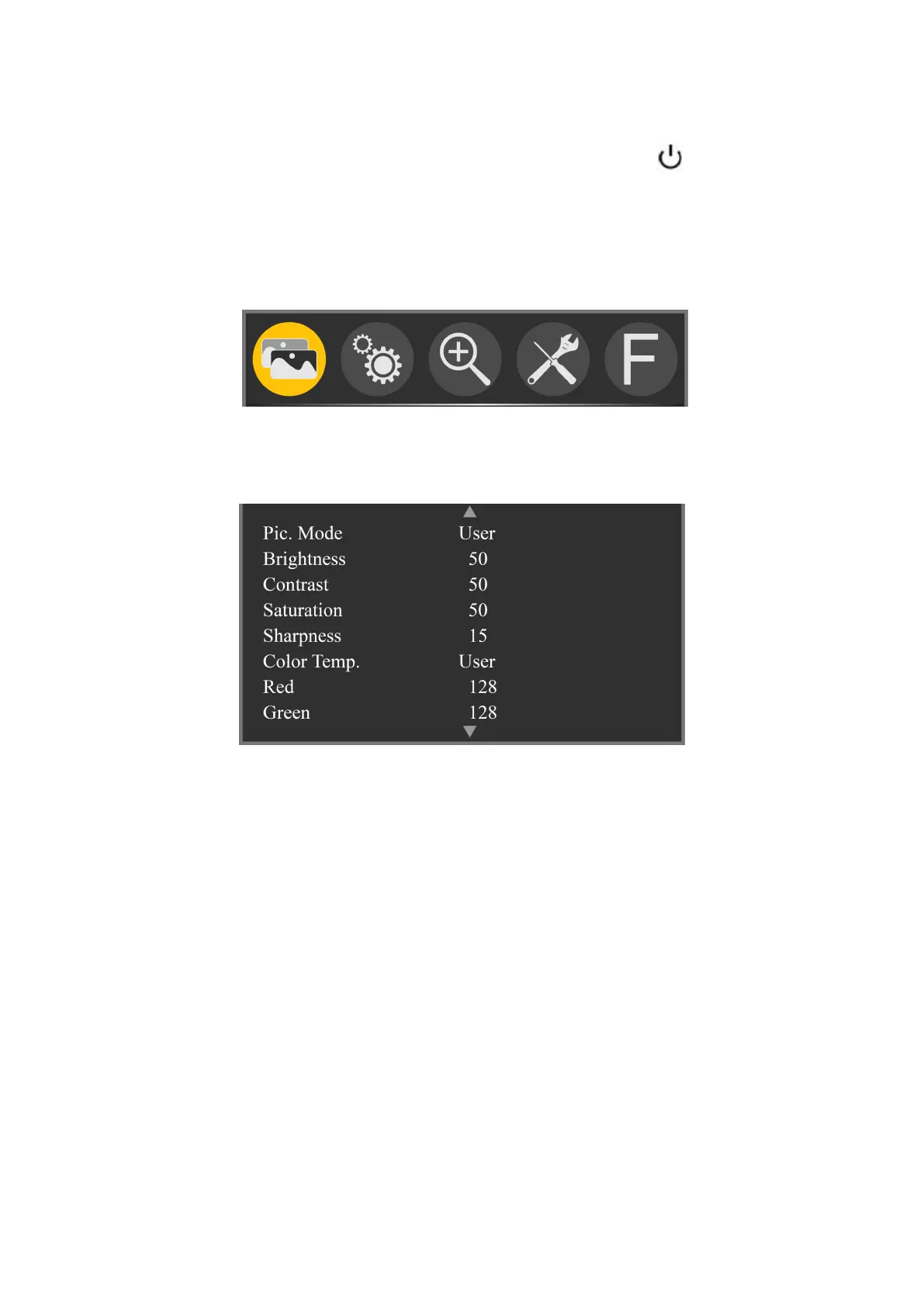
2. Menu Operation Instruction
After correctly connect to the power supply, press to turn on
monitor power, the monitor turn to working state.
2.1 Press “MENU” button to enter OSD main menu, and press
“<” or “>” button to select the secondary menu.
2.2 Then press “∨” button to enter secondary menu (cursor
move to secondary menu position).
Press “∨” button to enter into secondary menu, use “∨” or
“∧” button to move cursor to go through or select the items in
the secondary menu.
2.3 After select the items in the secondary menu, “<” or “>”
button to adjust the item parameters.
2.4 After adjust the parameters, then press “∨” or “∧” button to
enter into the next item adjustment.
2.5 Press “MENU” to exit.



 To Next Page