3. Menu Function Instruction
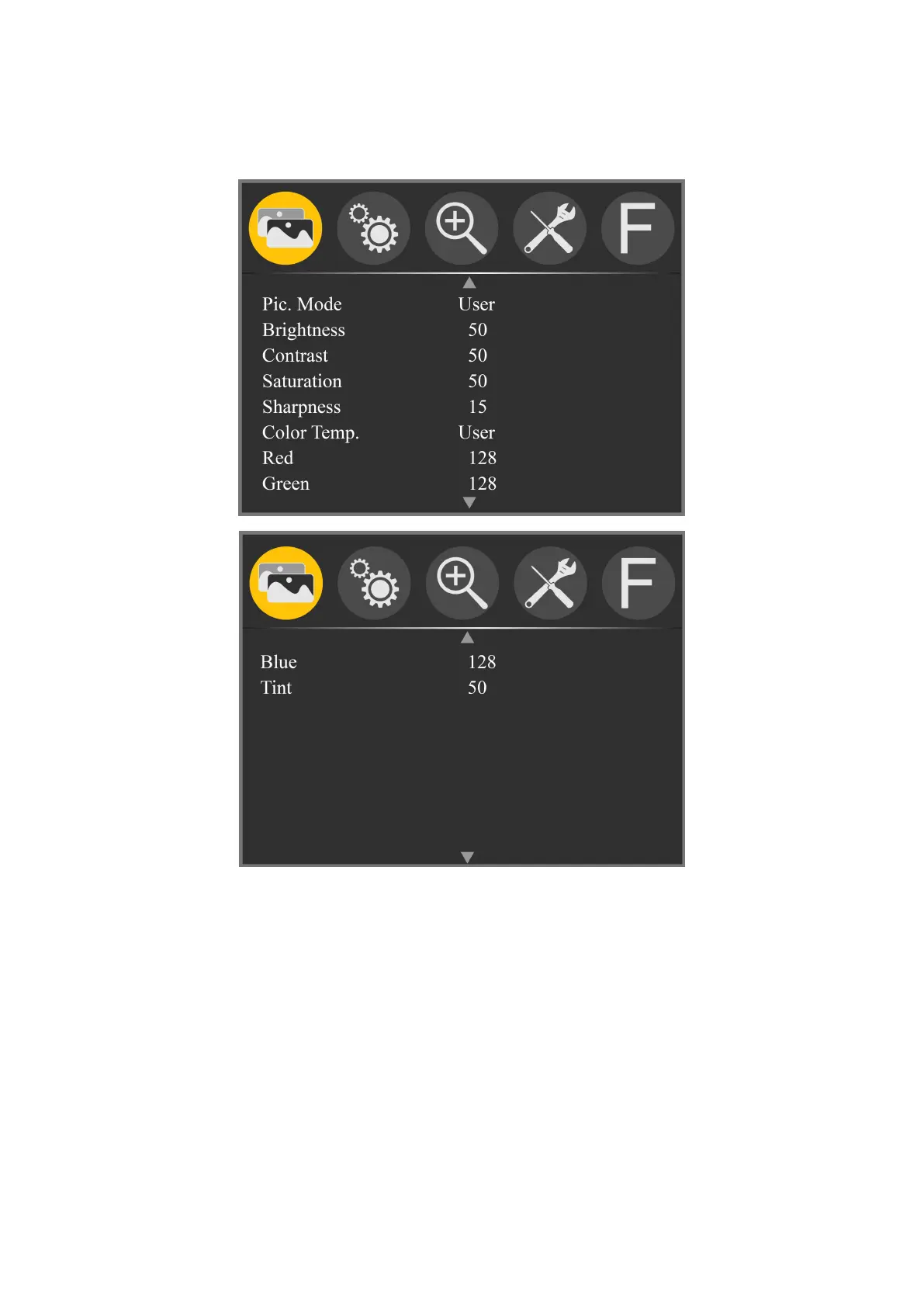
Image (Including 2 pages)
★ Pic. Mode: Standard, Mild, User, Dynamic
Select ‘user’ to adjust Brightness, Contrast, Saturation,
Sharpness.
★ Brightness: 0~100
To adjust image's brightness.
★ Contrast: 10~100
To adjust the brightest and the darkest ratio of
the image, please note the sense of picture when adjust,



 To Next Page