proportion too high or too low will make the picture lose
the color.
★ Saturation: 0~100
To adjust color concentration.
★ Sharpness: 0~100
Also called ‘Resolution’, is an indicator for the image plane
definition and image edge sharpness. If sharpness is
higher, then the details contrast on the image is higher, the
image is more clearly.
★ Color Temp.: 6500, 9300, User
Select image white color temperature of the monitor.
When select ‘user’, adjust the Red, Green, Blue to meet
the different user's requirement for the different Color
Temp.
★ Tint: 0~100
To adjust the image cool and warm hue.
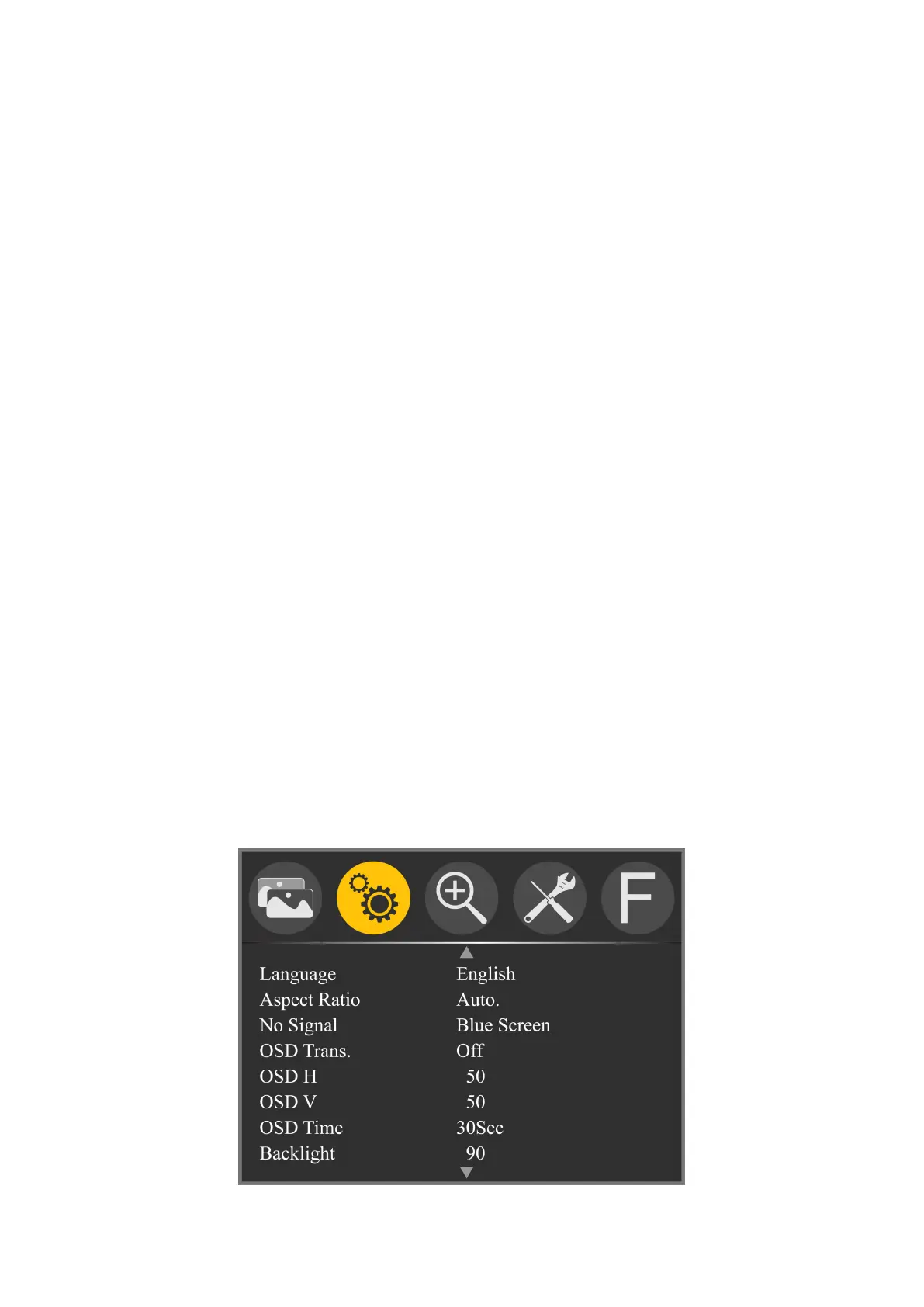
Setting (including 2 pages)



 To Next Page