★ Power On: Auto., Manual
When select the Auto., the monitor will turn on when input
power. But if select the manual, it is standby when input
power, need to press button to turn on the power.
★ USB Upgrade
When need to upgrade the native data application
software, copy the file to the U disk, connect the USB
cable with upgrade USB port, press “>” button to confirm.
After the upgrade, monitor will automatically restart.
★ Reset
Press “>” button to confirm, back to original setting.
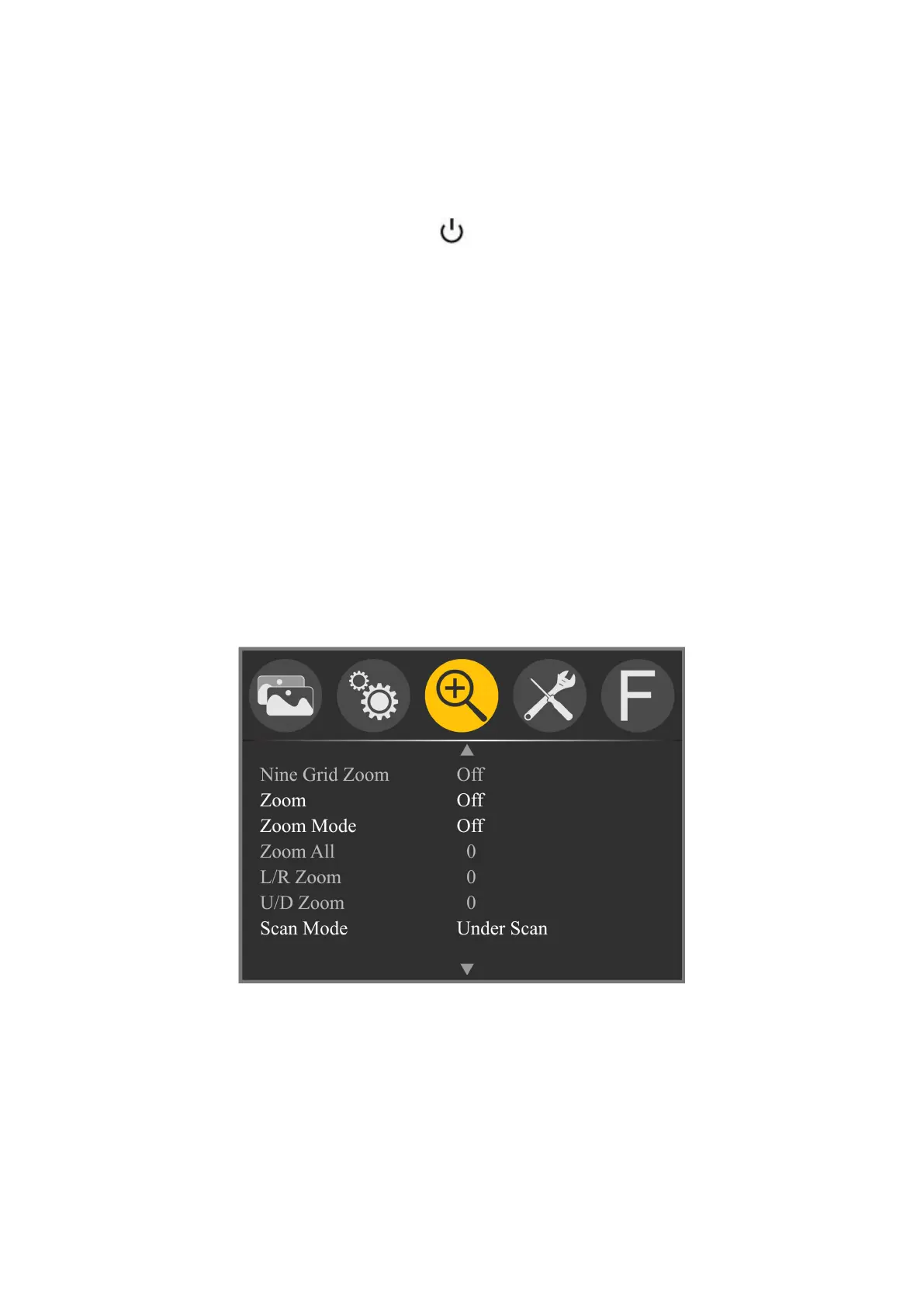
Zoom
★ Nine Grid Zoom: Off, On
After turning on the Nine Grid function, then turn on this
function, you can press “<” or “>” button to choose a
image, and then press “∨” or “∧” button to zoom the
image to full screen. Press “∨” or “∧” to exit the local



 To Next Page