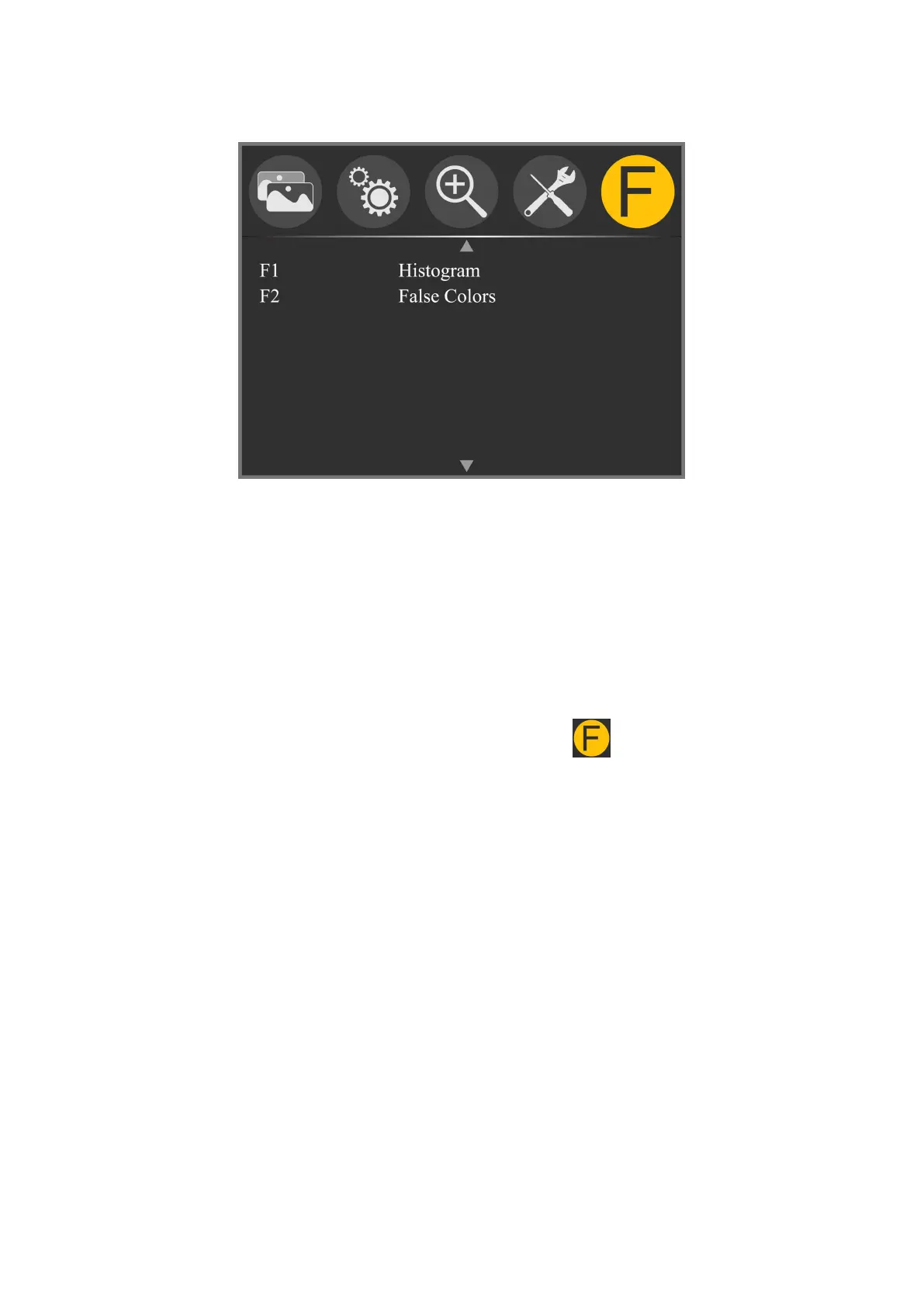
Custom Button Setting F1~F2
★ F1/ F2: Center Marker, Safe Frames, Check Field,
Focus Assist, Aspect Ratio, Image Flip, Image Freeze,
Histogram, False Colors, Over Exposure, Nine Grid,
Zoom, Anamorphic
To set the 2 shortcut custom button F1, F2 on the panel.
For example: When in OSD menu “ ”, press “∨”
button to select F1, press “<” or “>” button to pop-up
function items and press “∧” or “∨” button to select one of
them, such as “Focus Assist”, and press “MENU” button to
confirm.
So when you exit OSD menu, you could press F1 directly
on the front of panel to turn on “Focus Assist” function.
Same setting for F2.



 To Next Page