EasyManua.ls Logo

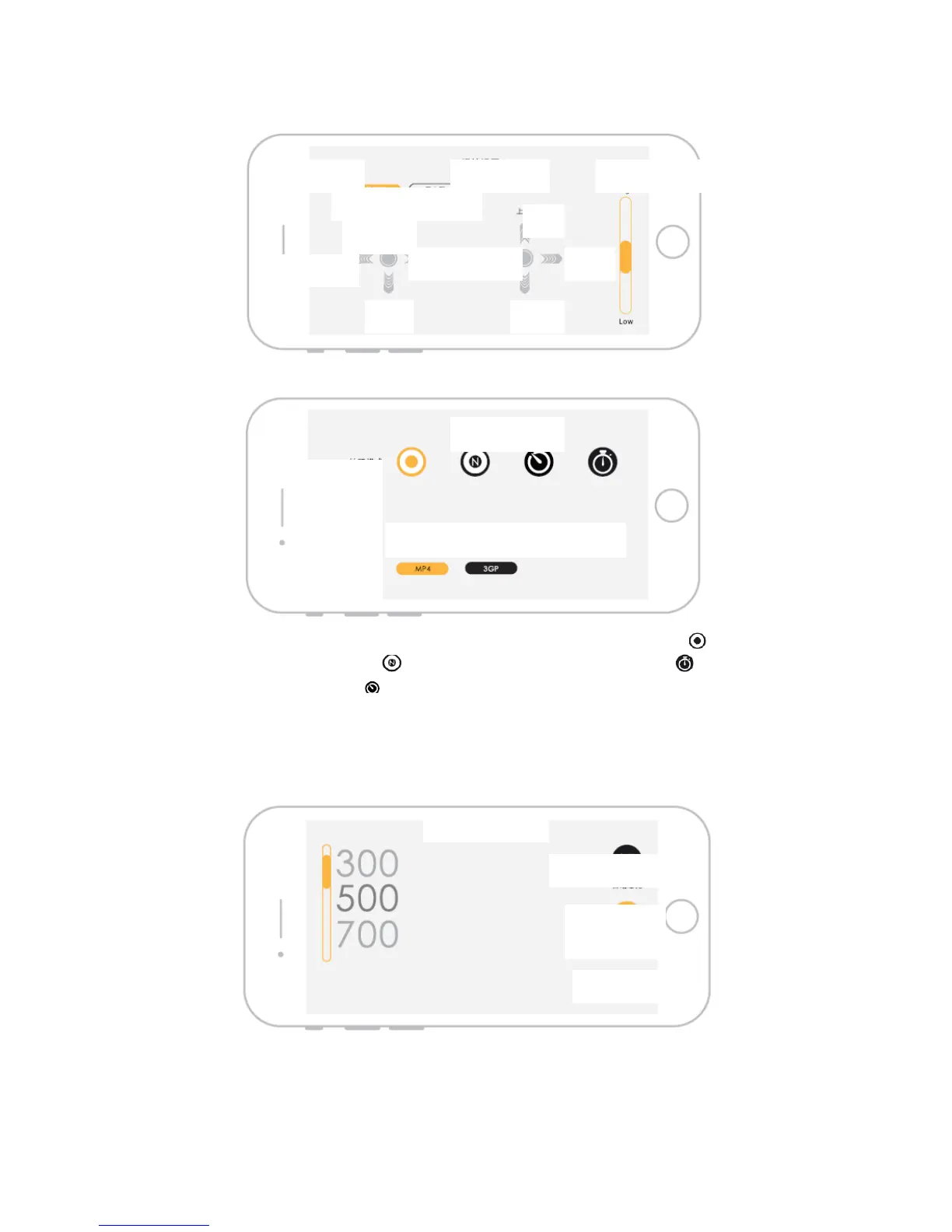
Feima Robotics J.ME - Operation Setting Interface; Camera Setting Interface

Default Icon
27 pages
Print Icon
To Next Page IconTo Next Page
To Previous Page IconTo Previous Page
Loading...
Operation Setting Interface
Camera Setting Interface
Shooting mode: Under shooting mode, the camera can be set as single shooting , 3, 5 and 7
times continuous shooting mode 5, 10, 15 and 20 s timing shooting mode and 5, 10, 15
and 20 s delay shooting mode .
Shooting effect: The user can set shooting effect as required: standard, black & white or negative
film.
Video format: The user can save the video in MP4 or 3GP format.
Exposure Setting Interface

Control Mode
Control Setting
American Japanese
Forward
Up
Down
Back
Left
Right Left
Right
Operation sensitivity
Shooting mode
Shooting effect
Video format
Shooting setting
Standard Black & white negative film
Exposure setting
Automatic exposure
Manual exposure
White balance