GPS information status: GPS icon is used for displaying strength of GPS signal;
if the GPS satellites reach 12 grids or above, the aircraft will enter safe flying
status.
Distance: The horizontal distance between aircraft and return point
Connection status of aircraft: It is used for identifying connection status between
APP and aircraft.
Flight speed: flying speed of aircraft
Battery status: Displaying real-time remaining volume of intelligent battery
General setting: Click the button to enter relevant parameter and configuration
interfaces of aircraft.
Video sharing button: The users can upload the videos shot by aircraft to social
network site, MicroBlog or moments directly.
Media library: The users can edit and process the works shot in media library
before uploading.
Height scale: The height of current position of aircraft from flying ground.
Shutter button: Shooting photos
Selection of intelligent flight mode: voice control, motion control, visual tracing
and visual surrounding are available.
Return: The aircraft will return from current position to the original takeoff point
and land off.
Land: The aircraft lands to the ground vertically from current position and shuts
down motor.
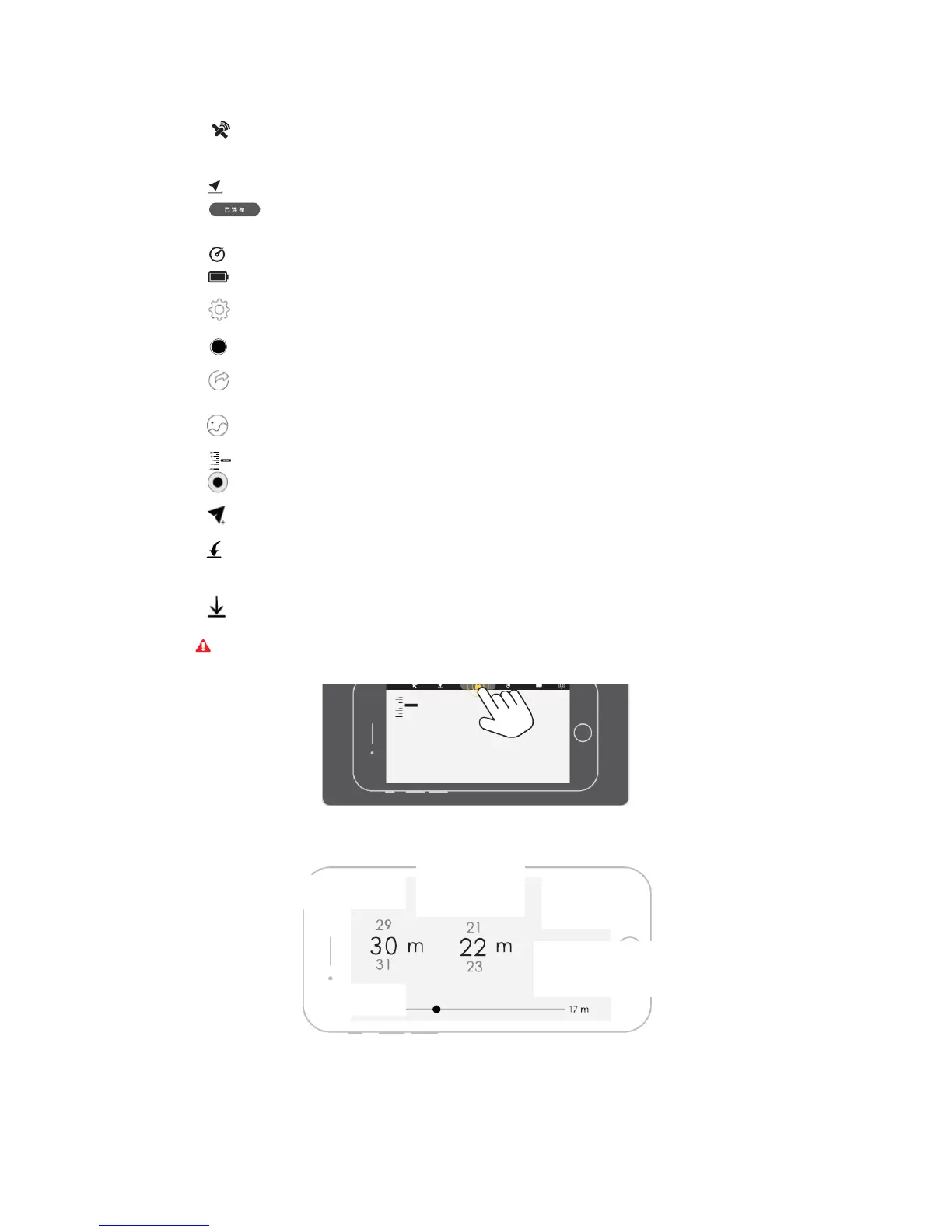
Flight Restriction Interface
Restrict the aircraft to fly within horizontal distance and ground height from takeoff point.
Instant locking: Double click to stop the propeller immediately to brake under emergencies; then aircraft will land directly;
operate with care
Flight protection
Distance restriction
Intelligent obstacle avoidance
On Off



 To Next Page