Instant Take-Off
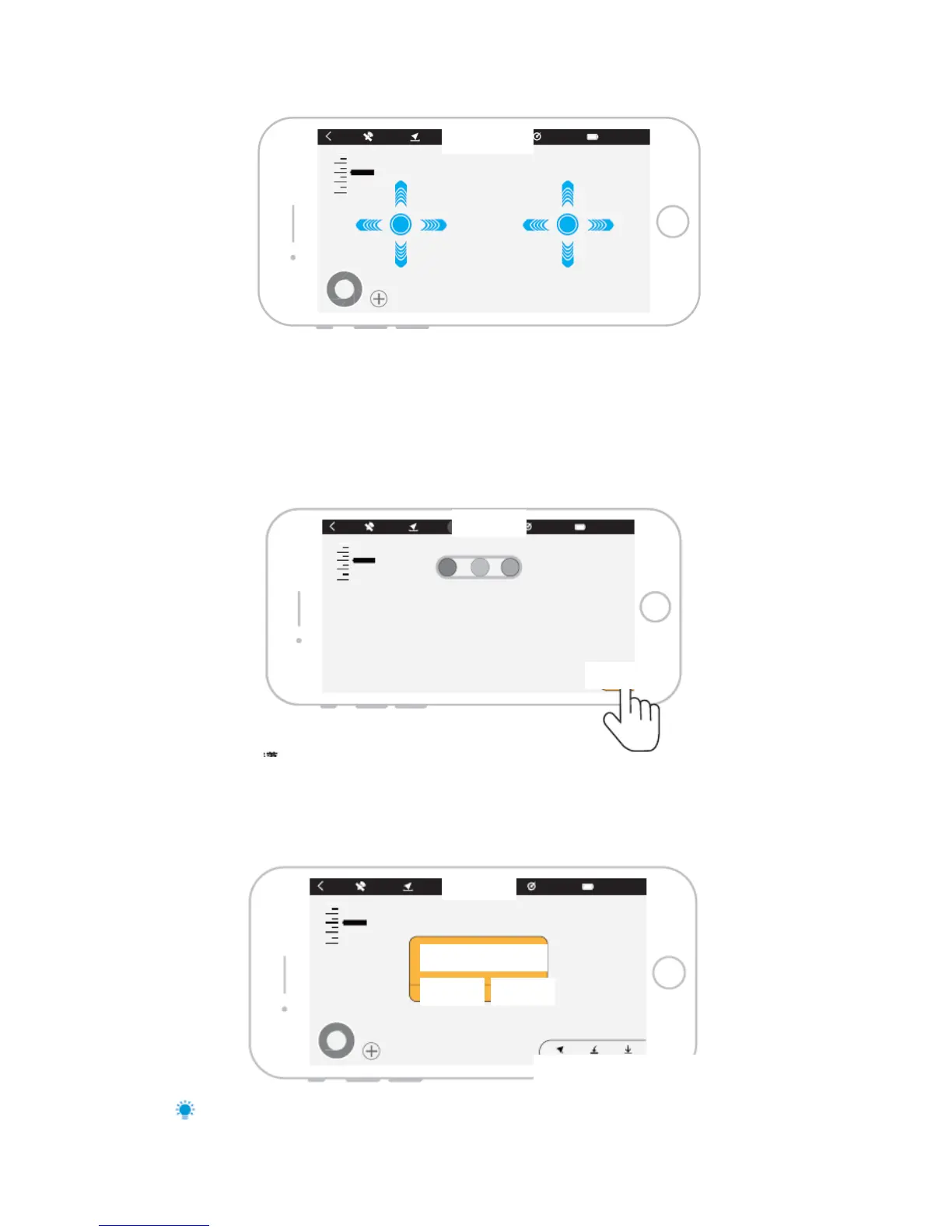
Use instant take-off function following the steps below:
1. Open J.ME FLY APP to enter the main interface;
2. Confirm the GPS satellites of aircraft reaches 12 or above at outdoor environment.
3. Before flying, check the aircraft based on interface tips;
4. Long press take-off button at lower right corner for 3s and the aircraft will take off; the
aircraft will fly to 1 m above ground and keeps hovering.
One-key Landing
Make sure the surrounding environment meets safe landing conditions; press the “land” button at
lower right corner and “confirm” to enter one-key landing, the aircraft will start up intelligent
landing till the motor stops rotating.
Safe landing conditions: flat ground without water or stone



 To Next Page